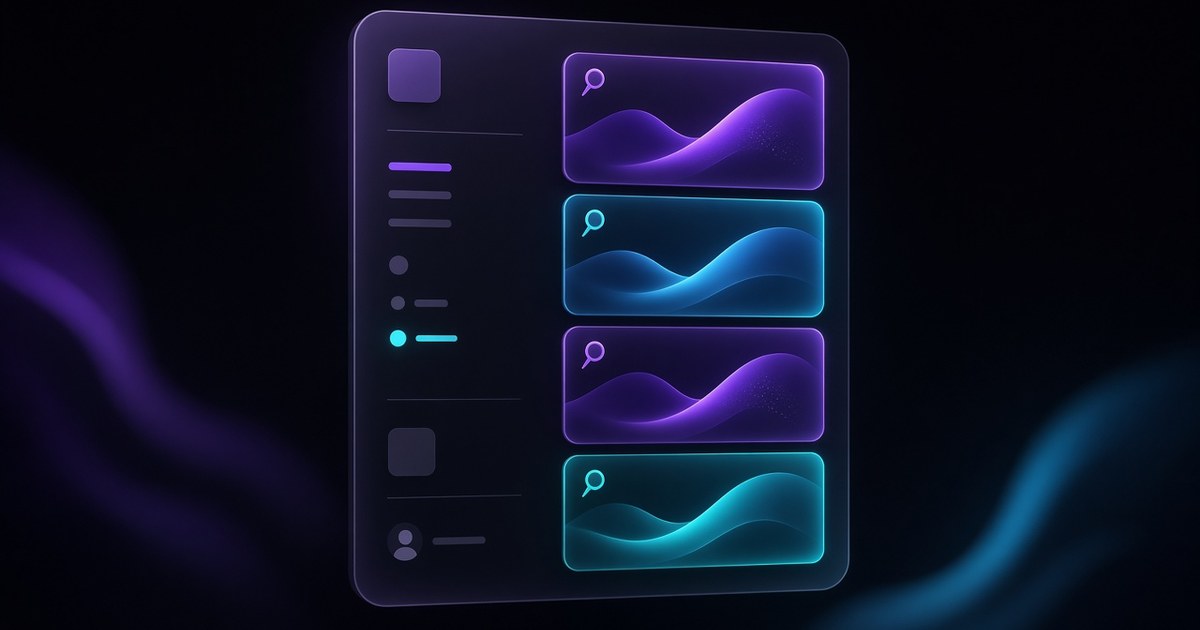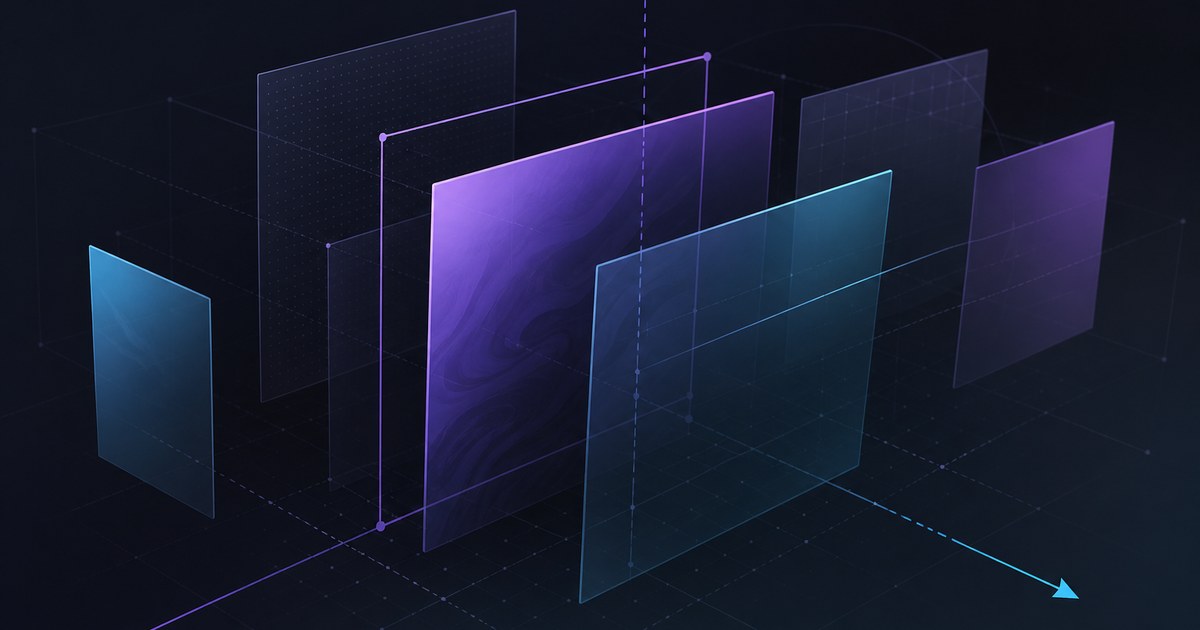
TL;DR — Chromatic Aberration joins Framer’s Shader library as an image shader that adds color distortion to your assets, with Radial, Swirl, Horizontal, and Vertical modes. Framer points builders to Insert → Shaders and published a walkthrough on YouTube (watch).
Framer announced Chromatic Aberration on March 26, 2026. This yoframer article lives at /framer-updates/framer-chromatic-aberration-shader-update/ and translates the release into art-direction choices—when RGB split feels cinematic instead of broken, which mode fits launch stills versus editorial photography, and which remix-friendly templates give you a credible hero to test against. If you are mapping the wider Shader timeline, pair this with our Shaders Insert panel guide, Holo, and Logo Shaders coverage.
Chromatic aberration at a glance
| Lens | What shipped | Why it matters on client sites |
|---|---|---|
| Shader type | Image shader with color channel distortion | Lets teams add lens character to photography without round-tripping through Photoshop or After Effects |
| Modes | Radial, Swirl, Horizontal, Vertical | Same asset can read optical, vortex, or axis-split depending on the story |
| Use cases | Character or eye-catching pulsing visuals | Strong for drops, music, fashion, and gaming teasers where imperfection is on-brand |
| Editor path | Insert panel → Shaders | Same insertion flow as Holo and other library shaders—fast to audition |
| Learning asset | Official YouTube walkthrough | Shortens the gap between “installed” and “client-approved” |
Watch Framer’s Chromatic Aberration walkthrough
Framer links a dedicated video from the release notes — the embed below matches their update page.
What Chromatic Aberration changes for image heroes
1. Distortion lives on the asset, not only on a gradient plane
Unlike gradient-class shaders that paint abstract surfaces, Chromatic Aberration targets your image fills—product stills, campaign photography, or rendered key art. The effect reads as the photo behaving like a lens, which is a different creative contract than iridescent foil on a rectangle.
2. Four modes map to familiar camera language
Radial and Swirl suggest optical center and rotational energy—useful when the brief mentions vinyl sleeves, portal UI, or “pull into the product.” Horizontal and Vertical echo axis-aligned RGB separation—closer to classic anamorphic or cheap-lens nostalgia. Document which mode you ship so future editors do not “fix” intentional fringe.
3. Pulsing motion without rebuilding the hero in motion tools
Framer calls out eye-catching pulsing visuals. That means marketing can sell alive hero art while the team still iterates copy and layout in Framer. Cap pulse amplitude on mobile if the separation starts to feel like a rendering error instead of a style choice.
4. Pairing discipline: let the subject stay recognizable
Channel split can erase product detail fast. Keep one primary subject per viewport, reduce distortion behind typography, and sanity-check brand colors—neon fringe on a pastel SKU photo often reads as a bug.
5. Release notes in designer language
| Theme | Paraphrased capability | Practical takeaway |
|---|---|---|
| Shader type | New Chromatic Aberration image shader | Treat as hero photography layer, not a site-wide texture |
| Look | Color distortion on assets | Strong when the brand tolerates imperfection and energy |
| Modes | Radial / Swirl / Horizontal / Vertical | Pick mode before you tune intensity—modes change composition, not only color |
| Access | Insert → Shaders | Same library mental model as Holo |
How to try Chromatic Aberration from the Insert panel
- Open a project with a hero image—large fill, minimal competing effects.
- From Insert, open Shaders and apply Chromatic Aberration to that image layer (not a tiny icon first).
- Cycle Radial → Swirl → Horizontal → Vertical at low strength; note which mode matches the brief before you chase motion.
- If you need pulse, introduce it slowly and pause when product edges look smeared.
- Snapshot desktop and mobile previews; if phones stutter, reduce simultaneous shader instances or gate motion behind scroll.
New to Framer? Start free on Framer and remix one of the templates below so you are not inventing a launch layout from scratch.
Three workflow recipes to try this week
Pulsing launch still for a drop page
Leadership wants "alive" hero art for a product drop but motion design is out of scope.
- Place Chromatic Aberration on the locked campaign still behind headline and CTA.
- Start in Radial mode with modest separation until the product silhouette stays readable.
- Add gentle pulse only on desktop; ship a calmer still frame on narrow breakpoints.
Subtle lens character for editorial photography
A fashion or magazine layout needs imperfection without looking like a broken export.
- Try Horizontal or Vertical at low intensity so fringe hugs edges, not the whole frame.
- Mask or darken typography backing so RGB split does not compete with pull quotes.
- Save an approved preset range in component notes for client editors.
Scroll-gated distortion for lighter GPU budgets
Performance budget is tight but the hero still needs optical personality above the fold.
- Run the richest separation only while the hero intersects the viewport.
- Crossfade to an undistorted still once users scroll past the fold.
- Avoid stacking Chromatic Aberration with Holo or Logo Shaders in the same viewport.
Who benefits most
- Product marketers refreshing launch or teaser pages where photography carries the story.
- Brand designers translating print or social “lens glitch” directions into interactive web without extra motion passes.
- Agencies standardizing shader presets across remix files—mode names give clients clearer vocabulary than “more RGB.”
- Founders who need one memorable hero moment before the product UI is camera-ready.
Framer templates for shader-heavy launches
These files already lean on bold heroes or motion-forward bands—useful sandboxes for Chromatic Aberration without rebuilding page scaffolding.
 Live Preview
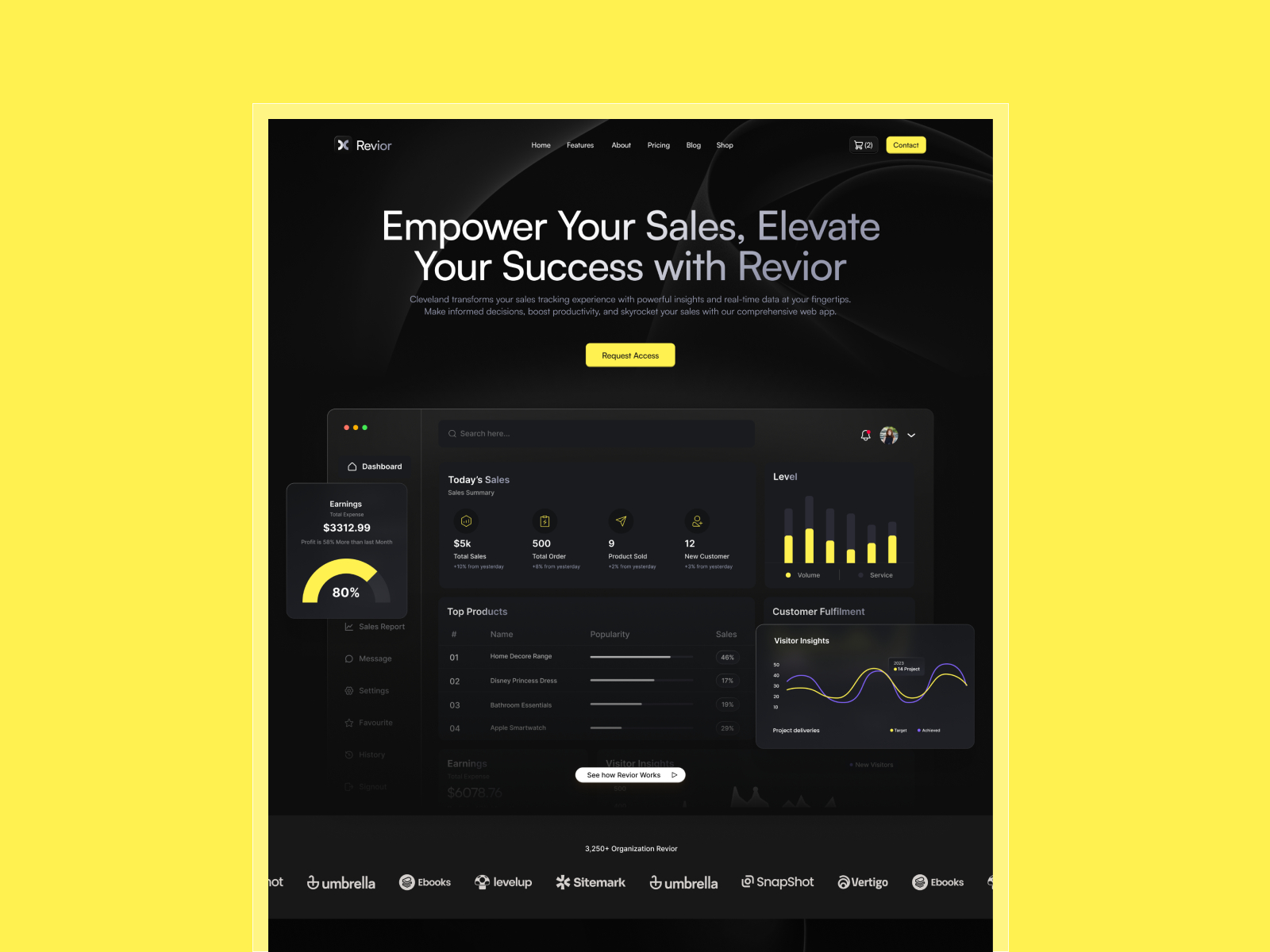
Revior · Free SaaS layout with a confident hero story
by OneFramer
Revior’s SaaS-forward hero gives you a wide image or gradient canvas behind headline and proof—ideal for testing channel split on photography without destabilizing dense grids below the fold.
- Best for
- Early-stage teams that need a credible launch surface while the product UI is still in flux
 Live Preview
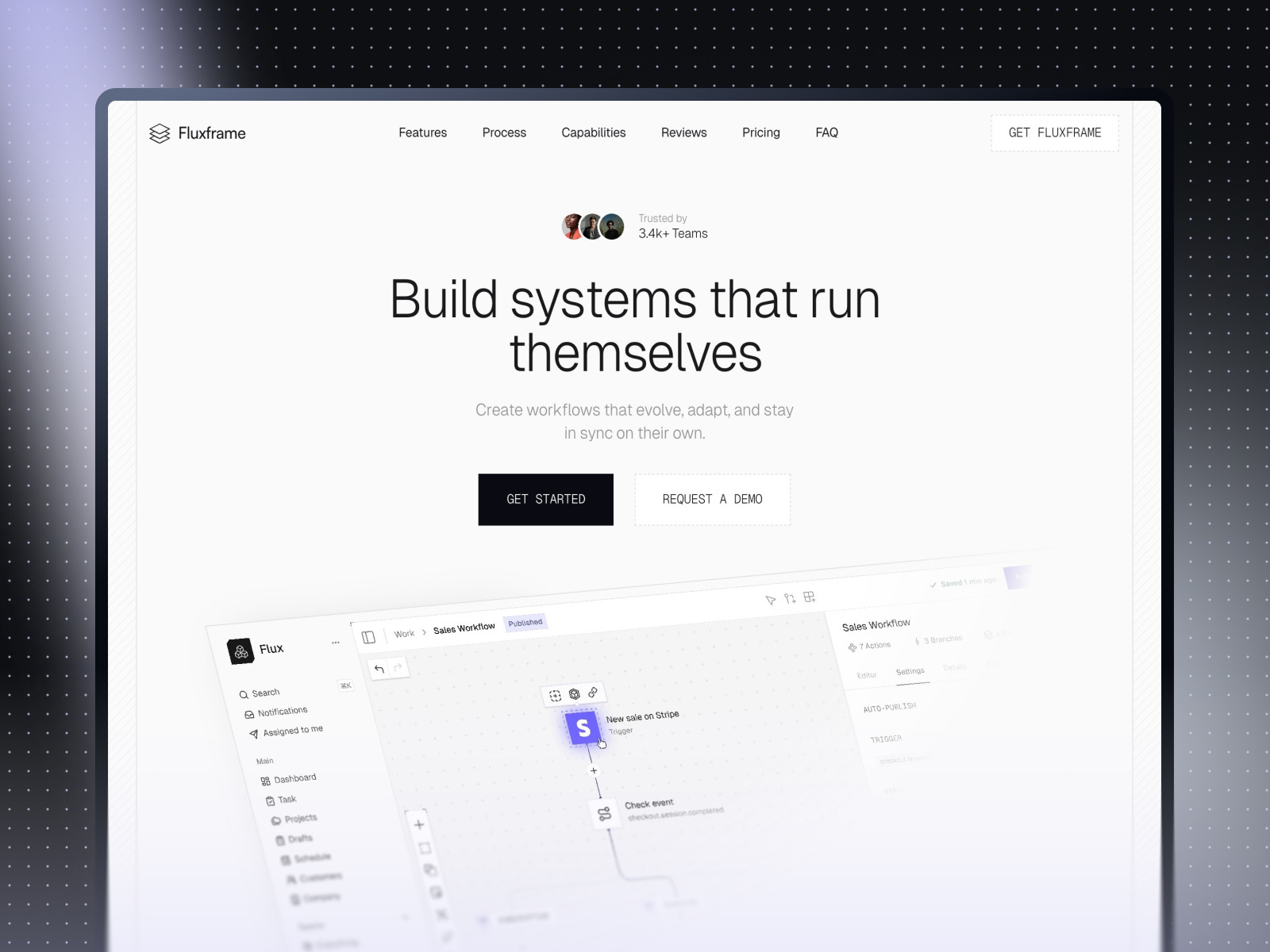
Fluxframe · Two-page SaaS landing built for motion
by Brice Deguigne
Fluxframe’s motion-first hero philosophy pairs naturally with shader inserts—use Chromatic Aberration on the hero still while scroll interactions stay the narrative spine.
- Best for
- Product launches that lean on scroll choreography and animated hero bands
 Live Preview
Zaint · Startup-ready marketing depth
by OneFramer
Zaint balances multiple marketing sections with startup pacing—use it when distortion should win the first screen while CMS-driven work carries the rest of the story.
- Best for
- Teams that want more than a single hero but still need brand-forward polish
Hungry for more curated starting points? Browse Framer template roundups or open the full template directory.
Official Framer resources worth bookmarking
- Framer Chromatic Aberration release notes — canonical feature description from Framer (March 26, 2026).
- Chromatic Aberration walkthrough (YouTube) — fastest path to see modes in motion.
- All Framer updates — adjacent releases if you are planning a broader site refresh.
- Framer developers changelog — pair with product updates when you ship custom components.
More reading on yoframer
- Framer updates hub — editorial breakdowns of major Framer releases.
- Framer Holo Shader — when the brief needs holographic gradients instead of image channel split.
- Resources hub — kits and components that extend motion and visual systems.
The bottom line
Chromatic Aberration adds an image-shader lane to Framer’s Shader library: RGB-style distortion with Radial, Swirl, Horizontal, and Vertical modes you insert from Insert → Shaders. Treat it as a hero photography tool—pick the mode that matches the story, keep products readable, and remix templates that already expect motion-forward storytelling.