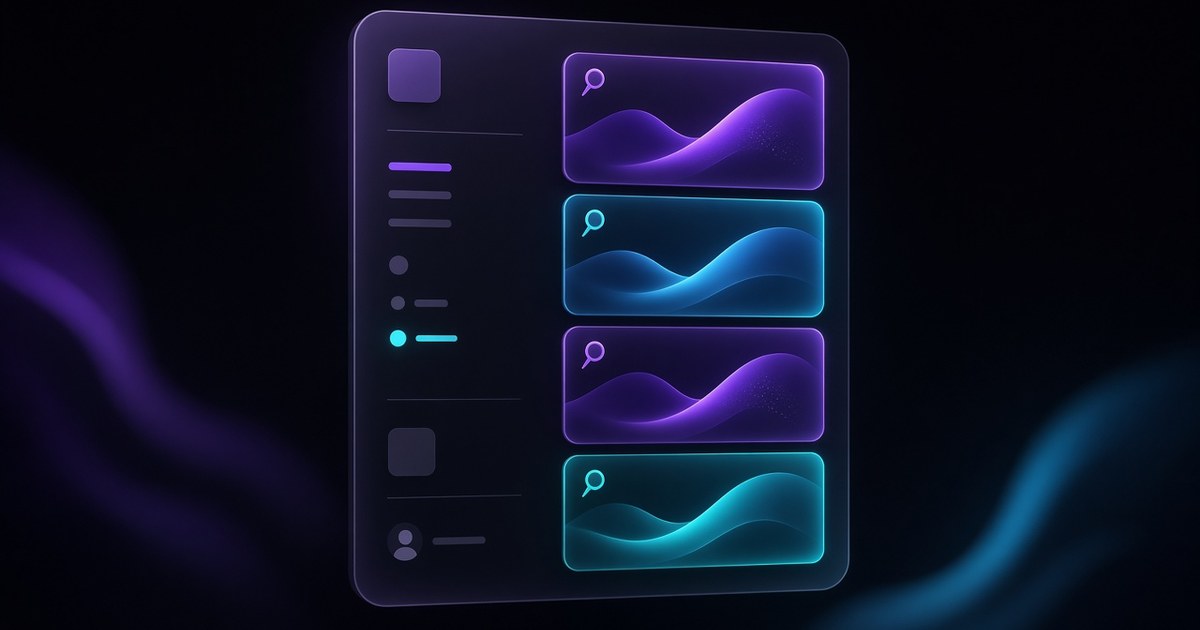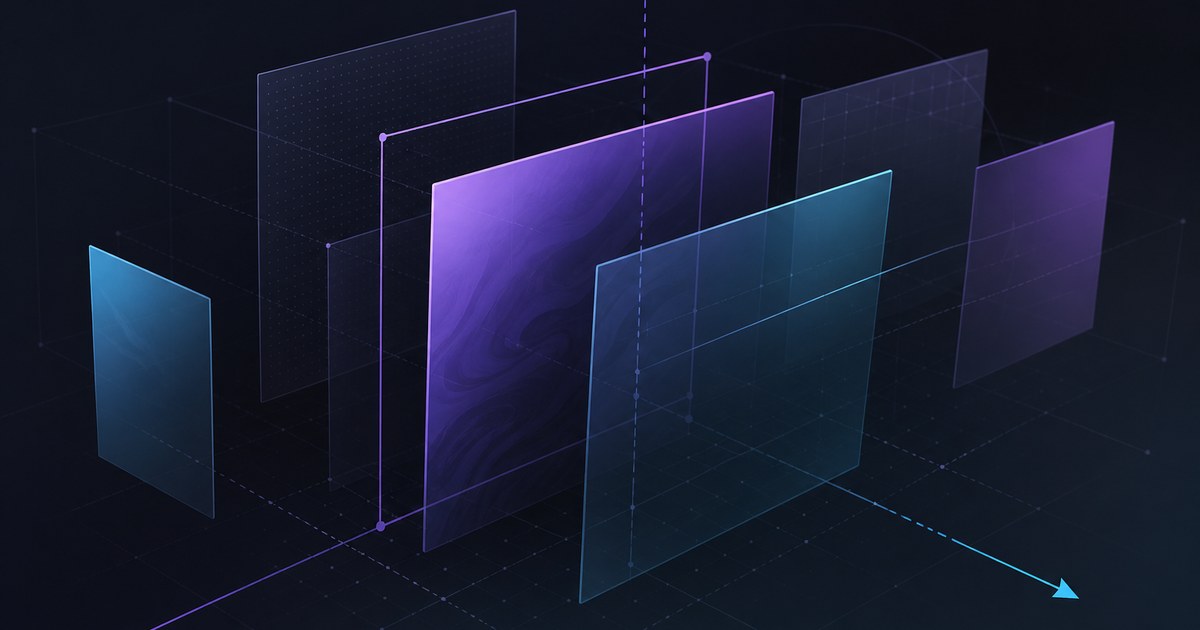
TL;DR — Holo joins Framer’s Shader lineup as a gradient shader aimed at holographic surfaces: rainbow-split light, math-shaped color, and controls for how the effect warps and flows. Framer points builders to Insert → Shaders and published a walkthrough on YouTube (watch).
Framer announced Holo on April 2, 2026. This yoframer article lives at /framer-updates/framer-holo-shader-update/ and translates the release into layout and art-direction choices—when the prismatic read earns its GPU cost, how to keep copy readable, and which remix-friendly templates give you a strong hero to test against. The source of truth remains Framer’s Holo update page.
Holo shader at a glance
| Lens | What shipped | Why it matters on client sites |
|---|---|---|
| Visual thesis | Holographic gradient: light behaves like it is splitting across foil-like surfaces | Gives launch and pricing pages a premium “material” focal point without bespoke WebGL |
| Control model | Math-first color instead of only picking static swatches | Teams can iterate systematically—tweak behavior, not just hex values |
| Motion read | Shader warps and flows | Motion feels in the material, not pasted as a separate overlay |
| Editor path | Insert panel → Shaders | Same mental model as other shader-based inserts—fast to audition |
| Learning asset | Official YouTube walkthrough | Shortens the gap between “installed” and “on-brand” |
Watch Framer’s Holo Shader walkthrough
Framer links a dedicated video from the release notes — the embed below matches their update page.
What Holo changes for hero surfaces
1. Iridescence without treating the hero like a video loop
Flat gradients move color across a shape; Holo is framed around light splitting the way foil or coated film does. That reads as object and environment interacting—useful when marketing wants “premium physical” language but the team is still iterating in Framer.
2. Math-shaped palettes instead of only hand-picked ramps
Framer emphasizes steering the math behind the spectrum, not only picking endpoints. In practice that means designers can explore families of holographic looks—cool-to-warm flips, tighter prismatic bands, softer dispersion—before locking brand-approved stills for social.
3. Warp and flow as first-class motion levers
When the shader warps and flows, parallax, scroll, and pointer-driven ranges feel anchored to the surface rather than a separate opacity animation. Keep one primary motion story per viewport so users still know where to click.
4. Pairing discipline: typography and photography still lead
Holo can dominate attention fast. Darken or blur backing photography slightly, widen line length cautiously, and reserve the highest dispersion for desktop hero states if mobile legibility wobbles.
5. Release notes in designer language
| Theme | Paraphrased capability | Practical takeaway |
|---|---|---|
| Shader type | New Holo gradient shader | Treat as hero-layer material, not a site-wide fill |
| Look | Holographic / rainbow split | Strong for drops, rebrands, foil-inspired decks translated to web |
| Controls | Math for color; warp and flow | Document “approved ranges” for client handoff |
| Access | Insert → Shaders | Same insertion flow as other Shaders—low friction to try |
How to try Holo from the Insert panel
- Open a project with a simple hero frame—large surface, minimal competing gradients.
- From Insert, open Shaders and add Holo to a plane behind typography (not through tiny icons first).
- Tune color math until the palette roughly matches brand temperature—even rainbow-forward sites need guardrails.
- Introduce warp and flow slowly; pause when headline contrast drops below your internal accessibility bar.
- Snapshot desktop and mobile previews; if phones stutter, reduce simultaneous shader instances or gate motion behind scroll.
New to Framer? Start free on Framer and remix one of the templates below so you are not inventing a launch layout from scratch.
Three workflow recipes to try this week
Prismatic launch hero in one session
Stakeholders asked for “Apple-event foil energy” but motion design is out of scope.
- Block the hero with a single large Holo surface and generous negative space.
- Dial dispersion until the headline still passes a quick contrast check on both themes.
- Add one scroll segment that subtly increases flow speed toward the primary CTA.
Foil accent behind a product still
Photography is locked; you only need a premium backdrop that does not fight SKU color.
- Place Holo **behind** masked product art with reduced saturation.
- Keep warp low so edges stay crisp for ecommerce trust signals.
- Export a short preview clip for paid social using Framer preview, not a recompressed phone capture.
Scroll-gated Holo for lighter GPU budgets
Performance budget is tight but leadership still wants holographic polish above the fold.
- Run the richest Holo settings only while the hero intersects the viewport.
- Crossfade to a static gradient or still frame once users scroll past the fold.
- Document the breakpoint behavior in component notes for future editors.
Who benefits most
- Product marketers refreshing launch or pricing pages where “material” metaphors sell the roadmap.
- Brand designers translating foil or iridescent print systems into interactive web without After Effects round-trips.
- Agencies standardizing shader presets across remix files—math-driven palettes scale better than one-off hex hacks.
- Founders who need a single memorable hero moment before the product UI is camera-ready.
Framer templates for shader-heavy launches
These files already lean on bold heroes or motion-forward bands—useful sandboxes for Holo without rebuilding page scaffolding.
 Live Preview
Revior · Free SaaS layout with a confident hero story
by OneFramer
Revior’s SaaS-forward hero gives you a wide canvas behind headline and proof—ideal for testing Holo without destabilizing dense grids below the fold.
- Best for
- Early-stage teams that need a credible launch surface while the product UI is still in flux
 Live Preview
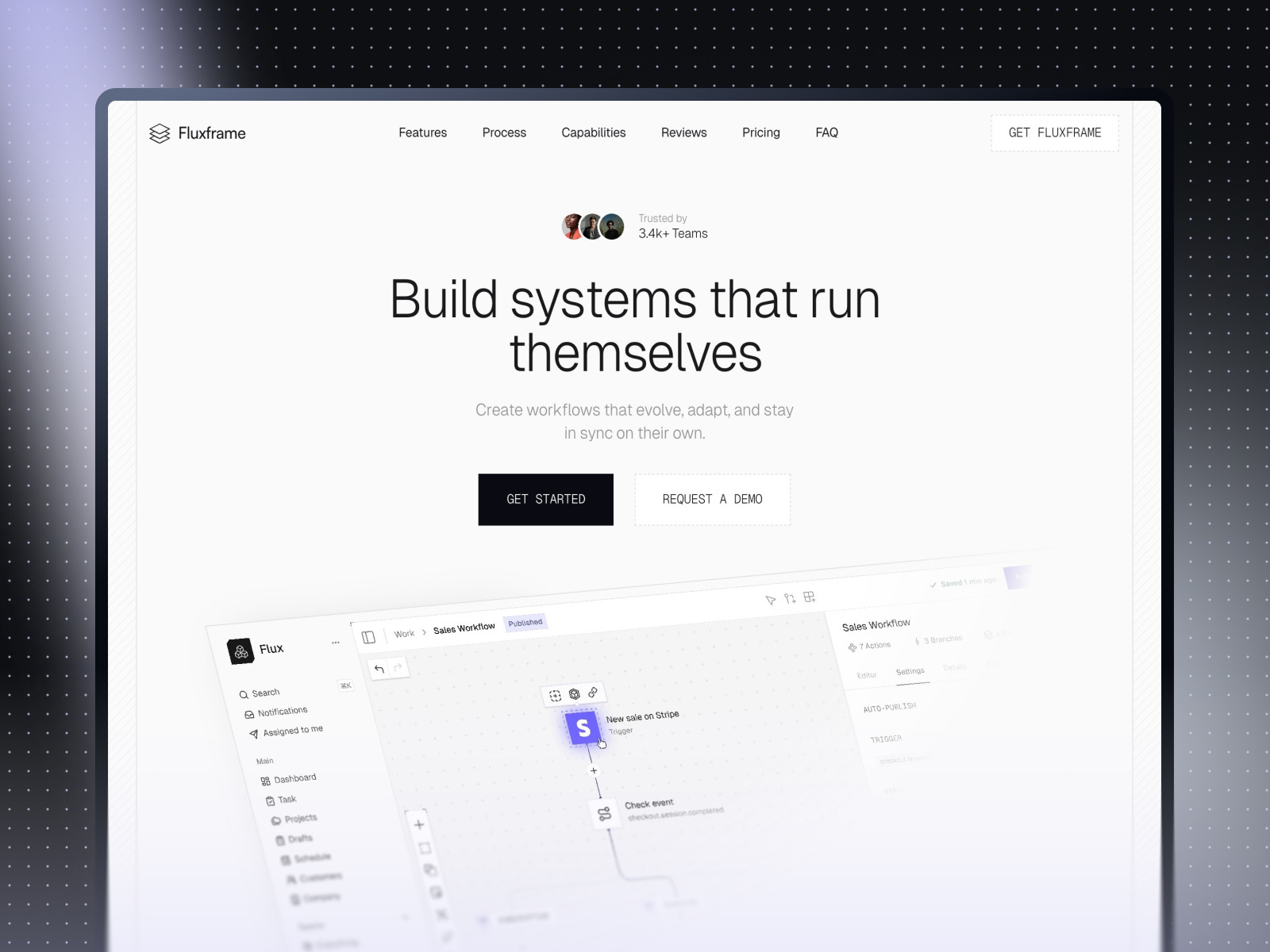
Fluxframe · Two-page SaaS landing built for motion
by Brice Deguigne
Fluxframe’s motion-first hero philosophy pairs naturally with shader inserts—Holo can sit in the hero band while scroll interactions stay the narrative spine.
- Best for
- Product launches that lean on scroll choreography and animated hero bands
 Live Preview
Zaint · Startup-ready marketing depth
by OneFramer
Zaint balances multiple marketing sections with startup pacing—use it when Holo should win the first screen while CMS-driven content carries the rest of the story.
- Best for
- Teams that want more than a single hero but still need brand-forward polish
Hungry for more curated starting points? Browse Framer template roundups or open the full template directory.
Official Framer resources worth bookmarking
- Framer Holo Shader release notes — canonical feature description from Framer.
- Holo walkthrough (YouTube) — fastest path to see controls in motion.
- All Framer updates — adjacent releases if you are planning a broader site refresh.
- Framer developers changelog — pair with product updates when you ship custom components.
More reading on yoframer
- Framer updates hub — editorial breakdowns of major Framer releases.
- Logo Shaders in Framer — when the brief targets marks instead of broad planes.
- Resources hub — kits and components that extend motion and visual systems.
The bottom line
Holo adds a holographic-gradient lane to Framer’s Shader library: rainbow-split reads, math-shaped color, and warpable flow you insert from Insert → Shaders. Treat it as a hero focal tool—pair with disciplined typography, test mobile, and remix templates that already expect motion-forward storytelling.