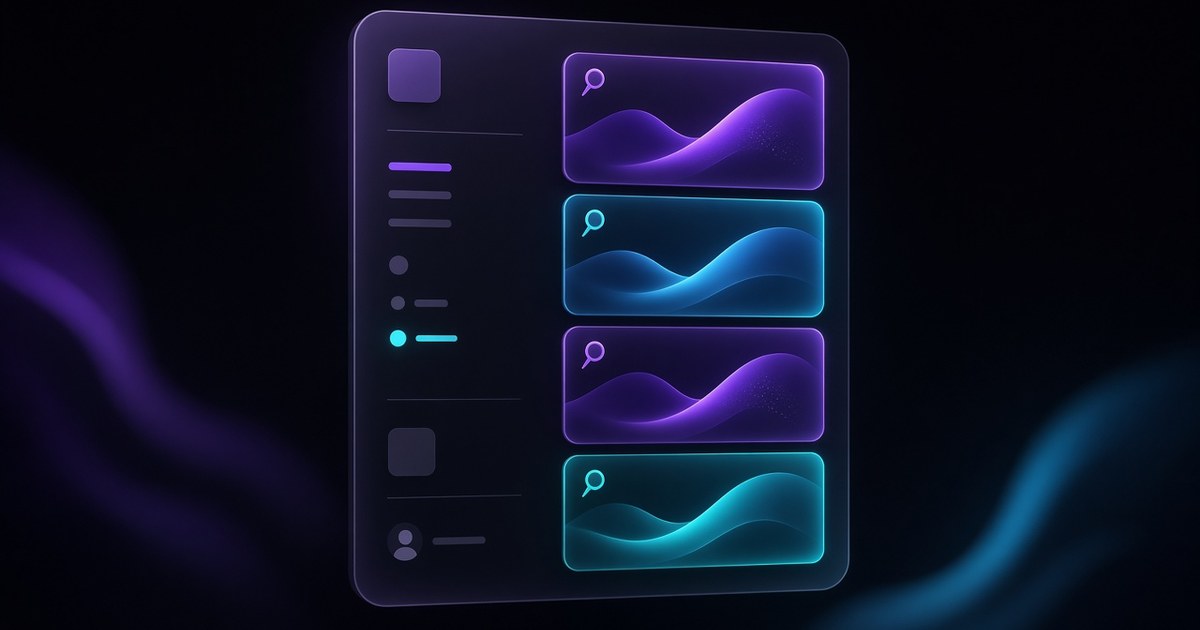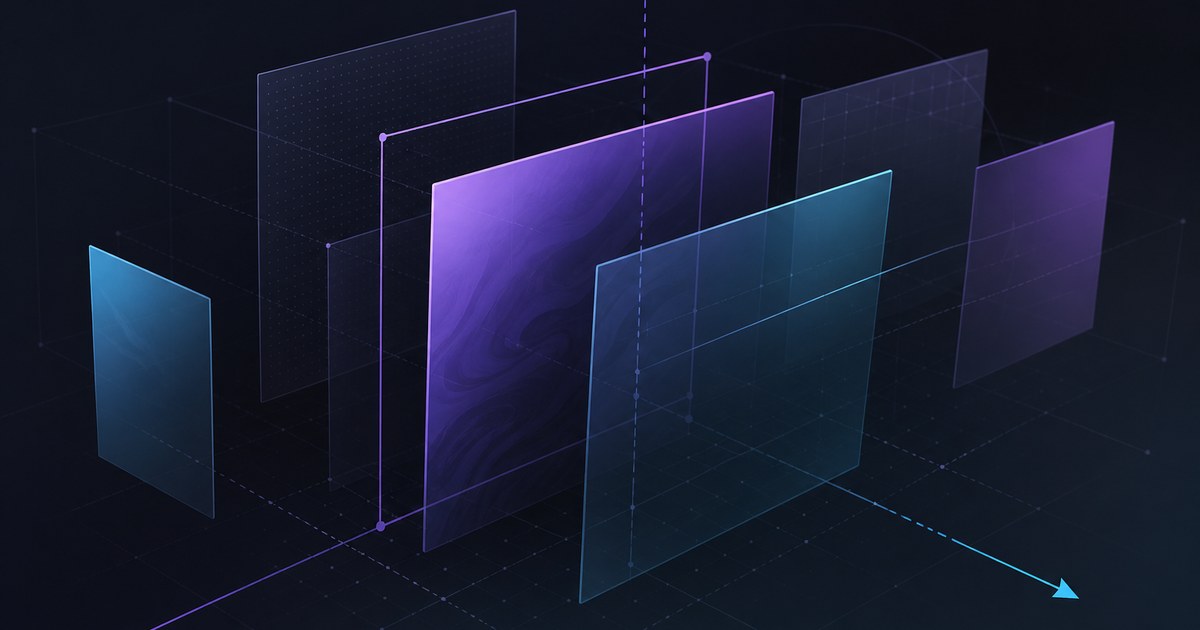
TL;DR — On March 24, 2026, Framer introduced Shaders in the Insert panel: animated gradients, image effects, particles, and more—each shader behaving like its own highly customizable tool you drag and drop onto the canvas. Framer built them for the web, emphasized performance, and teased more shaders to come (watch the walkthrough).
This yoframer article lives at /framer-updates/framer-shaders-insert-panel-update/ and translates Framer’s Shaders launch into editor workflow—where to browse, how to avoid over-stacking effects, and how this release sets up Holo, Logo Shaders, and the Spectrum and Crystal modes that followed.
Framer Shaders at a glance
| Lens | What shipped | Why it matters on client sites |
|---|---|---|
| Access | Insert → Shaders with browse-and-drop | Lowers the bar for motion-rich heroes without After Effects round-trips |
| Effect types | Gradients, image effects, particles (and room for more) | One library covers backgrounds, product bands, and subtle ambience |
| Control model | Each shader is its own tool with deep variation | Teams can document presets instead of one-off hex hacks per project |
| Platform | Web-native and performant (Framer’s positioning) | Effects stay inside the publish pipeline designers already trust |
| Roadmap signal | “Stay tuned for more shaders” | Explains why Holo and Logo Shaders arrived weeks later as focused additions |
Watch Framer’s Shaders walkthrough
Framer published a dedicated intro video for this release—the embed below matches their official update page.
What Shaders change on the canvas
1. Visual effects become first-class inserts—not external assets
Before Shaders, teams often exported loops from motion tools or pasted heavy video backgrounds. Framer’s thesis is live, editable effects you place like any other insert: tune, duplicate across breakpoints, and hand off without re-rendering MP4s for every copy change.
2. One library, many “mini tools”
Framer describes each shader as highly customizable with endless variations. In practice that means art direction can explore families—soft ambient particles versus dense starfields, restrained gradients versus high-energy bands—before locking a hero for launch.
3. Gradients, images, and particles cover most marketing surfaces
| Family | Typical use | Design instinct |
|---|---|---|
| Animated gradients | Heroes, pricing bands, section dividers | Pair with calm typography; let one surface carry the motion |
| Image effects | Product stills, photography bands | Keep SKU color truthful; use effects to add depth, not noise |
| Particles | Teasers, event pages, subtle ambience | Gate density on mobile; particles multiply GPU cost fast |
4. Foundation for the shader roadmap Framer shipped next
The March launch is the platform moment. Holo (April 2) added a holographic gradient lane; Logo Shaders (April 22) narrowed the problem to marks; Spectrum and Crystal (May 21) extended Logo Shaders again. Reading Shaders first makes those follow-ons easier to brief.
How to try Shaders from Insert
- Open a project with a simple hero frame—one large background layer and clear typography.
- From Insert, open Shaders and browse until you find a gradient, image effect, or particle that matches the brief.
- Drag and drop onto the canvas; resist stacking three heavy shaders on the same viewport until previews feel stable.
- Tune controls until headline contrast still passes your quick accessibility check on desktop and mobile.
- Snapshot previews on a mid-tier phone; if frames drop, reduce particle count or limit motion to the first screen.
New to Framer? Start free on Framer and remix one of the templates below so you are not inventing a launch layout from scratch.
Three workflow recipes to try this week
Gradient hero refresh without a motion export
Marketing wants a living background for a SaaS relaunch but motion design hours are gone.
- Duplicate the hero frame and replace the flat fill with an animated gradient shader from Insert.
- Document two approved parameter ranges in component notes for client editors.
- Ship desktop first, then reduce gradient motion speed on the smallest breakpoint if contrast wobbles.
Image-effect band behind product photography
Photography is locked; you need depth without re-shooting or masking in Figma.
- Place the product still above a shader tuned for image effects, not full-frame chaos.
- Lower saturation on the shader until SKU color reads true in preview.
- Compare still versus motion in stakeholder review—one static fallback frame wins trust.
Particle accent with a performance gate
Leadership wants “launch energy” but Core Web Vitals are already tight.
- Restrict particles to the hero intersection only; crossfade to a flat color below the fold.
- Cap simultaneous shader instances to one primary and one subtle accent per page.
- Record preview on a real device before the final publish checklist.
Who benefits most
- Product marketers shipping teasers and pricing pages where motion sells the roadmap.
- Brand designers translating print or deck gradients into interactive web without custom WebGL contracts.
- Agencies standardizing shader presets across remix files—variation with guardrails scales better than one-off exports.
- Founders who need a credible hero before product UI is camera-ready.
Framer templates for shader-forward launches
These files already lean on bold heroes or SaaS launch pacing—useful sandboxes for Shaders without rebuilding page scaffolding.
 Live Preview
Revior · Free SaaS layout with a confident hero story
by OneFramer
Revior’s SaaS-forward hero gives you a wide canvas behind headline and proof—ideal for testing animated gradient shaders without destabilizing dense grids below the fold.
- Best for
- Early-stage teams that need a credible launch surface while the product UI is still in flux
 Live Preview
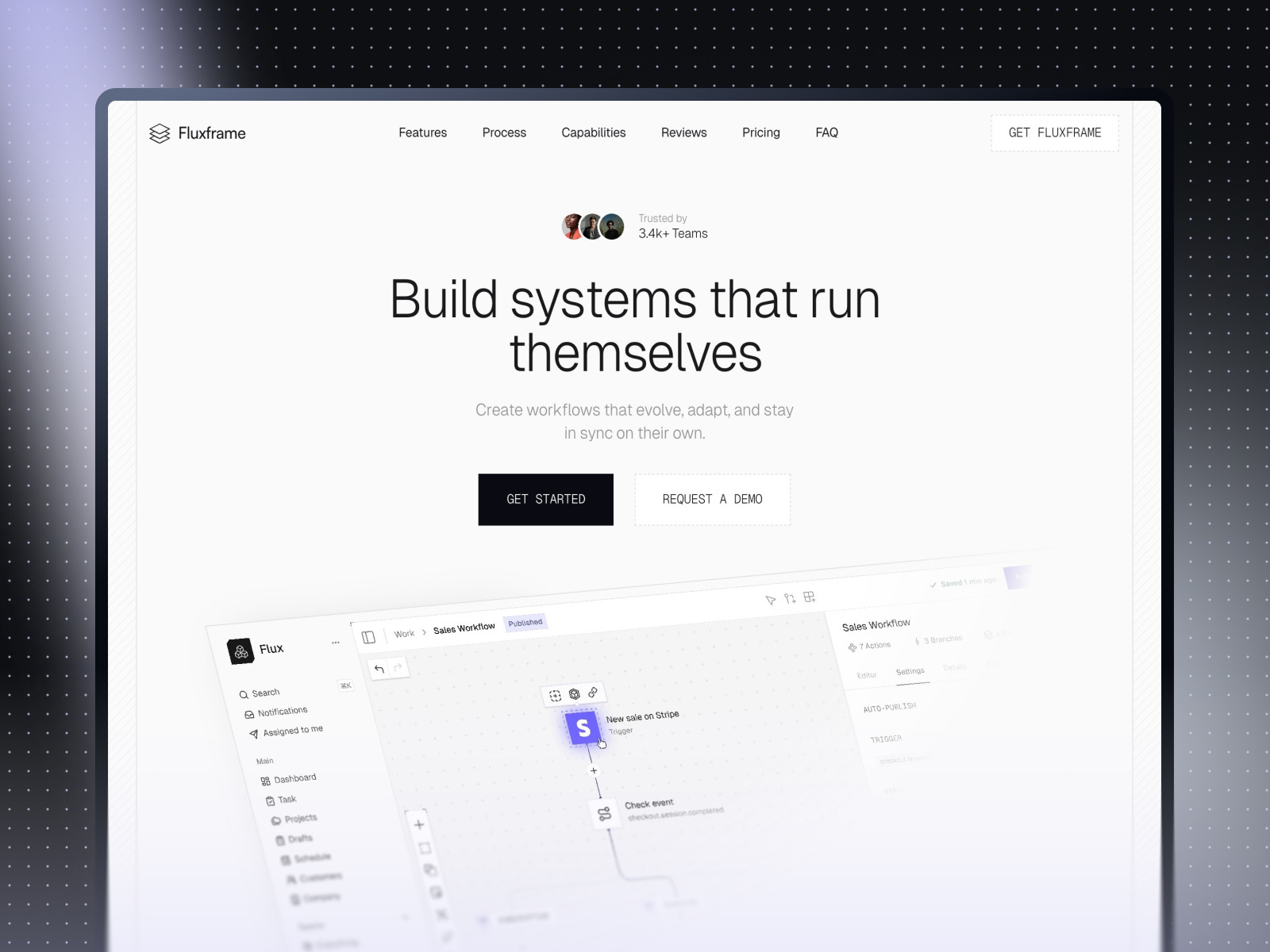
Fluxframe · Two-page SaaS landing built for motion
by Brice Deguigne
Fluxframe’s motion-first hero philosophy pairs naturally with shader inserts—use Shaders in the hero band while scroll interactions stay the narrative spine.
- Best for
- Product launches that lean on scroll choreography and animated hero bands
 Live Preview
LaunchFlowX · Structured SaaS narrative with CMS-ready routes
by Md
LaunchFlowX balances marketing depth with CMS routes—a practical file when shaders win the first screen and structured content carries the rest of the story.
- Best for
- Teams that want shader experiments on the hero while blog or changelog content stays editable
Hungry for more curated starting points? Browse Framer template roundups or open the full template directory.
Official Framer resources worth bookmarking
- Framer Shaders release notes — canonical feature description from Framer (March 24, 2026).
- Shaders walkthrough (YouTube) — fastest path to see Insert panel flow in motion.
- All Framer updates — adjacent releases including Holo, Logo Shaders, and CMS 3.0.
- Framer developers changelog — pair with product updates when you ship custom components.
More reading on yoframer
- Framer updates hub — editorial breakdowns of major Framer releases.
- Framer Holo Shader — holographic gradients in the same library family.
- Logo Shaders in Framer — when the brief targets marks instead of broad planes.
- Resources hub — kits and components that extend motion and visual systems.
The bottom line
Framer Shaders put animated gradients, image effects, and particles in Insert as drag-and-drop, web-native tools—each shader customizable on its own terms. Treat them as hero and section focal tools, test mobile early, and follow the shader roadmap on yoframer when you need Holo, Logo Shaders, or Spectrum and Crystal detail.