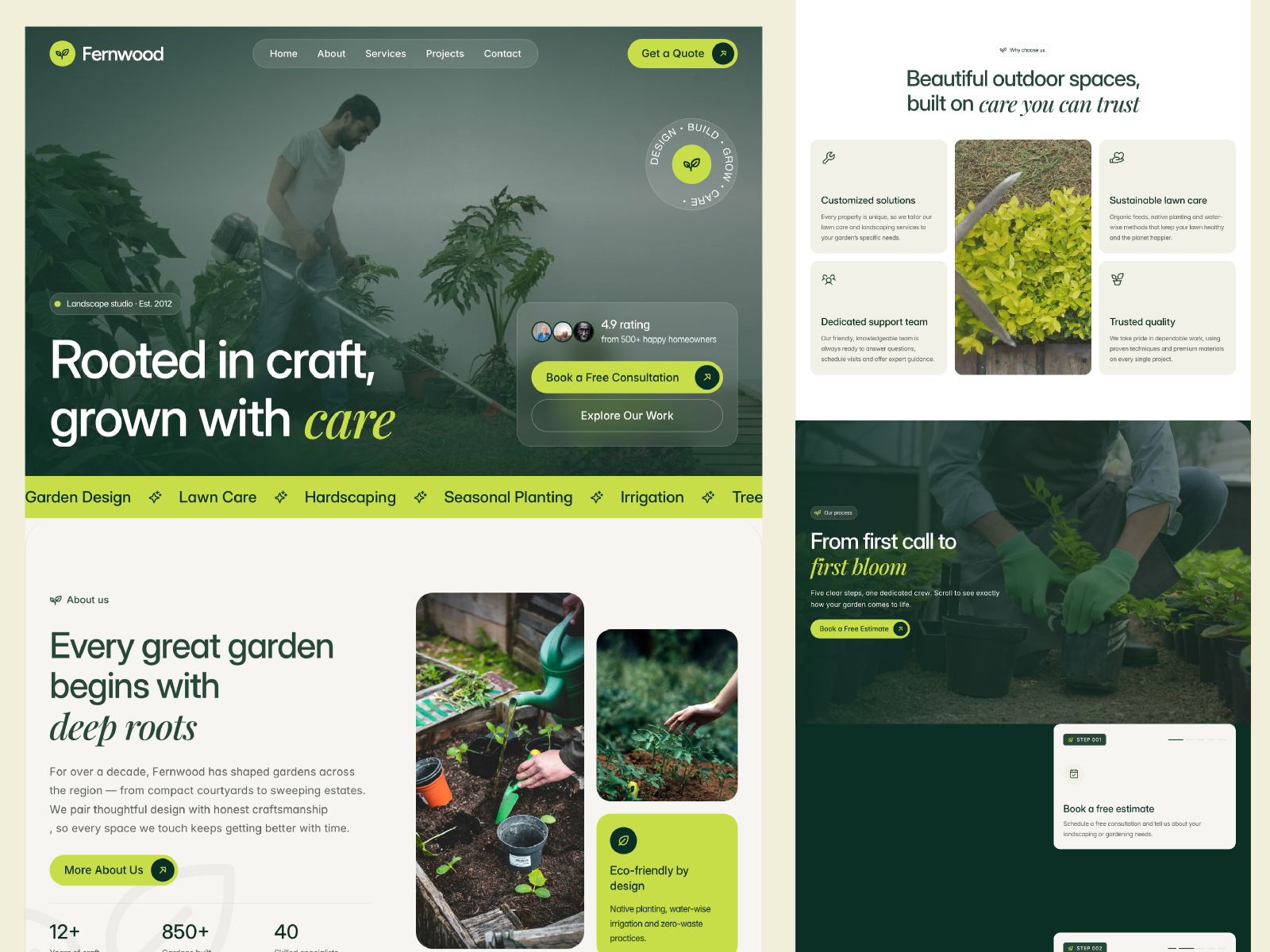
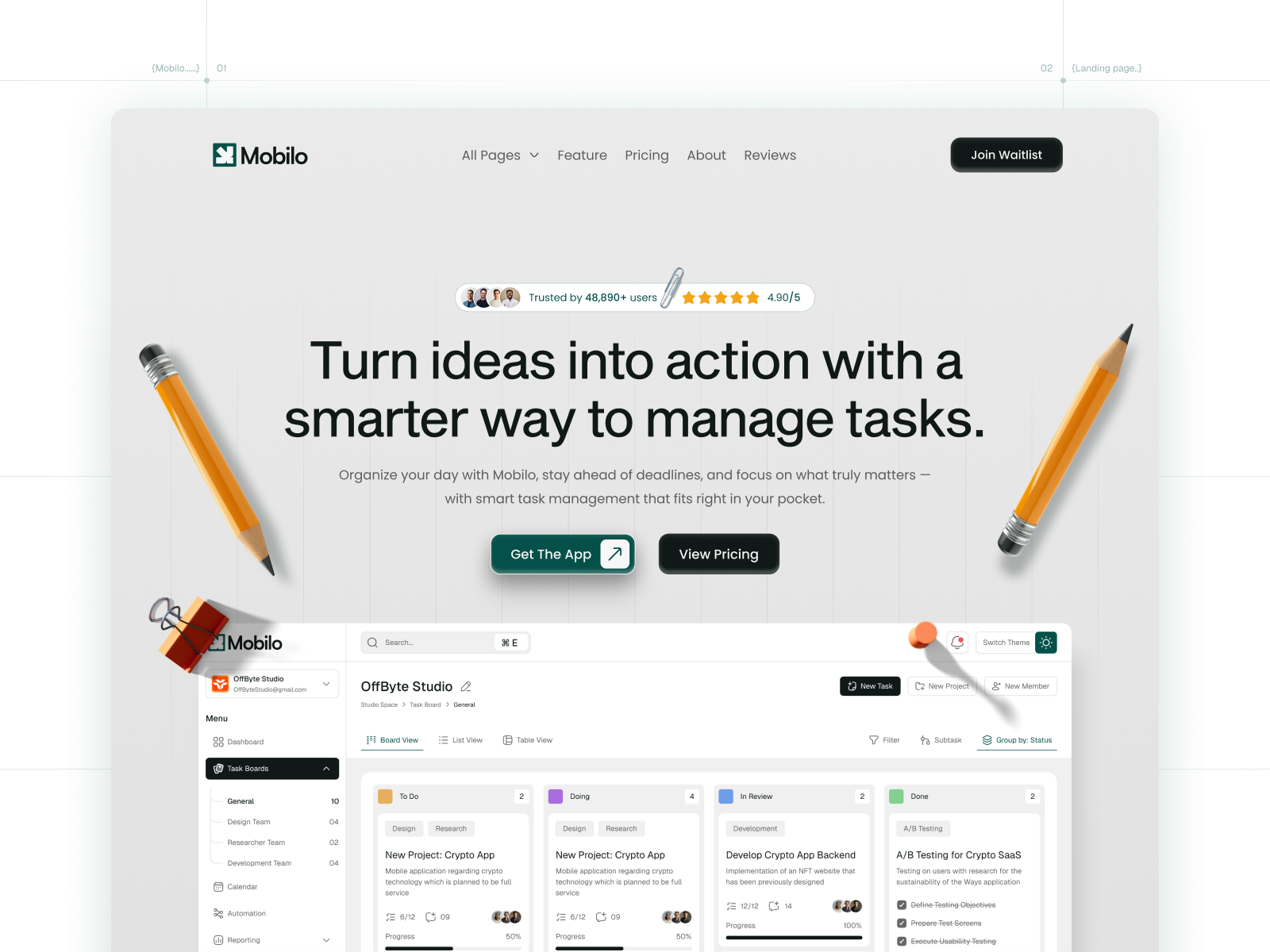
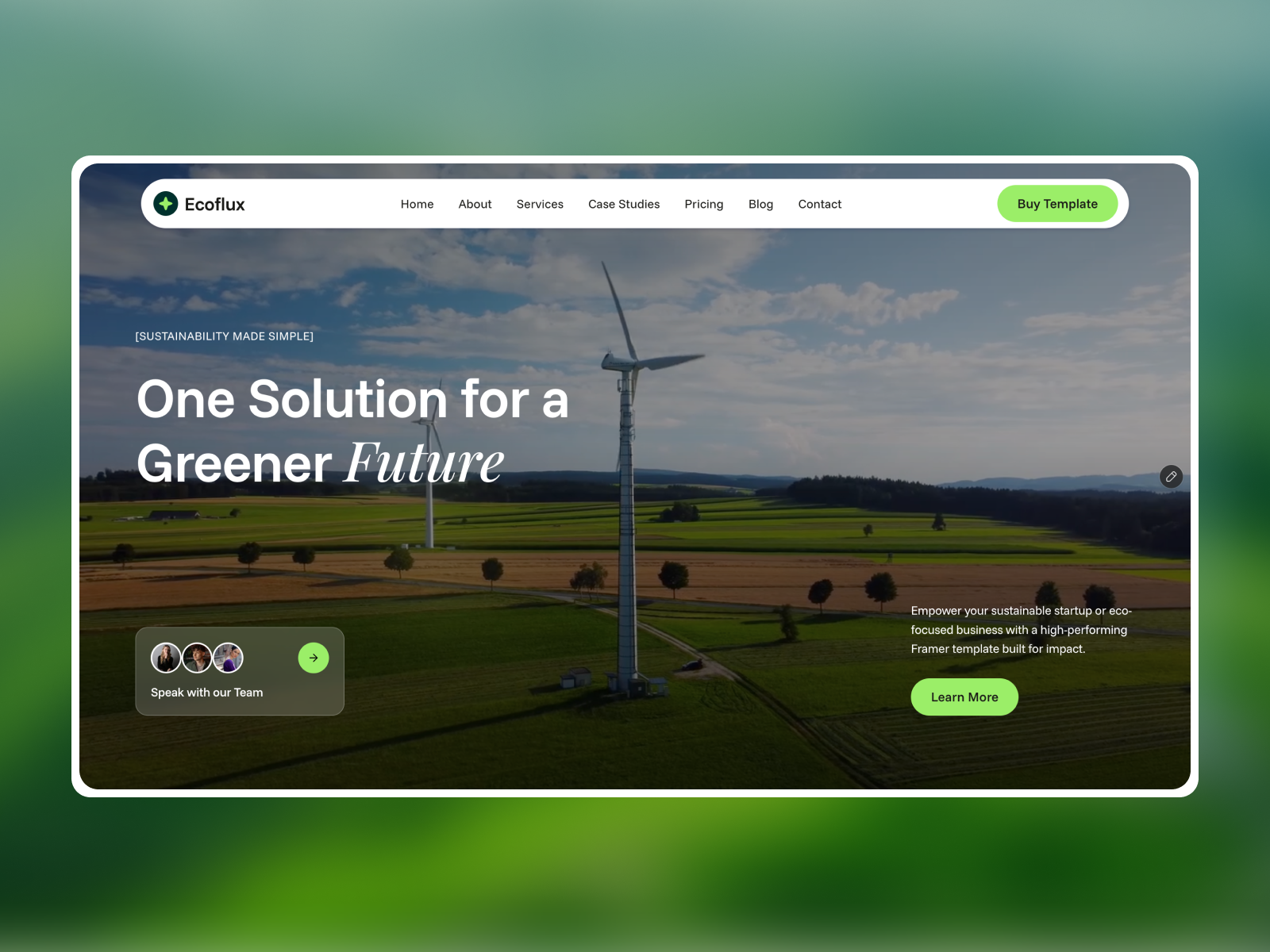
 Live Preview
Echoflux — Free SaaS Template for Framer
by Unknown
Lapse is a free 8-page SaaS Framer template for AI-flavored marketing with Blog and Pricing routes. Skip it if you need Platform, Docs, and Trust pages.
Lapse is a free eight-page SaaS template for Framer from an unknown marketplace author, tuned for AI-style product marketing with Pricing, Blog, Blog post, and Contact on static routes. The lapseai preview reads like a software story with room for editorial proof, not a single scroll. Skip it if enterprise buyers expect Platform, Docs, Trust, and Changelog URLs in the first demo. Plinth Stack ships that thirteen-route shape. Browse more free Framer templates on the hub, or start with the SaaS shortlist.
Lapse fits early AI or automation SaaS teams that need Pricing and a blog-shaped content path before collections are configured. Founders running paid social can send traffic to Pricing while organic work lives on Blog and Blog post frames you duplicate per article.
Walk away if you sell infrastructure to security-conscious buyers who treat Trust and Docs as mandatory tabs. Lapse keeps the sitemap marketing-tight on purpose. Plinth Stack adds Platform, Docs, Trust, and Changelog for that conversation. Skip Lapse when you only need three static pages; slimmer SaaS picks on the roundup beat eight routes for smoke-test landing tests.
The live preview uses high-contrast SaaS marketing language: bold headlines, gradient-friendly hero space, and section breaks that suit AI product screenshots more than corporate services photography. Type stays modern sans, closer to a launch landing than a bank brochure.
Motion is modest so Pricing cards stay scannable when prospects open links from email on phones. The honest fight is enterprise depth. A SOC2-heavy platform will look under-documented because Lapse does not ship Trust or Docs routes, and the default mood chases growth marketing energy rather than audit-ready calm.
Eight pages, named as Framer lists them:
Blog plus Blog post gives you a content arc without standing up collections on day one.
Framer SEO, analytics, and breakpoint tooling ship with the platform. They are not reasons to pick Lapse over another SaaS file.
Remix Lapse when you are an AI-leaning SaaS team that needs Pricing, Blog, and Contact live quickly, and you accept hand-duplicating Blog post frames until you add CMS. The unknown author left a marketing-sized map that matches launch-week ads more than enterprise RFP packets.
Skip it when buyers require Platform, Docs, Trust, and Changelog routes on day one. That is Plinth Stack. Skip it when you need CMS changelog publishing. Use the SaaS shortlist or return to free Framer templates on the hub.
Quick answers about Lapse, including pricing, CMS support, responsiveness, and who it is built for.
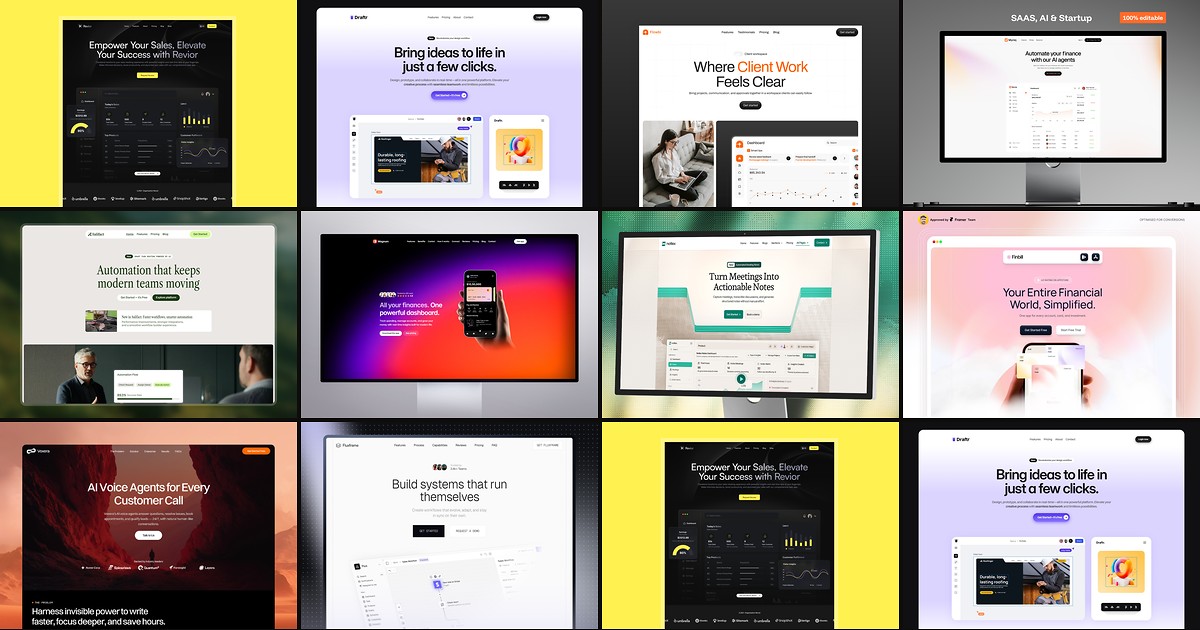
Most free SaaS templates on Framer look great in the preview and fall apart the moment you customize them. These 10 don't.