 Live Preview
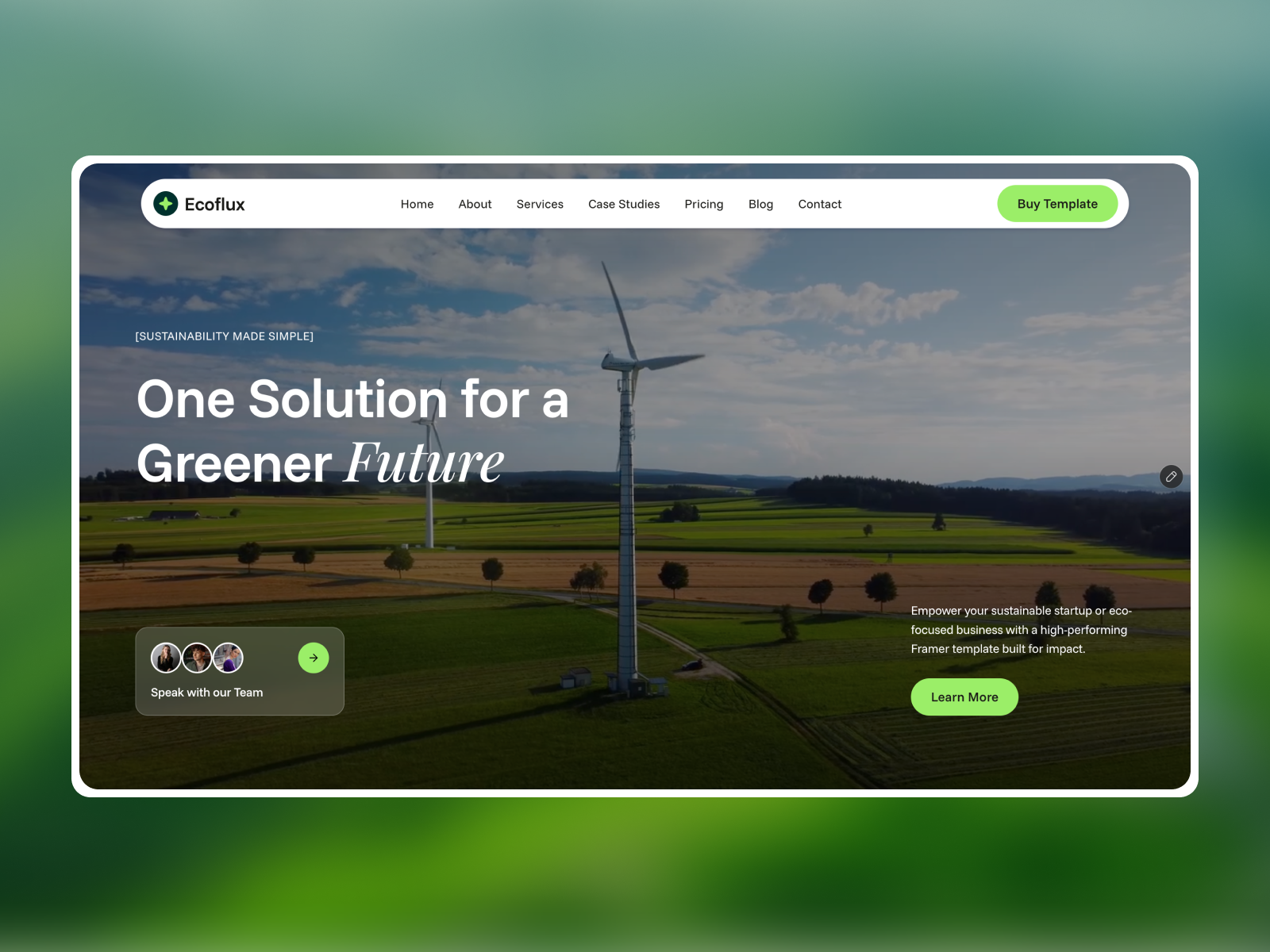
Echoflux — Free SaaS Template for Framer
by Unknown
Mobilo is a free 7-page SaaS Framer template for task apps with pricing tiers, feature story pages, and a Changelog route. Skip it if you need docs, security, and API reference pages.
Mobilo is a free seven-page SaaS template for Framer built for task-management positioning: Home with values and integrations, a Feature page, About Us, Pricing, Contact, Changelog, and 404. Everything is static in the marketplace list with no CMS tags. Skip it if you need documentation, security, and API reference pages for developer buyers. Flowbi covers a tighter early-stage SaaS map when release notes are not a priority. More free Framer templates sit on the hub, or see the changelog roundup.
Mobilo fits mobile-first productivity apps, team task tools, and founder-led SaaS products that sell clarity, momentum, and calendar sync in plain language. The demo stacks social proof (waitlist counts, star ratings), value pillars, feature deep dives, integration logos, and three pricing tiers plus a custom plan CTA. That matches App Store companions and B2B lite PM tools more than open-source dev platforms.
Pass if your funnel requires SDK docs, security questionnaires, and roadmap pages on the marketing site. Those buyers expect ten-plus routes like enterprise AI ops templates on yoframer, not Mobilo’s seven-page consumer-friendly map. Choose Flowbi when you want CMS blog and thank-you flows without maintaining a Changelog frame yet.
Bright, friendly SaaS marketing: soft gradients, rounded cards, generous white space, and illustrative UI mockups in feature sections. Headlines emphasize focus, momentum, and trust rather than technical jargon. Pricing uses monthly/yearly toggles with tier names (Explorer, Builder, Collaborator) that you can rename for your own plans.
Motion is product-marketing standard: subtle fades, carousel testimonials, integration marquees. It reads approachable on phone widths, which aligns with the “fits in your pocket” story. The default copy still mentions AI suggestions, so you will rewrite feature blurbs if your product is not AI-forward.
Seven pages, spelled as Framer lists them:
Treat Changelog as a designed page you update manually each release unless you add a CMS collection later.
Automated SEO and breakpoint tooling is Framer baseline. Mobilo’s pull is the productivity marketing arc plus Changelog, not platform checkboxes.
Remix Mobilo when you ship a task or team productivity app and want pricing, feature depth, and release notes on distinct URLs before app store links go live. Update Changelog each sprint and point Feature CTAs to your real product screens.
Skip it when developer documentation and compliance pages are non-negotiable, or when a CMS blog matters more than release notes. Flowbi is the simpler swap. For other changelog-first files, browse the changelog roundup or return to free Framer templates on the hub.
Quick answers about Mobilo, including pricing, CMS support, responsiveness, and who it is built for.
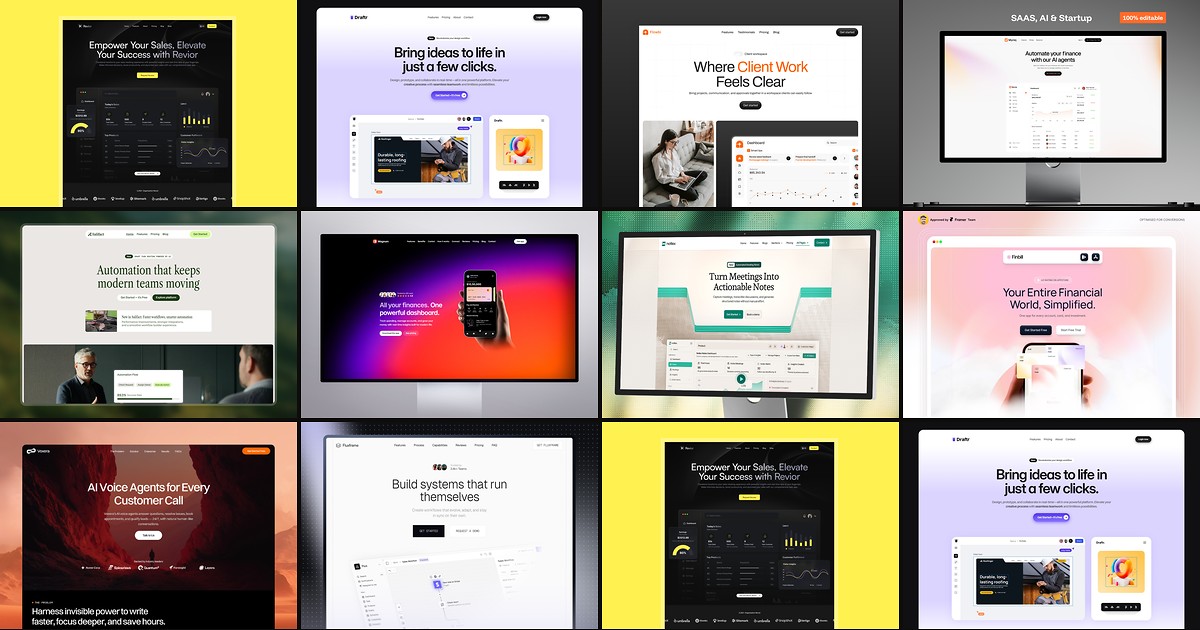
Most free SaaS templates on Framer look great in the preview and fall apart the moment you customize them. These 10 don't.