 Live Preview
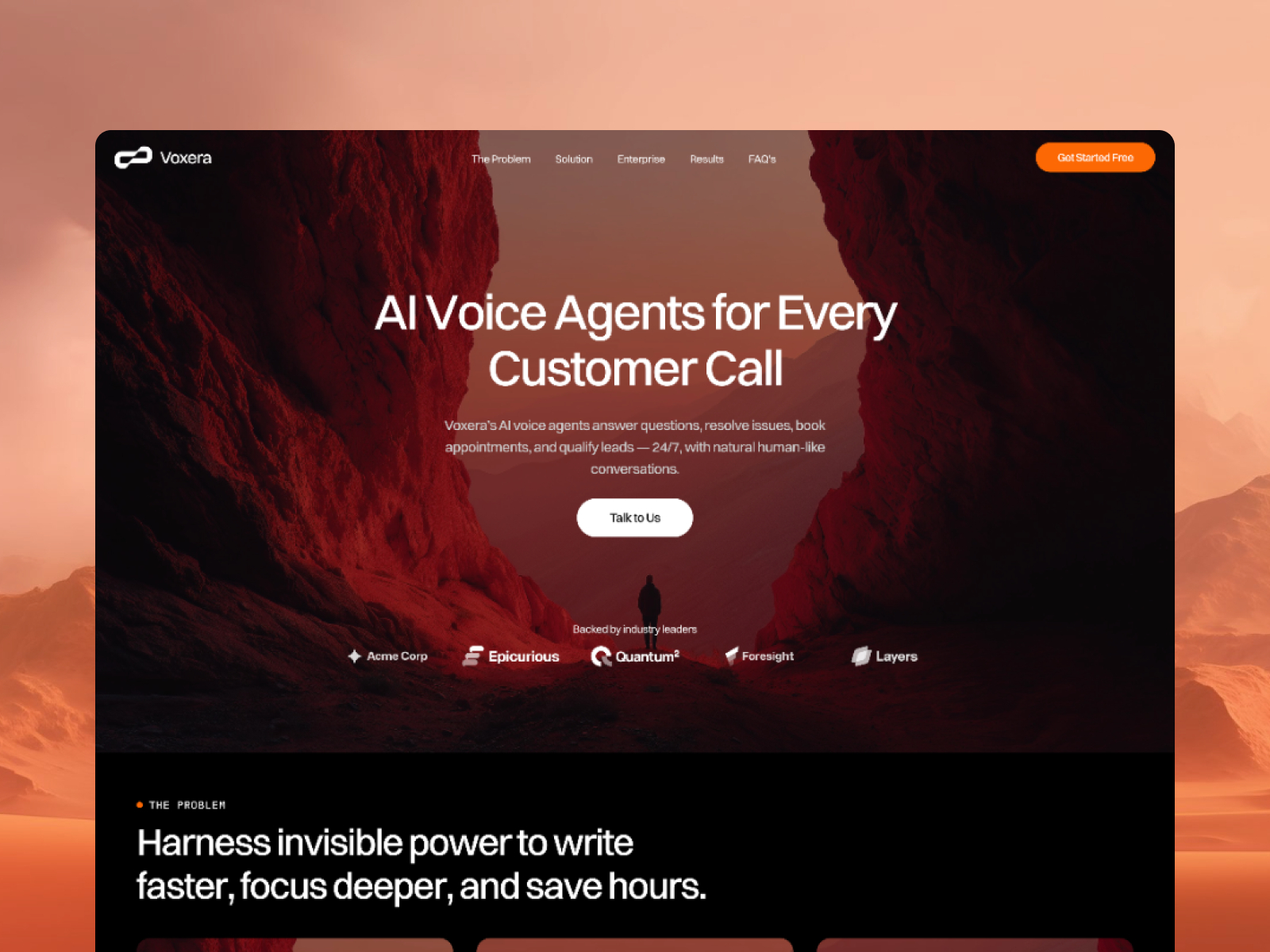
Voxera — Free Dark AI & SaaS Template for Framer by Fawaz Ahamed
by Fawaz Ahamed
Writeza App is a free 3-page AI Framer template for copywriting SaaS teams that sell on one homepage plus Contact. Skip it if you need Pricing, Blog, and docs routes.
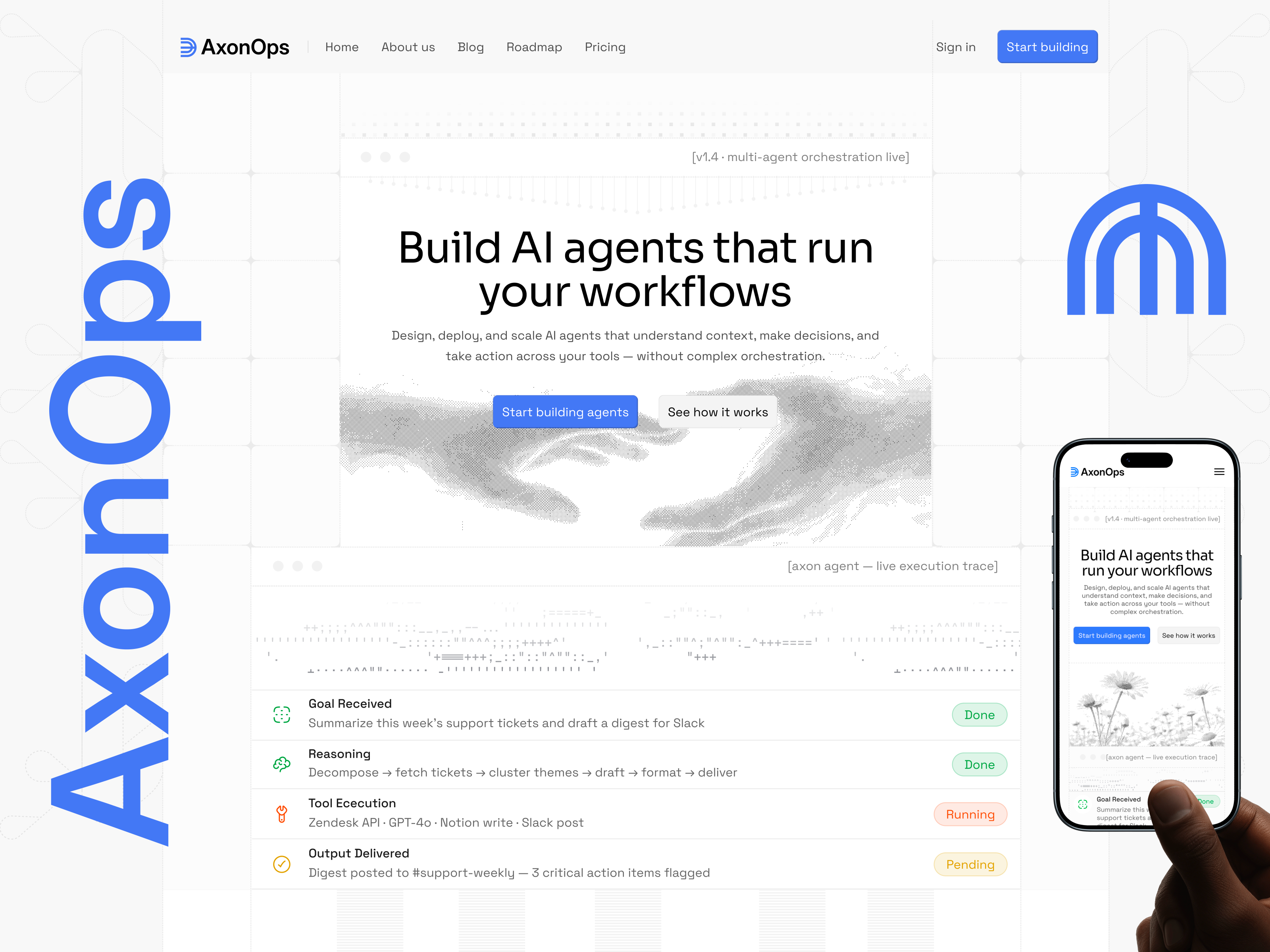
Writeza App is a free 3-page AI template for Framer aimed at copywriting SaaS products that sell on a sharp homepage, not a eleven-page product map. Home carries the product story, Contact handles demos and support asks, and 404 catches bad ad links. No CMS in the marketplace list. Skip it if you need Pricing, Blog, Roadmap, and API docs as separate routes. AxonOps covers that job. More free Framer templates sit on the hub, or start with the AI shortlist.
Writeza App is for founders shipping an AI writing assistant, marketing copy tool, or generative text product before the docs team arrives. If your launch checklist is hero, feature grid, social proof, pricing mention on Home, and a Contact form, three pages match how early SaaS teams actually ship. Indie hackers and seed-stage marketers will move faster here than on an empty multi-route sitemap.
Skip it if investors expect Security, Changelog, and Documentation URLs on the same day as the waitlist. AxonOps is the honest upgrade. Skip it if the product is a mobile app with store badges as the only conversion. NOMI speaks that job more directly.
The file follows modern AI SaaS cues: soft gradients, product UI mockups, and short benefit-led headlines that scan on a phone. Sections tend to stack vertically with clear CTAs, which suits tools that explain what the model does in plain language. Motion is usually light parallax or icon reveals, not cinematic scroll storytelling.
The default palette assumes a friendly tech brand. Enterprise buyers expecting sober navy layouts may reskin before the site feels boardroom safe. Heavy customization is normal for AI landings.
Three pages, named as Framer lists them:
There is no Pricing page, no Blog, and no documentation routes in the marketplace list. Add them after remix or switch to a fuller SaaS file if launch requirements already include them.
Framer’s own SEO, analytics, and breakpoint tooling ship with the platform. They are not a reason to pick Writeza App.
Remix Writeza App when you want a credible AI writing product site this week and you will add Pricing or docs only when the product matures. It trades breadth for speed.
Skip it when the launch spec already lists Security, SDK reference, and Roadmap pages. That is AxonOps. Skip it for mobile-first assistant apps. That is NOMI. If you are still comparing AI starters, use the AI shortlist or the free Framer templates hub.
Quick answers about Writeza App, including pricing, CMS support, responsiveness, and who it is built for.
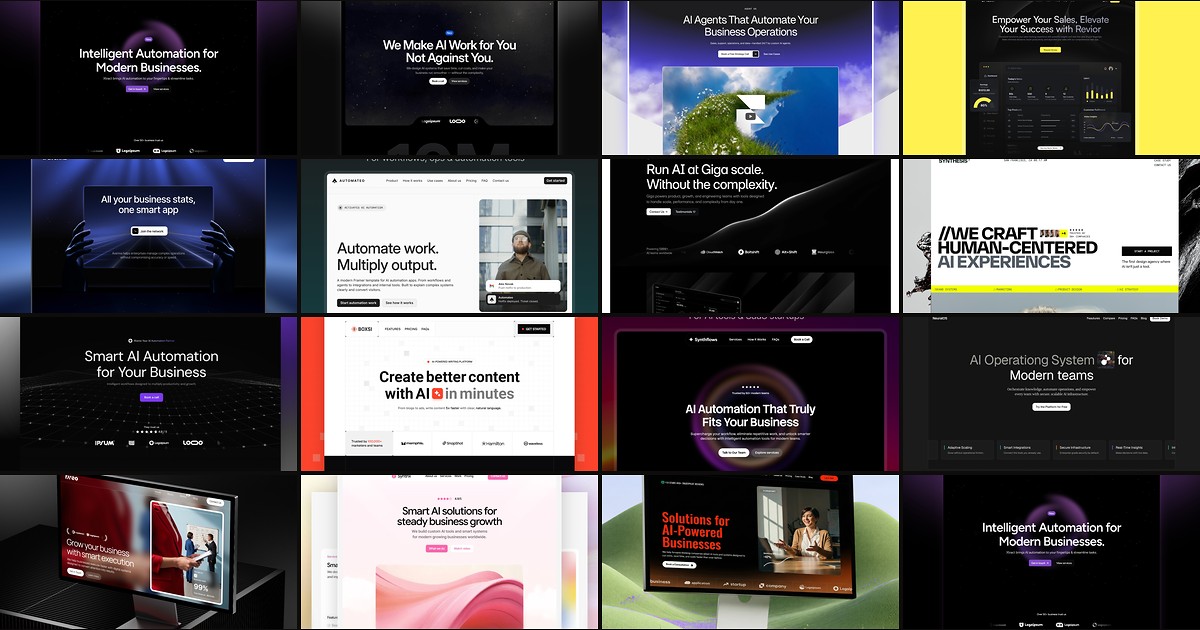
AI products need sites that explain complex workflows without looking like every other purple gradient startup. These 15 free Framer templates actually ship the pages you need.