 Live Preview
← All Templates
Live Preview
 Agent Template
Live Preview
 Agent Template
Live Preview
Portfolio
Vista Studio — Free Design Studio Template for Framer by Orion Studio
Vista Studio is a free 5-page portfolio Framer template for small studios that design objects, interiors, and identities. Skip it if you need CMS projects or a team page.
design studioproduct designinteriorslarge typeminimalfree
Vista Studio is a free 5-page design studio template for Framer by Orion Studio. It is shaped for a small practice that makes lamps, furniture, interiors, and the identities around them: Home, Work, Studio, Journal, and Contact. There is no CMS, so each project and article is placed by hand. Skip it if you need collection-driven project pages or a team grid. NOIRÉ Studio is the darker take. Compare more on the interior design shortlist or the free Framer templates hub.
Who should remix Vista Studio?
Picture a four-person studio in a coastal city that designs a floor lamp one month, a house interior the next, and a ceramics brand’s packaging after that. They want a site that groups all of it under one point of view and lets a gallery curator or a developer client see the range in one scroll. Vista Studio’s homepage does that with a numbered list of seven projects, each with a category and a year, then four practice areas: objects, spaces, identities, and direction.
Walk away if you are a services agency with a pricing grid or a big team to show. There is no team page and no pricing. A tech startup will also find the craft-studio voice too slow. NOIRÉ Studio suits studios that want a moodier, darker frame.
What Vista Studio looks like
Warm paper background, near-black Inter, and huge letterforms. The signature move is the wordmark used as a window: project photography shows through the type as you scroll, and project rows reveal an image on hover. Small parenthetical labels like “(featured)” and “(about the studio)” give it a catalogue feel, similar to a Scandinavian furniture brand’s lookbook.
The look earns trust with clients who buy objects and spaces, because it signals patience and craft rather than hustle. The fight is density. The layout leans on daylight photography with a lot of air around it. If your shots are busy or poorly lit, the empty paper will make that obvious.
Pages included in Vista Studio
- Home: the type-as-window hero, a short studio statement, featured projects, the numbered selected work list, practice areas, and journal teasers
- Work: the full project archive, set up as a hand-built list rather than a collection
- Studio: the longer studio story, how the practice works, and who is behind it
- Journal: a static page for process essays like prototyping notes
- Contact: the project inquiry route, pitched as “have a project in view”
Five pages, no CMS. The Journal is useful for studios that write, but a regular publishing rhythm needs a collection added after remix.
What is distinctive about Vista Studio
- Type as a window. The wordmark masks project imagery, which is the main reason to choose this file.
- Hover-to-look project list. Rows with number, name, category, and year that reveal a photo on hover.
- Four practice areas. Objects, spaces, identities, and direction suit multi-discipline studios, not one-trick shops.
- Booking-season label. A small “booking” note in the hero tells clients when you have capacity.
- Catalogue microcopy. Parenthetical section labels make the site feel printed.
Framer’s responsive breakpoints and SEO fields come with every project. They are not Vista Studio features.
When to remix Vista Studio, and when to skip
Remix Vista Studio when your studio makes physical things and wants a quiet, gallery-paced site with one memorable typographic trick. Orion Studio built it for exactly that kind of practice, and the copy slots already speak the language.
Skip it if you need CMS project pages, a team grid, or prices. NOIRÉ Studio is the alternative, and the interior design shortlist collects more spaces-focused files.
Frequently Asked Questions
Quick answers about Vista Studio, including pricing, CMS support, responsiveness, and who it is built for.
-
What kind of website is Vista Studio best for?
- Vista Studio is for Small product, furniture, and interior studios that want their work seen through big letterforms on a calm paper background. It includes 5 pages: Home, Work, Studio, Journal, Contact.
-
Is Vista Studio free or paid?
- Vista Studio is a free Framer template. The listed price on yoframer is free.
-
Does Vista Studio support CMS and responsive design?
- Vista Studio does not include CMS support. It is fully responsive.
-
When should I skip Vista Studio?
- You need CMS project pages, a team roster, or a services price list. NOIRÉ Studio is the darker studio alternative. Start with NOIRÉ Studio .
Featured in our Portfolio roundup
10 Best Free Portfolio Framer Templates in 2027
The 2026 portfolio list still leads with JORGE. These ten are different files, and each one has a reason to walk away.
More Portfolio templates
View all Portfolio templates
Live Preview
Agent Template
Live Preview
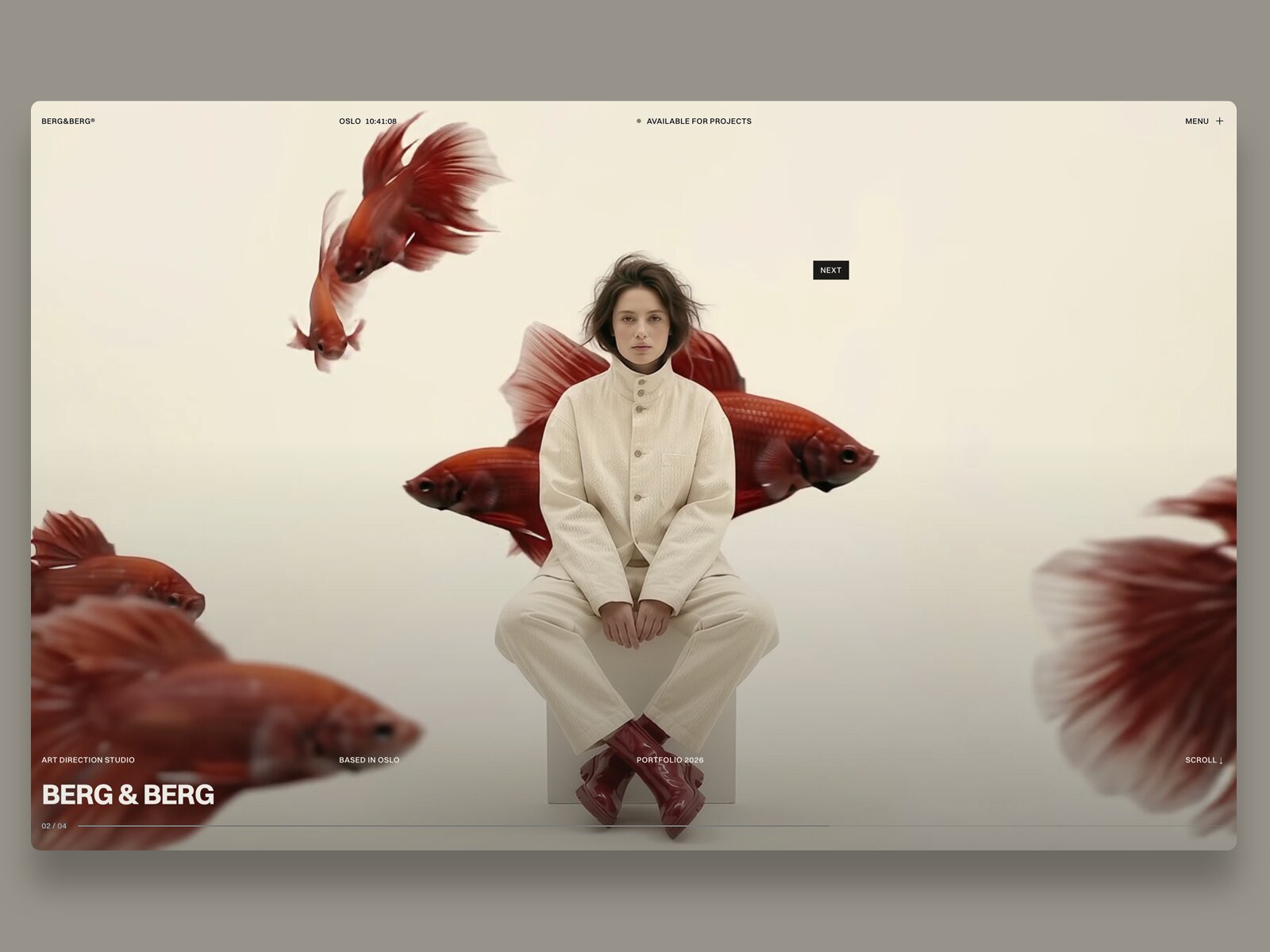
Berg&Berg — Free Art Direction Studio Template for Framer by Oleksandr Demydov
by Oleksandr Demydov
Agent Template
Live Preview