 Live Preview
← All Templates
Portfolio
Pics — Free Portfolio Template for Framer
Pics is a free 6-page portfolio Framer template for photographers selling prints, services, and session booking. Skip it if you only need one scroll or CMS case study pages.
freeframerremixportfoliocreativepics
Pics is a free six-page portfolio template for Framer aimed at working photographers who mix client services, print sales, and editorial journaling. Home, About, Services, Prints, Journal, and Book are static routes with no CMS in the file list. Skip it if you only want one scroll or CMS case study detail pages. JORGE ships Works and Work Page collections for designers. More free Framer templates live on the hub, or open the portfolio shortlist.
Who should remix Pics?
Pics fits portrait, wedding, and fine-art photographers who monetize more than day-rate shoots: packaged services on Services, limited runs on Prints, trust building on Journal, and a Book page that acts like a contact or session request hub. The Picwork-style preview treats imagery as commerce, not just a masonry grid of past clients. If your site must answer “what does a print cost” and “how do I hire you” on separate URLs, this sitemap matches that habit.
Walk away if you are a product designer who sells on CMS case studies and dark minimal aesthetics. JORGE is the yoframer swap for CMS Works pages and archives. Skip Pics when you only need a single scrolling portfolio for social bio traffic. Ferio is the one-page alternative on the same roundup.
What Pics looks like
Pics reads gallery-forward: large image fields, understated sans or neutral type, and lots of negative space so prints and portraits stay dominant. Services and Book use calmer layouts than Home so pricing and inquiry forms feel intentional, not bolted on. Journal mimics editorial spacing for long captions and behind-the-scenes stories.
Motion stays photography-friendly: slow fades and horizontal galleries rather than aggressive parallax that crops faces oddly on mobile. The fight is CMS. Prints and Journal are static frames, so frequent posting means duplicating layouts or adding collections later, which matters for photographers who publish weekly.
Pages included in Pics
Six pages, named as Framer lists them:
- Home: hero portfolio reel, positioning line, featured work grids, and CTAs toward Book or Services
- About: photographer story, credentials, gear or approach notes, and trust cues for couples or galleries
- Services: session types, packages, and deliverable lists with room for starting prices
- Prints: shop-style grid for editions, sizes, and purchase or inquiry buttons per print
- Journal: editorial list layout for stories, travel frames, or client session write-ups
- Book: booking or inquiry focus with form blocks and expectations for scheduling shoots
No 404 appears in the marketplace list. Add one after remix if paid ads will deep-link to inner routes.
What is distinctive about Pics
- Prints route on a free portfolio file. Separates commerce from the hero reel on Home.
- Journal plus Book pairing. Editorial trust on Journal, conversion on Book, without a generic Contact label.
- Services as its own URL. Useful when ads point to
/servicesfor wedding versus commercial intent. - Six-page photographer map. More complete than three-page case-study shells, still CMS-free.
- Creative commerce pacing. Layout assumes you sell both time (sessions) and objects (prints).
Framer forms, hosting, and breakpoints are platform defaults, not reasons to remix Pics instead of another portfolio file.
When to remix Pics, and when to skip
Remix Pics when you are a photographer who needs prints, services, journal, and booking routes live without configuring CMS, and you will edit static frames as your menu changes. Unknown authorship does not change the layout job: it is a commerce-aware portfolio shell you re-brand with your frames.
Skip it when CMS case studies or a single-scroll bio site is enough. Use JORGE or Ferio. Still comparing? Return to the portfolio shortlist or browse free Framer templates on the hub.
Frequently Asked Questions
Quick answers about Pics, including pricing, CMS support, responsiveness, and who it is built for.
-
What kind of website is Pics best for?
- Pics is for Portrait and fine-art photographers who sell prints, publish a journal, and need a Book route for session inquiries. It includes 6 pages: Home, About, Services, Prints, Journal, Book.
-
Is Pics free or paid?
- Pics is a free Framer template. The listed price on yoframer is free.
-
Does Pics support CMS and responsive design?
- Pics does not include CMS support. It is fully responsive.
-
When should I skip Pics?
- You want one-page scrolling only or CMS-backed project pages. Ferio and JORGE on yoframer cover those shapes. Start with JORGE .
Featured in our Portfolio roundup
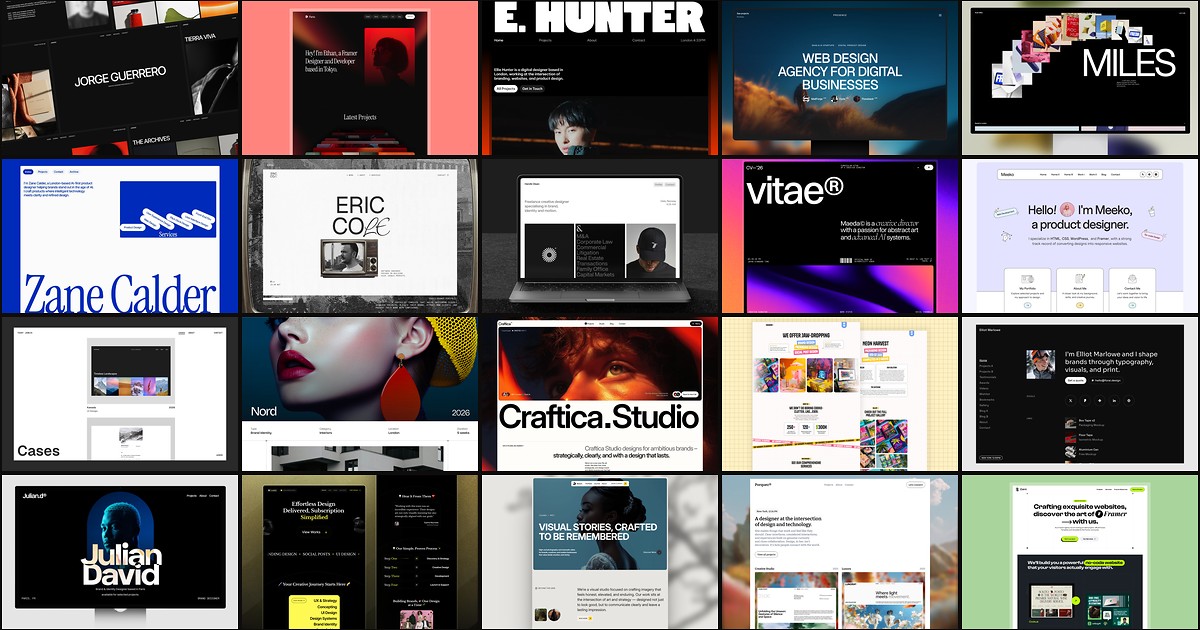
20 Best Portfolio Framer Templates in 2026 (Ranked)
A portfolio site should show work first and make contact inevitable. These 20 Framer templates cover minimal one-pagers to full CMS studios.