 Live Preview
← All Templates
Photography
Photobook — Free Photography Template for Framer by Real Mehedi
Photobook is a free 7-page photography Framer template for landscape and wildlife shooters who think in printed books. Skip it if you want a bright, fast grid.
photographyportfoliophotobookserifjournalcmsfree
Agent walkthrough
The creator's video on running Photobook with Framer's agent and the skills it ships with. More free Agent Templates
Skills included
- launch-check
- seo
- voice
- design-system
- pages-and-forms
- journal
- book-pages
- series
- pictures
- everyday-edits
- make-it-yours
- default
Photobook is a free 7-page photography template for Framer by Real Mehedi. The homepage is a hardbound book you page through, one picture per spread, so it suits landscape, wildlife, and still life photographers who already think in sequences. Series and Article are CMS collections, which means new projects and journal posts are entries, not layout jobs. Skip it if you want a bright, scroll-fast grid of client shoots. PhotoNine is the quicker dark option. More free Framer templates live on the hub, plus the photography shortlist.
Who should remix Photobook?
The brief here is a photographer with ten years of trips behind them and a couple of printed zines on the shelf. They want the website to feel like handing someone the book: a cover, then pages in a deliberate order, then a work index sorted by series with a year and a genre on each. Photobook does that literally, with a cover image set in a dark cloth binding on a soft gray table.
Wedding and event shooters should walk away. There is no packages page, no booking flow, and the slow page-turn opening asks visitors for patience that a couple shopping for dates may not give. A two-page portfolio like PhotoNine gets them to an inquiry faster.
What Photobook looks like
Warm gray background, EB Garamond serif throughout, small caps for captions like location and year. The cover is the only dark object on screen, so the photograph inside it carries all the color. It reads like a gallery catalogue or a Phaidon spine, not like a social feed.
That restraint builds trust for fine art and editorial work, where buyers want to see taste before price. The fight is pace. Everything is quiet and measured, so a photographer with loud commercial work or neon city shots will find the default mood too reverent.
Pages included in Photobook
Seven pages, named as Framer lists them:
- Home (the photobook): the page-turning book that opens the site, one image per spread
- Work: index of series with title, genre, and year, linking into each collection item
- Series (CMS): the template for a single body of work, driven by the collection
- Journal: list of field notes and essays
- Article (CMS): the reading layout for each journal entry
- 404: fallback page in the same serif style
- Design system: a reference page of type and components to keep edits consistent
The Design system page is a nice extra for anyone handing the site to an assistant.
What is distinctive about Photobook
- A literal book homepage. The cover and page-turn sequence is the concept, not a decoration on top of a grid.
- Two collections. Series and Article split work from writing, so the journal can grow without touching the portfolio.
- Genre and year on every series. Landscape, wildlife, street, travel: the index doubles as a CV.
- Serif-first typography. Garamond gives the whole file a print feel that sans-serif photo templates miss.
- A design system page. Handy for keeping captions and headings consistent as you add work.
Platform tools like Framer’s SEO settings come with every file. They are not a reason to remix Photobook.
When to remix Photobook, and when to skip
Remix Photobook when your photos already work as sequences and you want the site to show them in order, with a journal for the stories behind them. Real Mehedi built the CMS so the hard part is choosing which picture goes on which page.
Skip it if you shoot weddings, products, or headshots and need packages or a fast inquiry. PhotoNine is leaner for that. Check the photography shortlist for other picks, then bounce back to the hub.
Frequently Asked Questions
Quick answers about Photobook, including pricing, CMS support, responsiveness, and who it is built for.
-
What kind of website is Photobook best for?
- Photobook is for Landscape, wildlife, and still life photographers who sequence their work into series. It includes 7 pages: Home (the photobook), Work, Series (CMS), Journal, Article (CMS), 404, Design system.
-
Is Photobook free or paid?
- Photobook is a free Framer template. The listed price on yoframer is free.
-
Does Photobook support CMS and responsive design?
- Photobook includes CMS collections for Series (CMS), Article (CMS). It is fully responsive.
-
When should I skip Photobook?
- You want a bright grid of client shoots with booking. PhotoNine is a faster, darker two-page option. Start with PhotoNine .
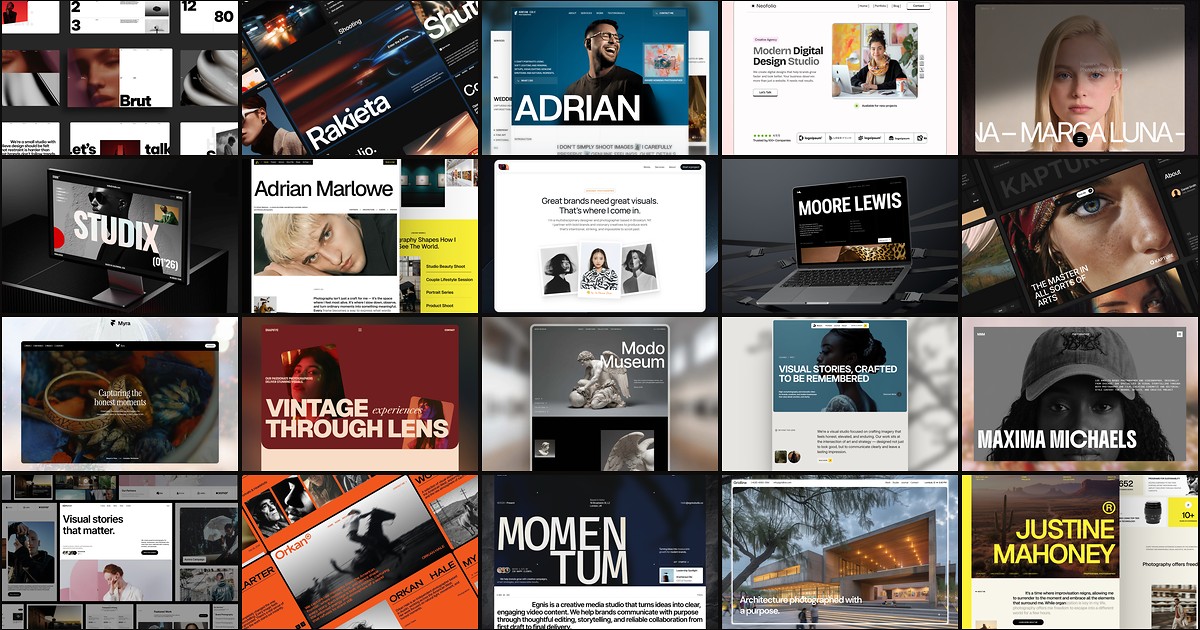
Featured in our Photography roundup
20 Best Free Photography Framer Templates in 2026
Photography buyers judge you on image hierarchy before they read a bio. These 20 free Framer templates ship the gallery routes, studio pages, and CMS depth shooters and agencies need without a custom build.