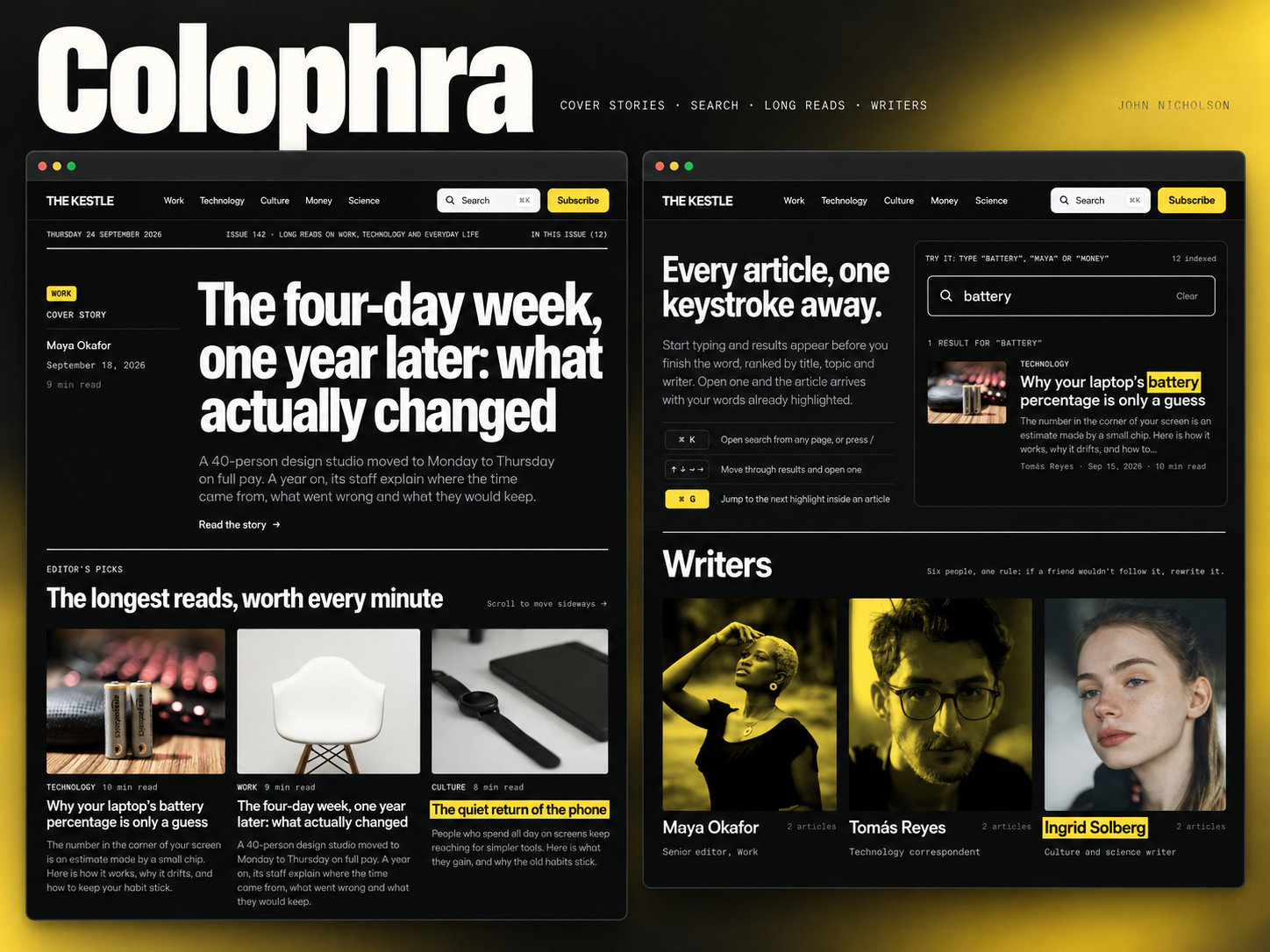
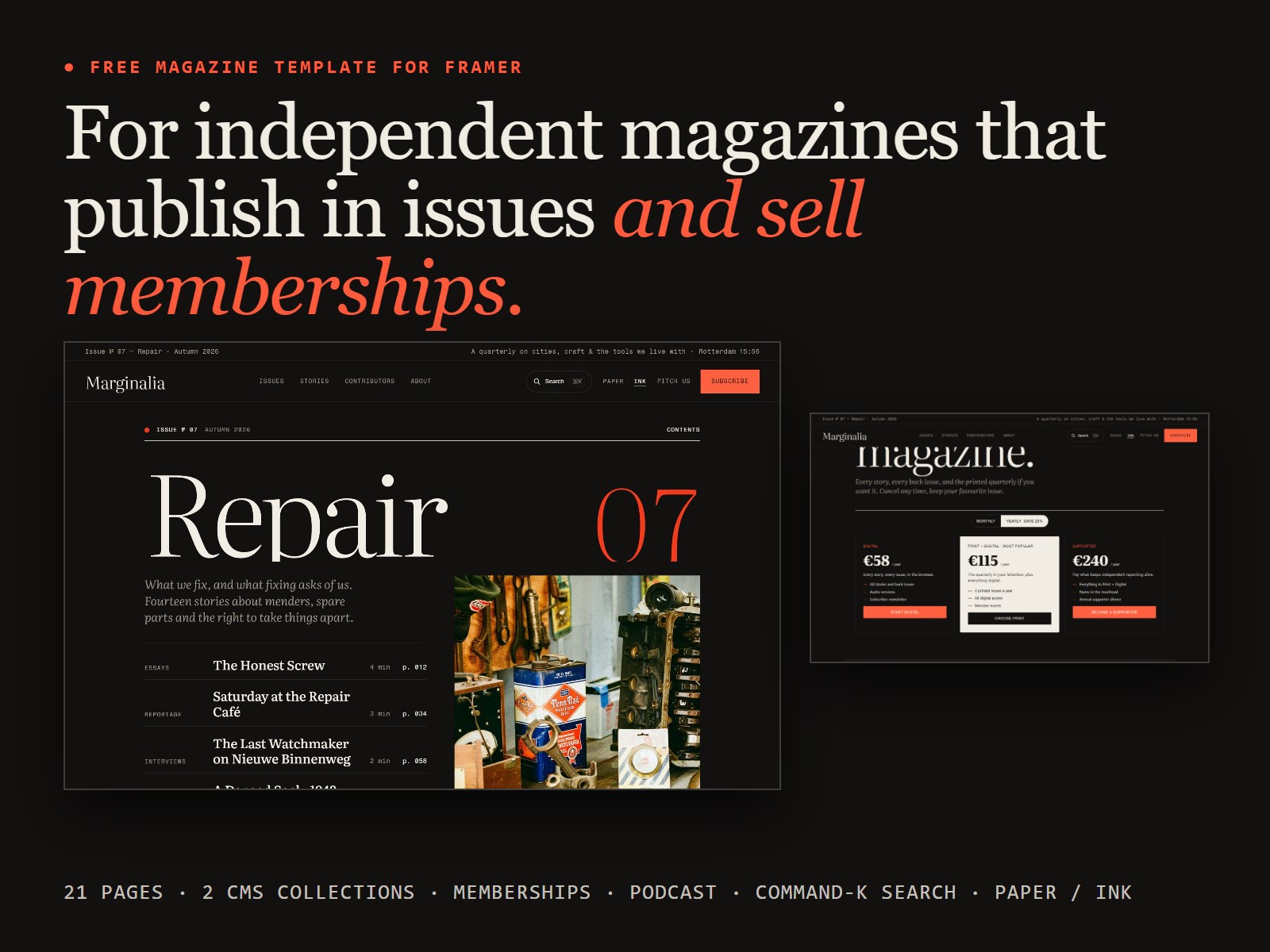
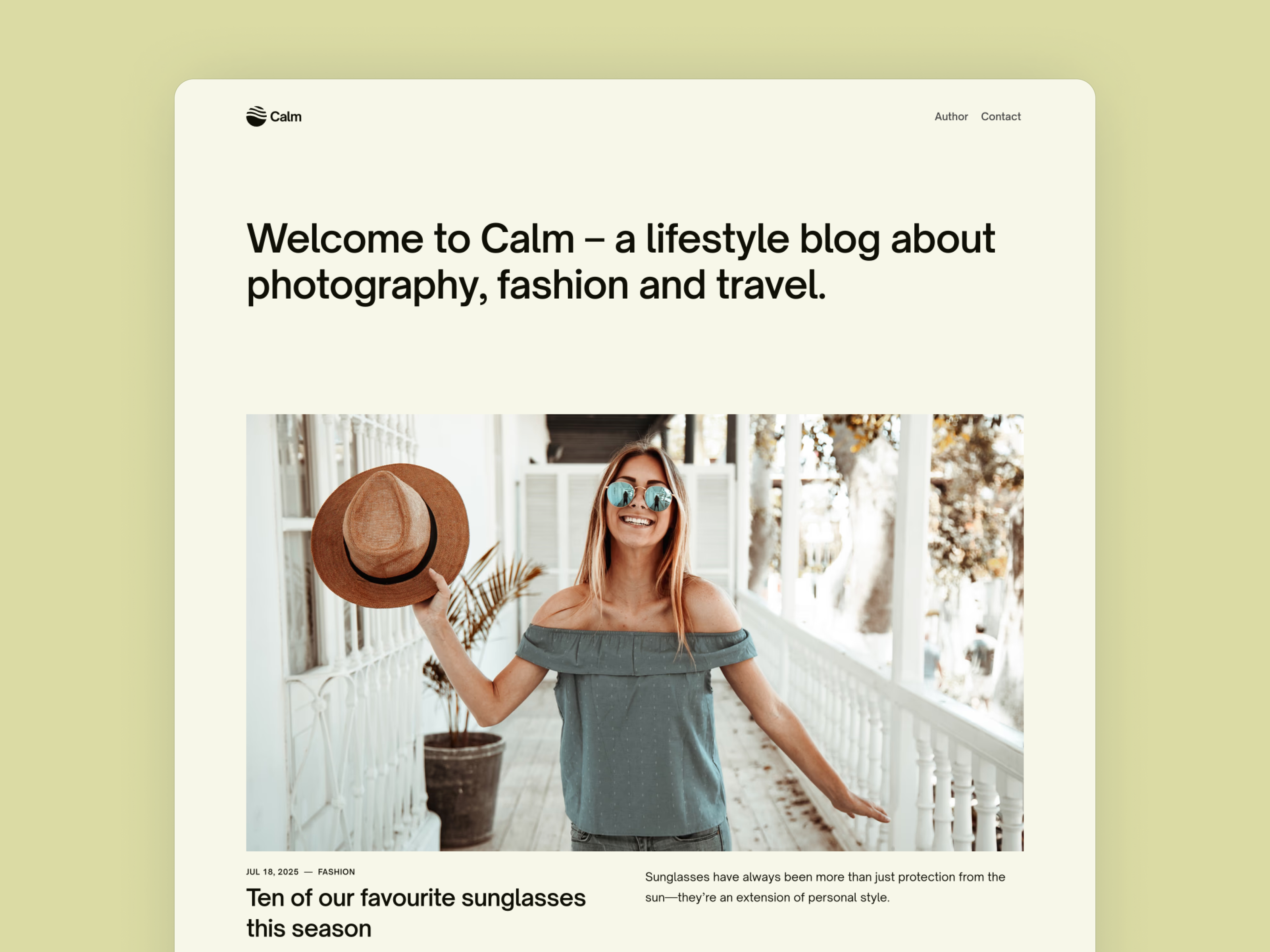
 Live Preview
Calmm — Free Blog Template for Framer
by Unknown
Magaziness is a free 6-page magazine Framer template for indie publishers selling a shelf of titles. Skip it if you need CMS articles or a checkout that works out of the box.
The creator's video on running Magaziness with Framer's agent and the skills it ships with. More free Agent Templates
Skills included
Magaziness is a free 6-page magazine template for Framer by Anvics. It is built for a small publisher with several titles and a back catalog: a draggable shelf of magazine spines, a library page, and a how-it-works explainer for a reading membership. There is no CMS in the page list and no working checkout, so issues and payments are yours to wire up. Skip it if you post weekly articles. MAGAZIN® is the plainer blog. More free Framer templates live on the hub, or try the editorial shortlist.
The brief this file answers: a collective that prints four or eight small magazines, sells single issues at a fixed price, and wants a reading room online with a monthly pass. The homepage spells that model out in three steps (find a title, choose how to read, turn the pages), lists new issues with issue numbers and cover stories, and ends on a browse-by-title shelf. A print studio, a type foundry with a quarterly, or a travel zine can all slot into that shape.
Walk away if your publication is really a blog. Writers who need a post template, tags, and an RSS habit will spend their time fighting the shelf. MAGAZIN® is closer to that job. A newsroom with daily output needs CMS collections this file does not list.
Warm off-white paper tones, near-black ink, and Newsreader serif headlines. The hero is a dark band of colored spines (cream, navy, red, mustard, forest green), each set in its own typeface, so the shelf looks curated rather than generated. Hover slows the row, drag scrolls it. It feels closer to a good independent bookshop than to Substack.
The trade-off is that the spines are the brand. Every title you add needs its own cover color and type choice, or the shelf flattens into a stripe of rectangles. A single-title publication will find the whole metaphor oversized.
Six pages, as listed on the marketplace:
The Design System page is the rare extra. It makes handover to a second designer far less painful.
The pricing and membership language is demo copy. You still need a payment tool or a store link of your own.
Remix Magaziness when you have more than one title and want readers to browse them the way they would at a shop counter. Anvics put real thought into the shelf interaction, and it is the reason to start here instead of a generic blog.
Skip it when you publish articles on a schedule and need a CMS post layout, or when you sell one magazine only. MAGAZIN® fits the text-first case. Compare a few more in the editorial shortlist, then head back to the hub.
Quick answers about Magaziness, including pricing, CMS support, responsiveness, and who it is built for.
A blog template should ship readable article layouts, category routes, and publishing workflows without forcing you to wire CMS collections from scratch. These 15 free Framer builds do exactly that.