 Live Preview
← All Templates
Portfolio
Hansler — Free Portfolio Template for Framer
Hansler is a free 3-page portfolio Framer template for creatives who only need Home, About, and Contact. Skip it if you need CMS case studies or a work index.
freeframerportfoliocreativehanslerminimal
Hansler is a free 3-page portfolio template for Framer with Home, About, and Contact only. No CMS, no Works index, no blog. Skip it if buyers expect clickable case studies on their own URLs. JORGE is the dark CMS portfolio pick on yoframer. More free Framer templates live on the hub, or open the portfolio shortlist.
Who should remix Hansler?
Hansler fits freelancers who show work on the homepage and treat About as the credibility page: bio, clients, process, maybe awards. Photographers, illustrators, and product designers who hate maintaining a second grid page will like the small route map. You can launch before you have twelve CMS entries ready.
Pass if your portfolio is project-heavy and recruiters expect a Works or Projects index. Three pages will feel thin once you have twenty shots to sort. Studios pitching retainers or team hires should also look elsewhere. Hansler does not ship pricing, services, or team routes.
What Hansler looks like
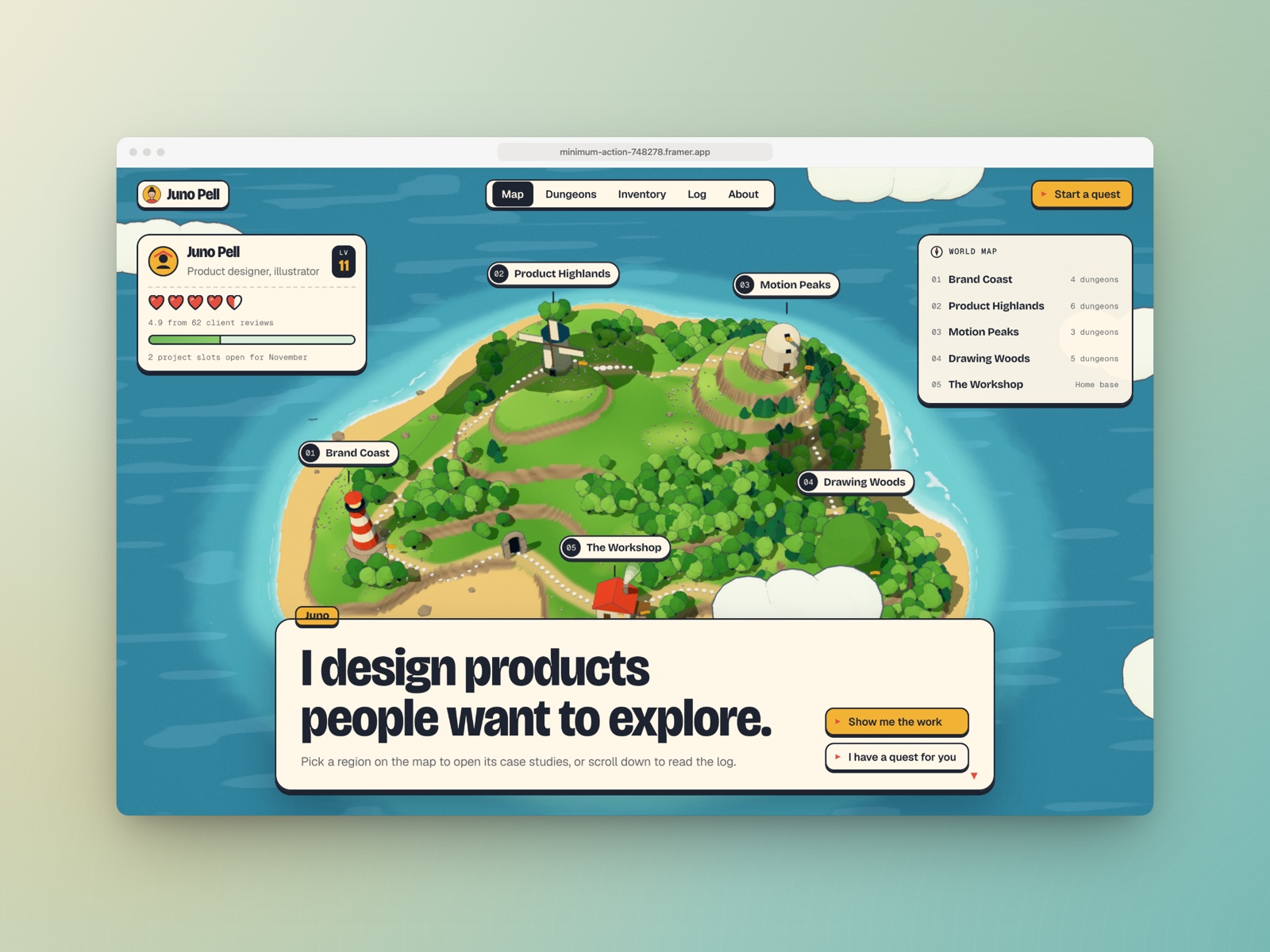
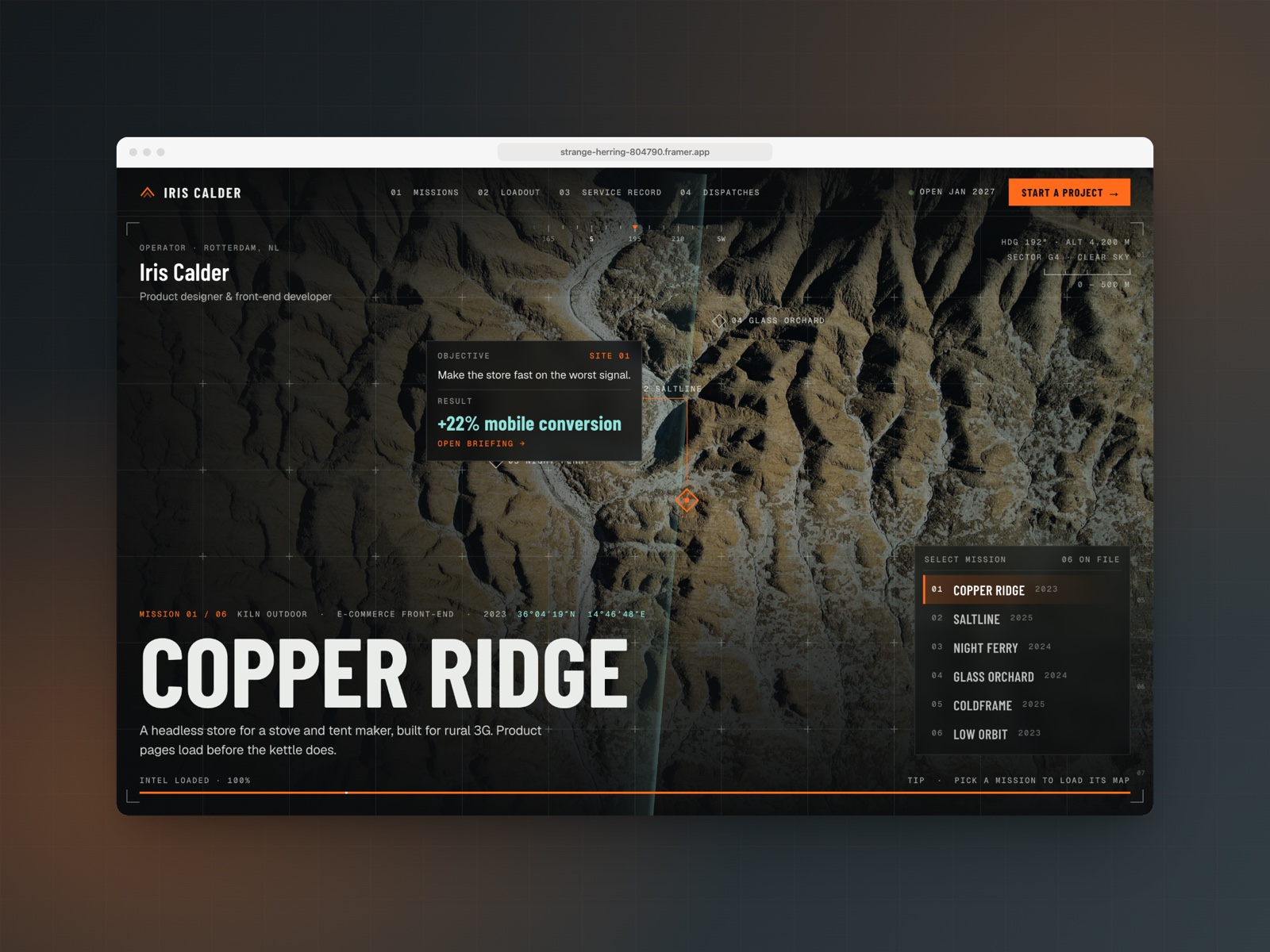
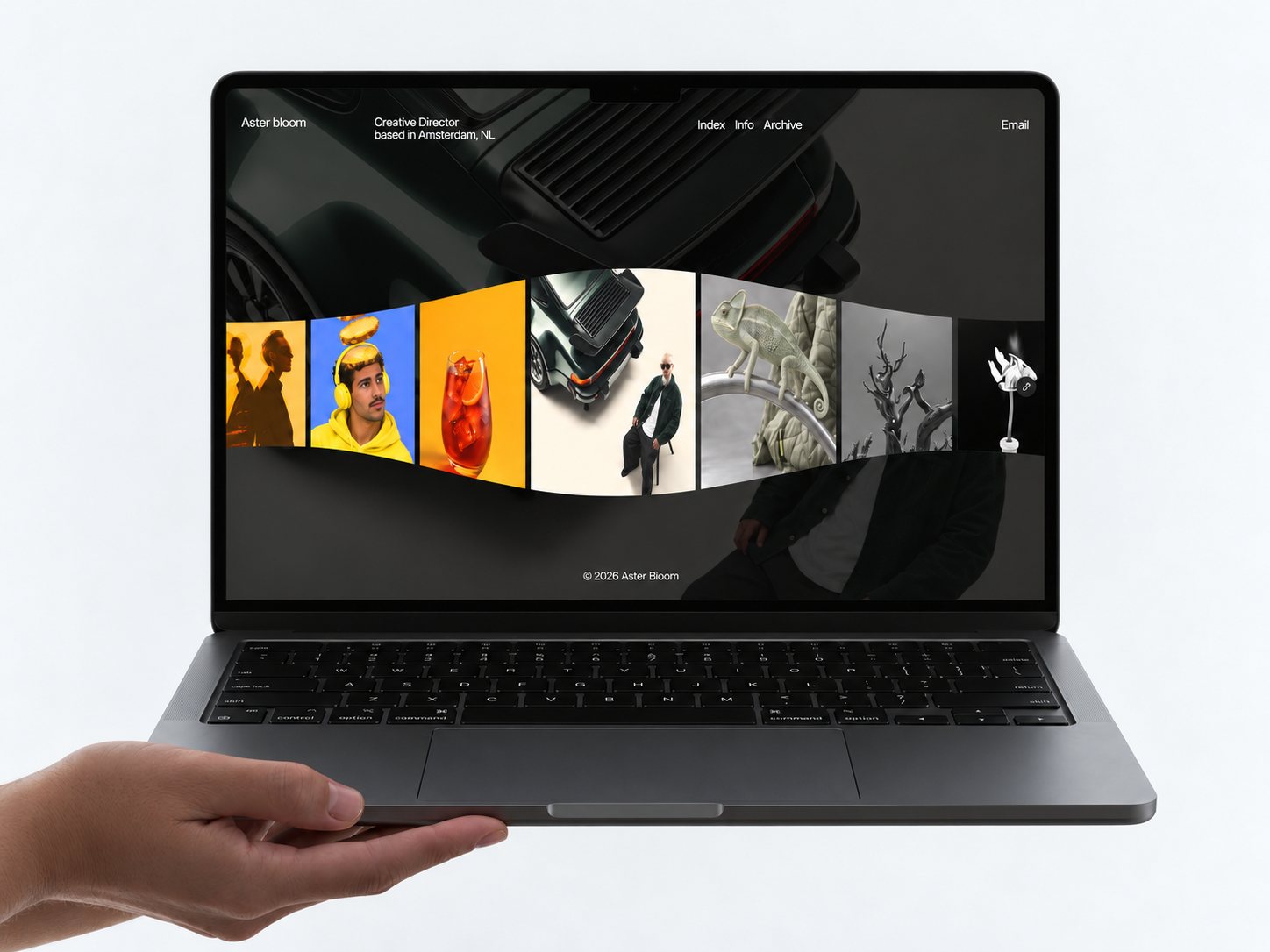
The live preview leans creative and current: strong hero typography, card or mosaic work blocks on Home, and softer storytelling on About. Spacing is airy so illustration and photography can carry the page. Motion is present but not scroll-heavy, which helps on mobile Instagram traffic.
The default art direction assumes you will bring colorful work. A corporate or muted B2B brand may need a full palette swap. Type scales are tuned for display headlines, so long manifestos on About will need editing, not just paste.
Pages included in Hansler
Three pages, named as Framer lists them:
- Home: hero, selected work, and primary contact prompts
- About: story, skills, clients, or process in a dedicated scroll
- Contact: form or email path for inquiries
Everything lives in three clicks. That is the point and the ceiling.
What is distinctive about Hansler
- Three-page cap. Faster remix than seven-page portfolios with CMS wiring.
- Work on Home. No separate index page to keep in sync when you add a project.
- About as credibility hub. Room for narrative without a bloated sitemap.
- Creative-forward layout. Built for visual portfolios, not agency service trees.
- No CMS maintenance. Swap frames when work changes; no collection fields to fill.
Platform SEO and responsive breakpoints come with Framer. They do not make Hansler unique among free portfolio files.
When to remix Hansler, and when to skip
Remix Hansler when you want a lightweight creative site and your best work already fits above the fold on Home. Unknown authorship on the marketplace does not change the file: the structure is simple on purpose.
Skip it when case studies need their own URLs and CMS repeatability. That is JORGE. Need one scroll only? Ferio is even leaner. Compare options on the portfolio shortlist or back at free Framer templates.
Frequently Asked Questions
Quick answers about Hansler, including pricing, CMS support, responsiveness, and who it is built for.
-
What kind of website is Hansler best for?
- Hansler is for Illustrators and designers who want a short portfolio sitemap without a separate work grid page. It includes 3 pages: Home, About, Contact.
-
Is Hansler free or paid?
- Hansler is a free Framer template. The listed price on yoframer is free.
-
Does Hansler support CMS and responsive design?
- Hansler does not include CMS support. It is fully responsive.
-
When should I skip Hansler?
- You need CMS case studies or a dedicated projects index. JORGE covers that job. Start with JORGE .
Featured in our Portfolio roundup
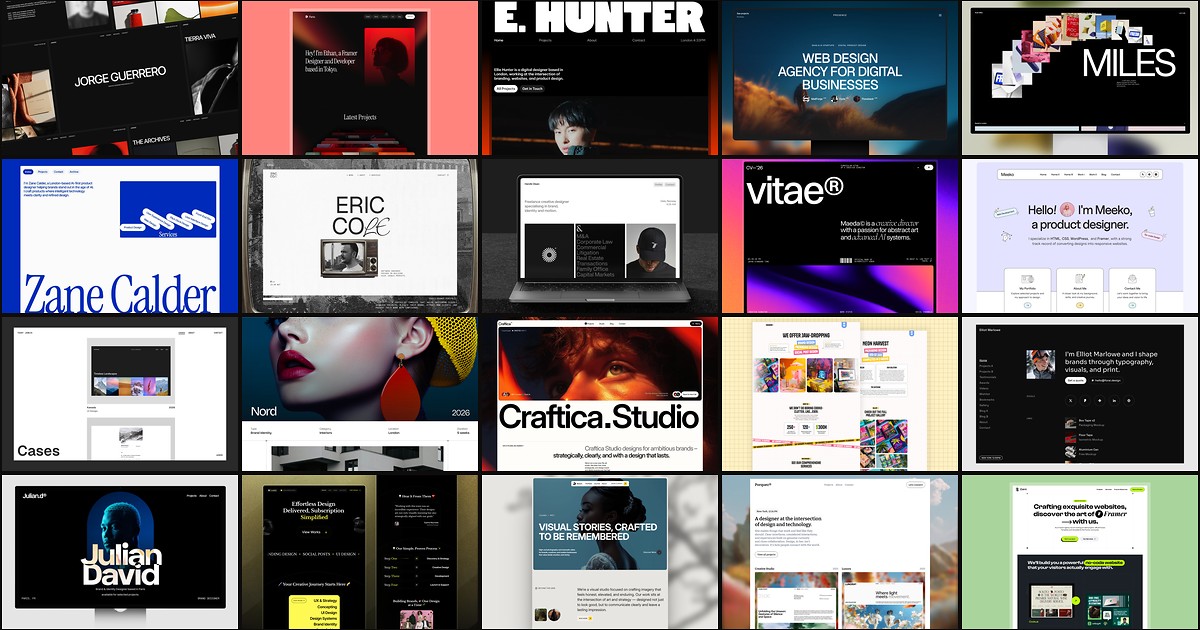
20 Best Portfolio Framer Templates in 2026 (Ranked)
A portfolio site should show work first and make contact inevitable. These 20 Framer templates cover minimal one-pagers to full CMS studios.