 Live Preview
← All Templates
Portfolio
Galerie Art — Free Portfolio Framer Template
Galerie Art is a free 16-page portfolio Framer template for galleries with CMS exhibition, artist, shop, and event detail routes. Skip it if you only need a five-page designer site. Louver is lighter.
freeframerremixportfoliocreativegallerycmsgalerie-art
Galerie Art is a free sixteen-page portfolio template for Framer from an unknown marketplace author, shaped like a contemporary gallery with exhibitions, artists, shop, programming, news, and multiple detail routes. CMS-style detail pages cover exhibitions, artists, artworks, events, and articles, so you publish records instead of cloning frames forever. Skip it if you only need a tight designer portfolio without shop or event programming. Louver is the lighter static pick. Browse free Framer templates on the hub, or start with the creative shortlist.
Who should remix Galerie Art?
Galerie Art fits independent galleries, pop-up spaces, and creative institutions that must list shows, roster artists, sell editions, and promote what is on this month from one site. Index plus detail pairs for exhibitions, artists, artworks, and events mirror how visitors actually browse before they visit in person.
Walk away if you are a solo product designer who only needs Work, About, and Contact. Louver or JORGE match that job without sixteen routes. Skip Galerie Art when you need a photography studio with wedding CMS proof. Myra is the editorial photography file on yoframer for that depth.
What Galerie Art looks like
The preview reads institutional but contemporary: generous imagery for artwork, clear typographic hierarchy for show dates and artist names, and shop grids that can carry prints or merchandise without feeling like a generic ecommerce skin. News and Article routes give you press and editorial room separate from exhibition marketing.
Motion stays gallery-appropriate so titles and dates remain readable on phones when someone checks hours on the sidewalk. The trade-off is maintenance. Sixteen pages and multiple collections mean you need content ops, not just a weekend re-skin, before the site feels alive.
Pages included in Galerie Art
Sixteen pages, named as Framer lists them:
- Home: current shows, featured artists, and paths into exhibitions, shop, and what’s on
- Exhibitions: index of shows and seasons with links into detail records
- Exhibition detail: long-form page for one exhibition, dates, and install photography
- Artists: roster index for represented or featured artists
- Artist detail: biography, work samples, and related shows for one artist
- Shop: commerce index for available works or editions
- Artwork detail: single piece page with pricing or inquiry cues as you wire them
- What’s on: programming overview for current and upcoming public events
- Event detail: detail layout for talks, openings, or timed programs
- News: press and updates index
- Article: long-form editorial or announcement layout tied to news items
- About: mission, space, hours, and visitor information
- Contact: visit, press, and sales inquiries
- Privacy: privacy policy for forms, shop, and analytics disclosures
- Terms: terms for purchases, visits, or site use
- 404 and Docs: dead-end recovery plus documentation-style support content as Framer lists it
Detail routes for exhibitions, artists, artworks, events, and articles are why cmsReady belongs on this listing. Plan collections around those names instead of hand-duplicating detail frames for every show.
What is distinctive about Galerie Art
- Multi-collection gallery map. Exhibitions, artists, shop pieces, events, and articles each get index plus detail patterns.
- Shop plus programming. Rare on free creative files that usually stop at portfolio grids.
- What’s on and Event detail. Public program marketing without hacking a blog into a portfolio template.
- News and Article pair. Press releases and essays stay separate from exhibition sales pages.
- Privacy and Terms on a cultural site. Helps when trustees or partners ask for policy links before listings go live.
- Sixteen-page scope. Built for institutions, not three-page reels.
Framer platform SEO, analytics, and breakpoints are table stakes. They are not the reason to remix Galerie Art over a simpler creative starter.
When to remix Galerie Art, and when to skip
Remix Galerie Art when you run or launch a gallery-shaped site and you already have shows, artists, and shop inventory to feed CMS detail routes. The unknown author mapped the sitemap galleries actually need instead of forcing shop logic into a designer portfolio.
Skip it when you only sell personal design work on five static pages. Use Louver or JORGE. Skip it when the priority is photography client proof, not exhibition programming. Try Myra. Compare creative files on the creative shortlist or return to free Framer templates.
Frequently Asked Questions
Quick answers about Galerie Art, including pricing, CMS support, responsiveness, and who it is built for.
-
What kind of website is Galerie Art best for?
- Galerie Art is for Small galleries and creative venues that need exhibitions, artists, shop listings, and events on CMS-style detail routes. It includes 16 pages: Home, Exhibitions, Exhibition detail, Artists, Artist detail, Shop, Artwork detail, What's on, Event detail, News, Article, About, Contact, Privacy, Terms, 404 and Docs.
-
Is Galerie Art free or paid?
- Galerie Art is a free Framer template. The listed price on yoframer is free.
-
Does Galerie Art support CMS and responsive design?
- Galerie Art includes CMS support. It is fully responsive.
-
When should I skip Galerie Art?
- You only need a five-page designer portfolio without shop or programming depth. Louver stays static and smaller. Start with Louver .
Featured in our Portfolio roundup
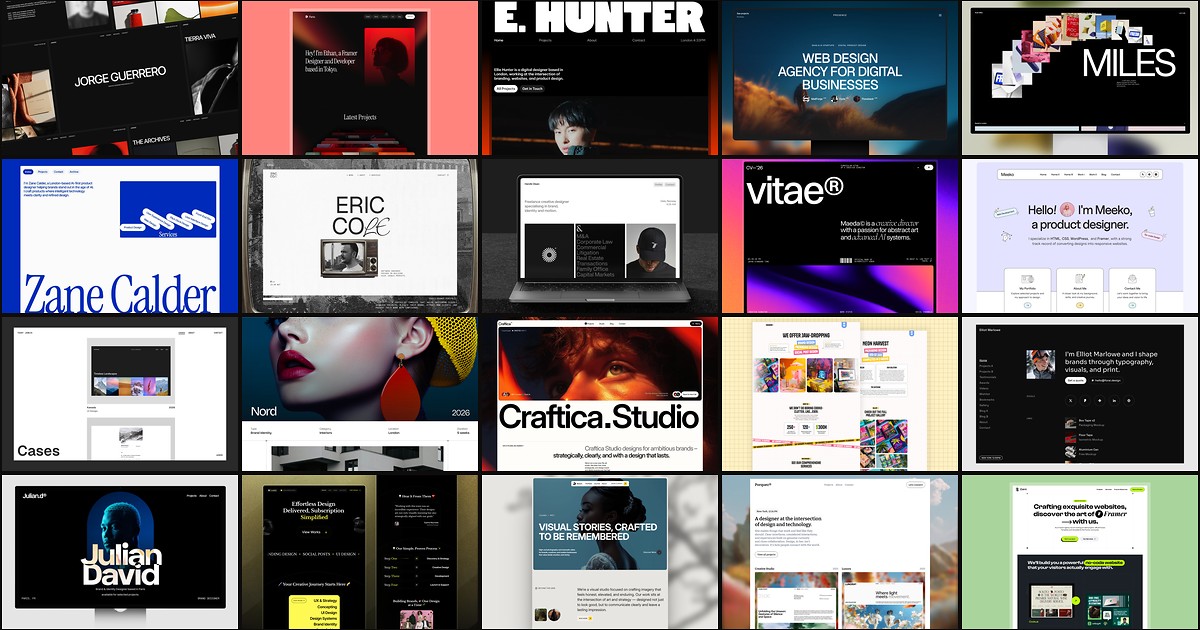
20 Best Portfolio Framer Templates in 2026 (Ranked)
A portfolio site should show work first and make contact inevitable. These 20 Framer templates cover minimal one-pagers to full CMS studios.