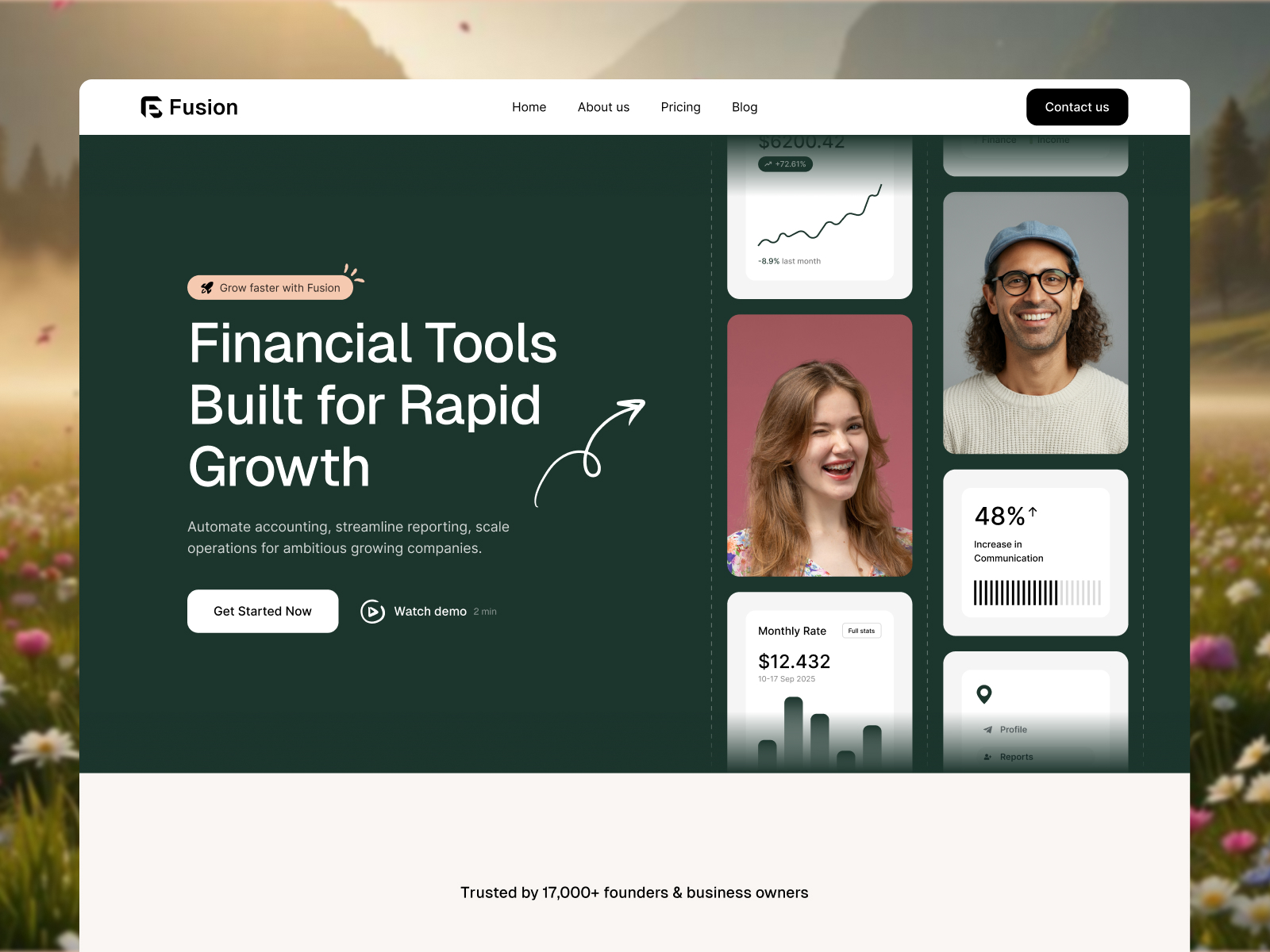
 Live Preview
Fussion — Free SaaS Template for Framer
by Unknown
Cloudhub is a free 5-page SaaS Framer template for B2B teams that need pricing, customer proof, and a blog without CMS setup. Skip it if you need careers and integration landings.
Cloudhub is a free five-page SaaS template for Framer built for teams selling cloud or workflow software who need a credible marketing site without CMS wiring on day one. Home, Pricing, Customers, Blog, and Contact are all static frames. Skip it if you need careers and integration pages for enterprise buyers comparing vendors. Fussion adds those routes. More free Framer templates sit on the hub, or start with the SaaS shortlist.
Cloudhub fits founders and small marketing teams launching a second product line or refreshing a stale landing page while the app team ships features. The sitemap assumes you will send paid traffic to Pricing, point sales decks at Customers, and publish release notes on Blog without building collections first. Agencies packaging a repeatable SaaS client kit also win here because the page names match what procurement asks for in the first call.
Walk away if hiring and partner integrations are core to your pitch. You will duplicate frames or bolt on pages that fight the spacing. Fussion is the sibling file with Careers and Integration already named. If you need seventeen routes with CMS careers and product landings, jump to Impulse instead of stretching Cloudhub.
The preview reads clean B2B SaaS: soft neutrals, product UI in hero blocks, and card grids for customer logos that feel closer to Notion marketing than neon startup gradients. Typography stays readable on phones when a buyer opens Pricing from a forwarded Slack link.
Motion stays subtle so plan names and feature bullets remain scannable. The honest fight is personality. Brands that want loud gradient energy or dark developer-tool chrome will spend an evening retokenizing color and type because the default mood assumes friendly enterprise clarity, not cyberpunk fintech.
Five pages, named as Framer lists them:
Nothing is CMS-backed, so each blog post is a duplicated frame or a manual swap until you add collections later. That trade keeps launch week fast when copy matters more than publishing cadence.
Framer SEO, analytics, and breakpoint tooling ship with the platform. They are not reasons to pick Cloudhub over another SaaS file.
Remix Cloudhub when you need pricing, customer proof, and a blog on static pages this month and you are fine adding CMS later. The route map matches how many B2B SaaS teams actually sell before Series A polish arrives.
Skip it when careers and integration marketing must ship on day one. That is Fussion. Skip it when you need CMS blog posts and deep product landings out of the box. Browse the SaaS shortlist or return to free Framer templates on the hub.
Quick answers about Cloudhub, including pricing, CMS support, responsiveness, and who it is built for.
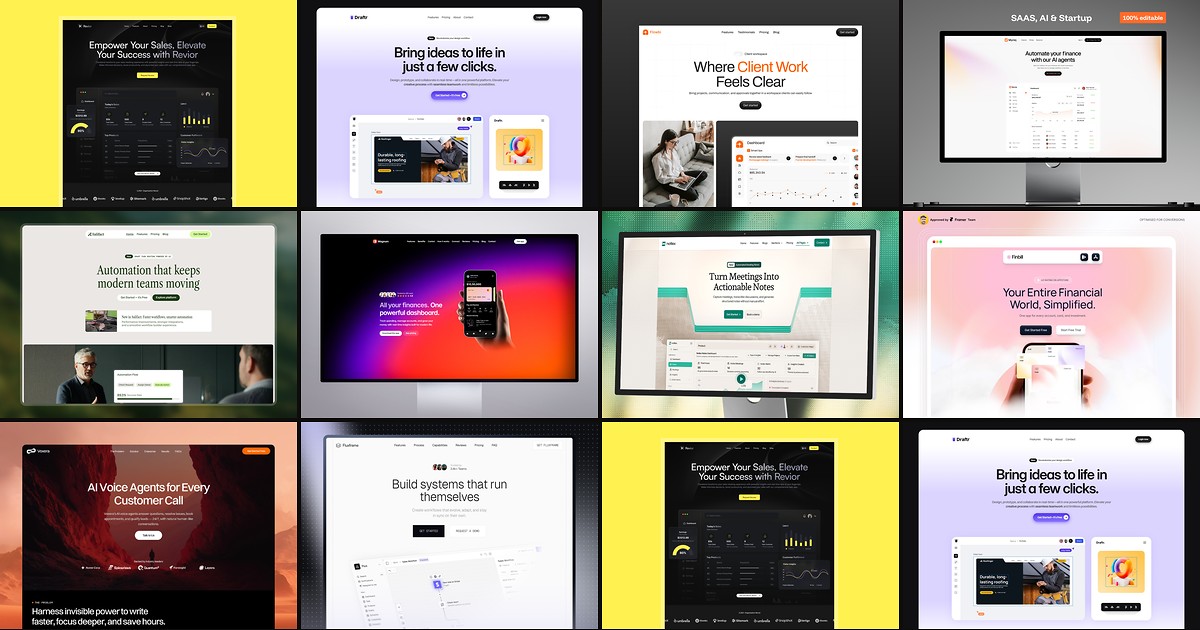
Most free SaaS templates on Framer look great in the preview and fall apart the moment you customize them. These 10 don't.
Live Preview
by Unknown
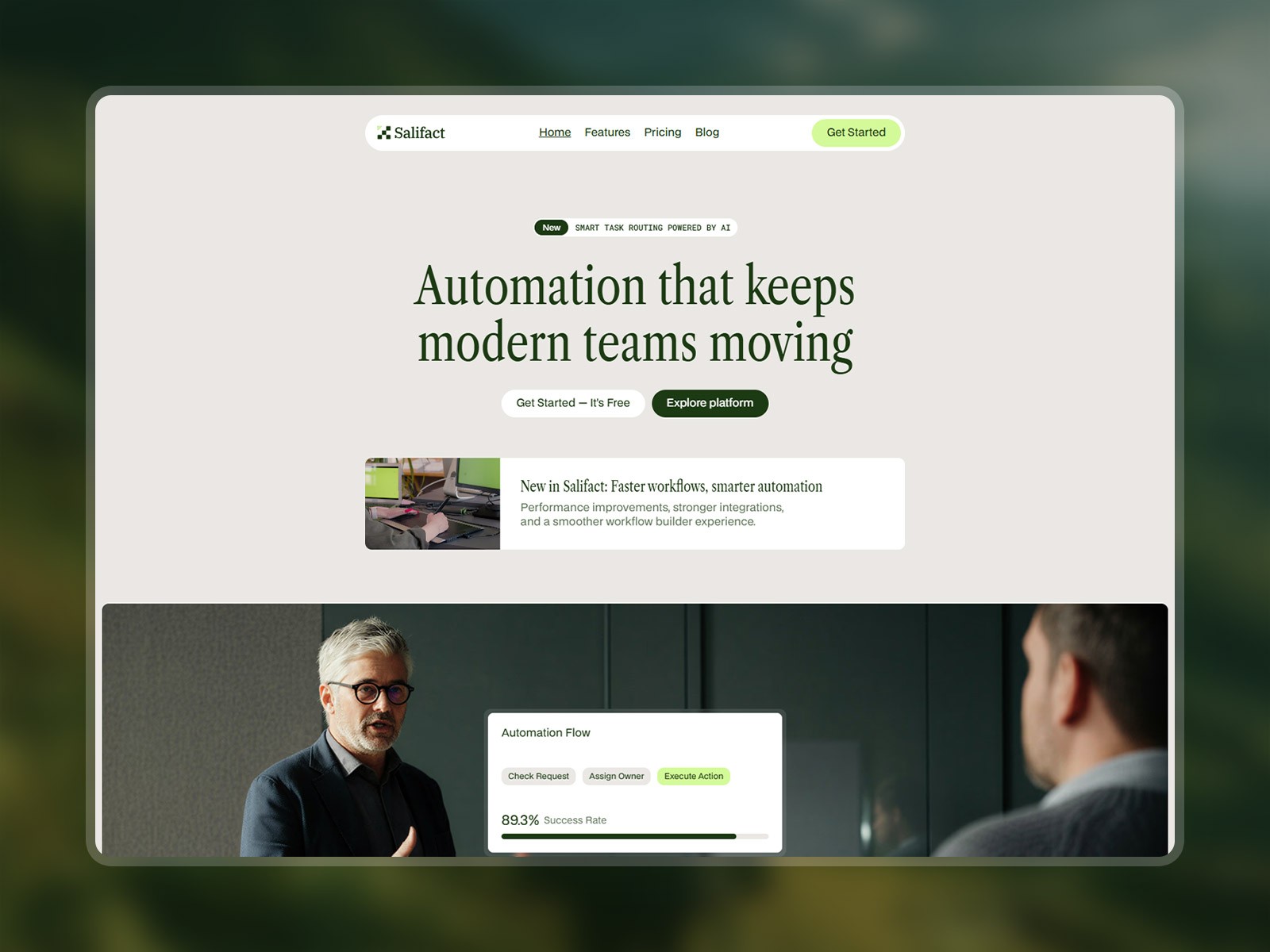 Live Preview
by Salim from Webestica
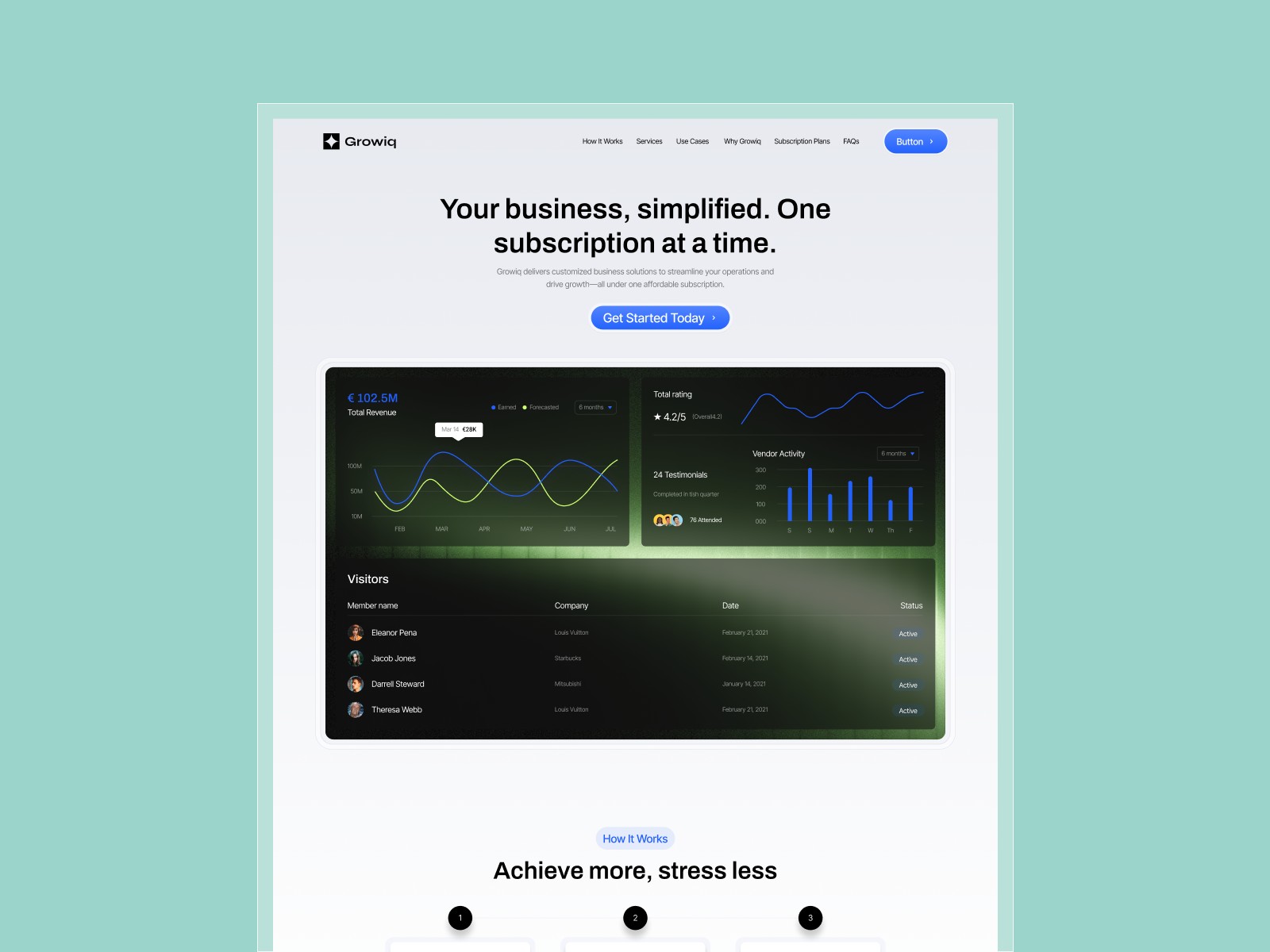 Live Preview