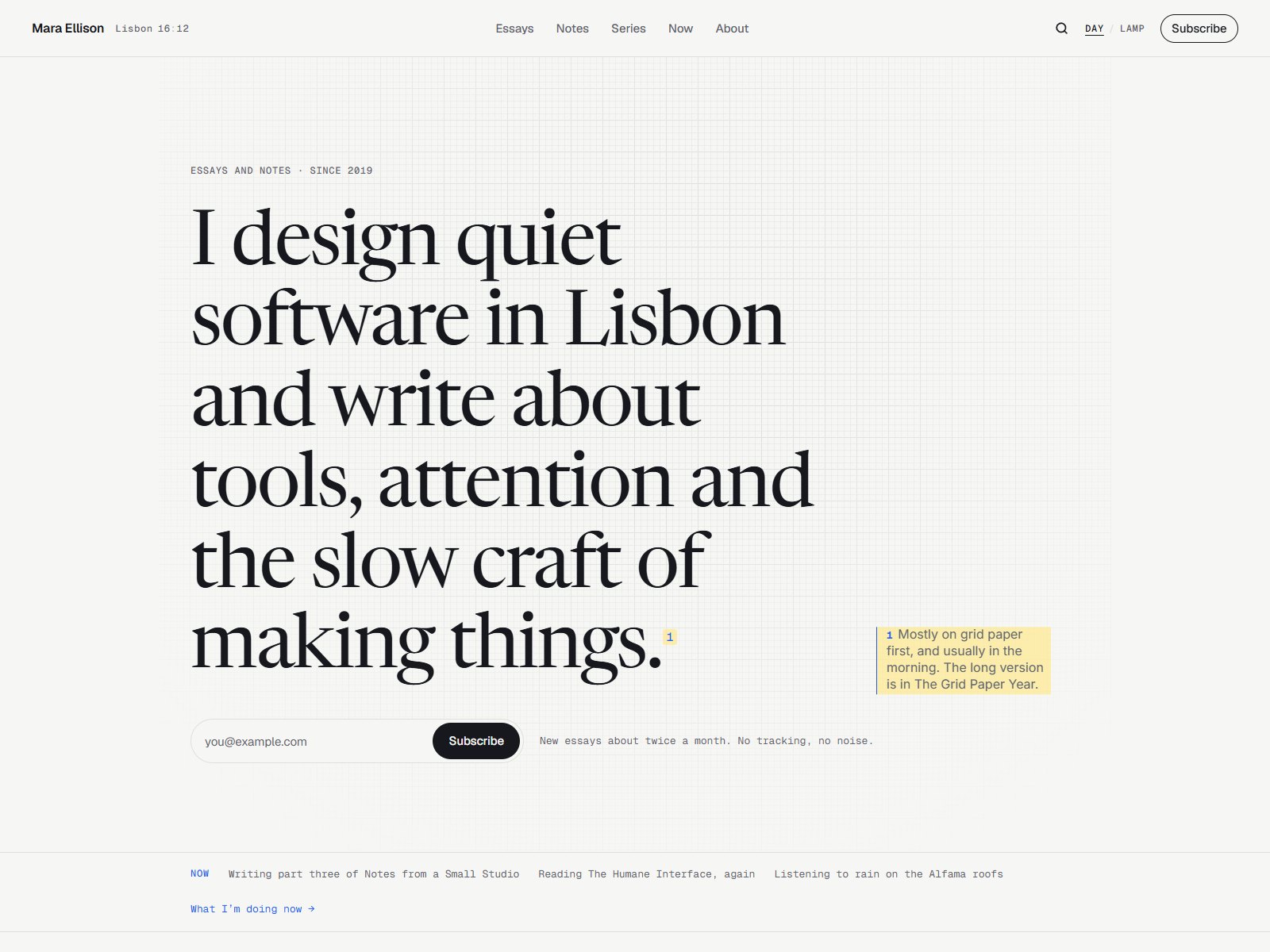
 Live Preview
Sidenote — Free Blog Template for Framer
by Unknown
Blogshelf is a free 6-page blog Framer template for writers who want Stories, topics, and a newsletter slot without CMS setup. Skip it if you need nine routes and a privacy page.
Blogshelf is a free 6-page blog template for Framer from an unknown marketplace author. It is built for a writer who wants a home page, a Stories index, single posts, topic hubs, About, and a combined newsletter plus 404 route, all as static frames with no CMS. Skip it if you need a nine-page map with privacy and more essay taxonomy. Sidenote covers that job. Browse more free Framer templates on the hub or start with the blog shortlist.
Blogshelf fits a solo writer, a niche newsletter, or a small studio blog that publishes long reads under a Stories label and groups them by Topic. You are not running a magazine with ten verticals. You want visitors to land, skim recent posts, open one article, and optionally join a mailing list without wiring collections on day one.
Walk away if your editorial model needs Essays versus Notes, a Series archive, or a dedicated Now page. Those routes are not in this sitemap. If you want the fuller blog furniture out of the box, remix Sidenote instead of stretching Blogshelf with duplicate frames.
The preview reads calm and editorial: generous line length, soft contrast, and section breaks that favor reading over hero theatrics. Typography feels closer to a Substack landing page than to a SaaS marketing site, which helps trust when the product is your voice. Imagery slots are sized for essay headers and author portraits, not full-bleed product renders.
Motion stays minimal so long posts remain comfortable on a phone. The trade-off is personality. A loud brand with neon accents or brutalist type will fight the default restraint until you replace fonts and color tokens across every frame.
Six pages, named as Framer lists them:
Everything is static, which keeps remix speed high but means each new post is a duplicated frame or a future CMS project you add yourself.
Framer SEO, analytics, and breakpoint tooling ship with the platform. They are not a reason to pick Blogshelf over another blog file.
Remix Blogshelf when you want a compact blog marketing site today and you are fine managing posts as frames until you add CMS later. The page names match how many independent writers actually talk about their work: stories, topics, about, newsletter.
Skip it when you need privacy policy, series navigation, or a Now page. That is Sidenote. Still comparing blog shells? Use the blog shortlist or return to free Framer templates on the hub.
Quick answers about Blogshelf, including pricing, CMS support, responsiveness, and who it is built for.
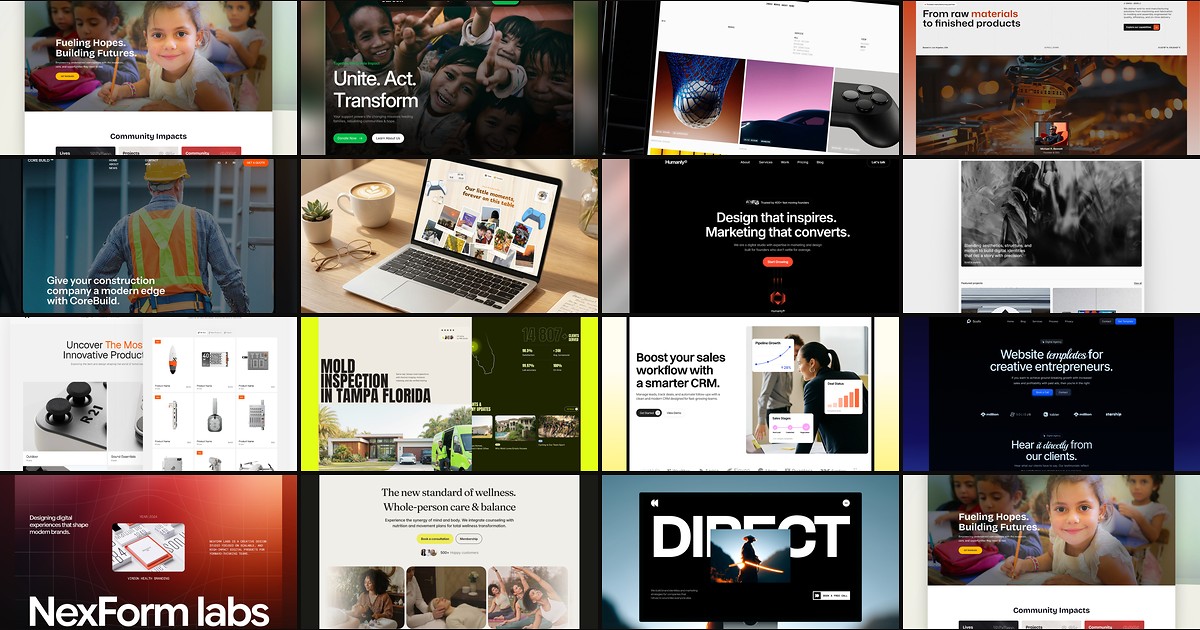
A blog template should ship readable article layouts, category routes, and publishing workflows without forcing you to wire CMS collections from scratch. These 15 free Framer builds do exactly that.
Live Preview
by Unknown
 Live Preview
by FTC Studio
 Live Preview