Form submissions, cart actions, and live activity feeds all need the same micro-pattern: a framer toast notification that confirms what happened without blocking the page. Native Framer overlays can show a one-off modal, but they do not stack multiple alerts, cycle purchase proof on a timer, or pause auto-dismiss when a visitor hovers — behaviors users expect from SaaS dashboards and ecommerce landings.
This list ranks eight toast and notification components on the Framer marketplace in 2026. Every pick has a live listing, identifiable creator, and working preview — three free and five paid, spanning stacked feedback alerts, FOMO purchase feeds, animated notification lists, and premium social-proof popups.
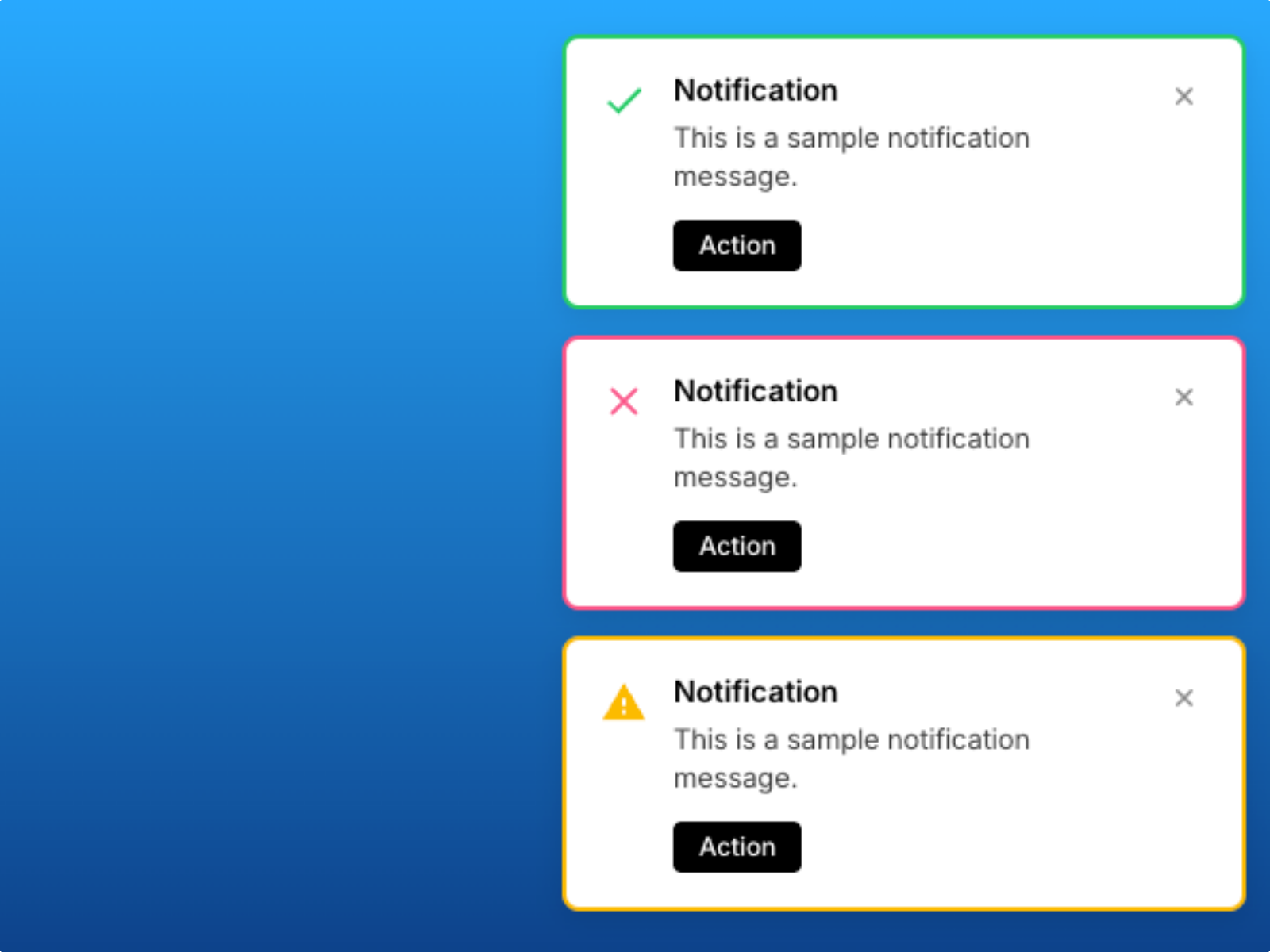
Toast Notifications — Stacked alerts with type icons, optional actions, and hover-to-pause dismiss
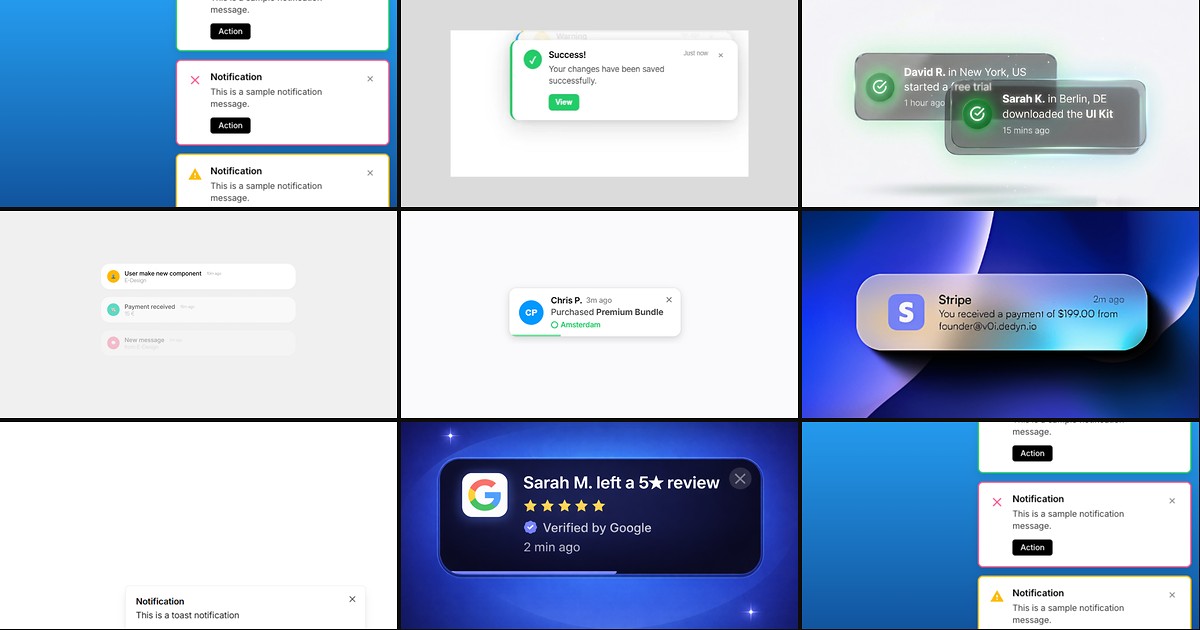
Toast Notifications is the strongest free general-purpose system on this list. John Valentine built stacked alerts that slide into any screen corner with info, success, warning, and error variants, optional action buttons like Undo, and smooth fade-plus-slide entry. Hover pauses the auto-dismiss timer so readers can finish longer copy, and typography, icon, timeout, and stacking direction all edit from the property panel. Install this first when you need a single toast layer across forms, settings pages, and checkout confirmations without writing dismiss logic in code overrides.
- Best for
- Dashboards and marketing sites that need color-coded success, warning, and error feedback
Affiliate link — we may earn a commission at no extra cost to you.
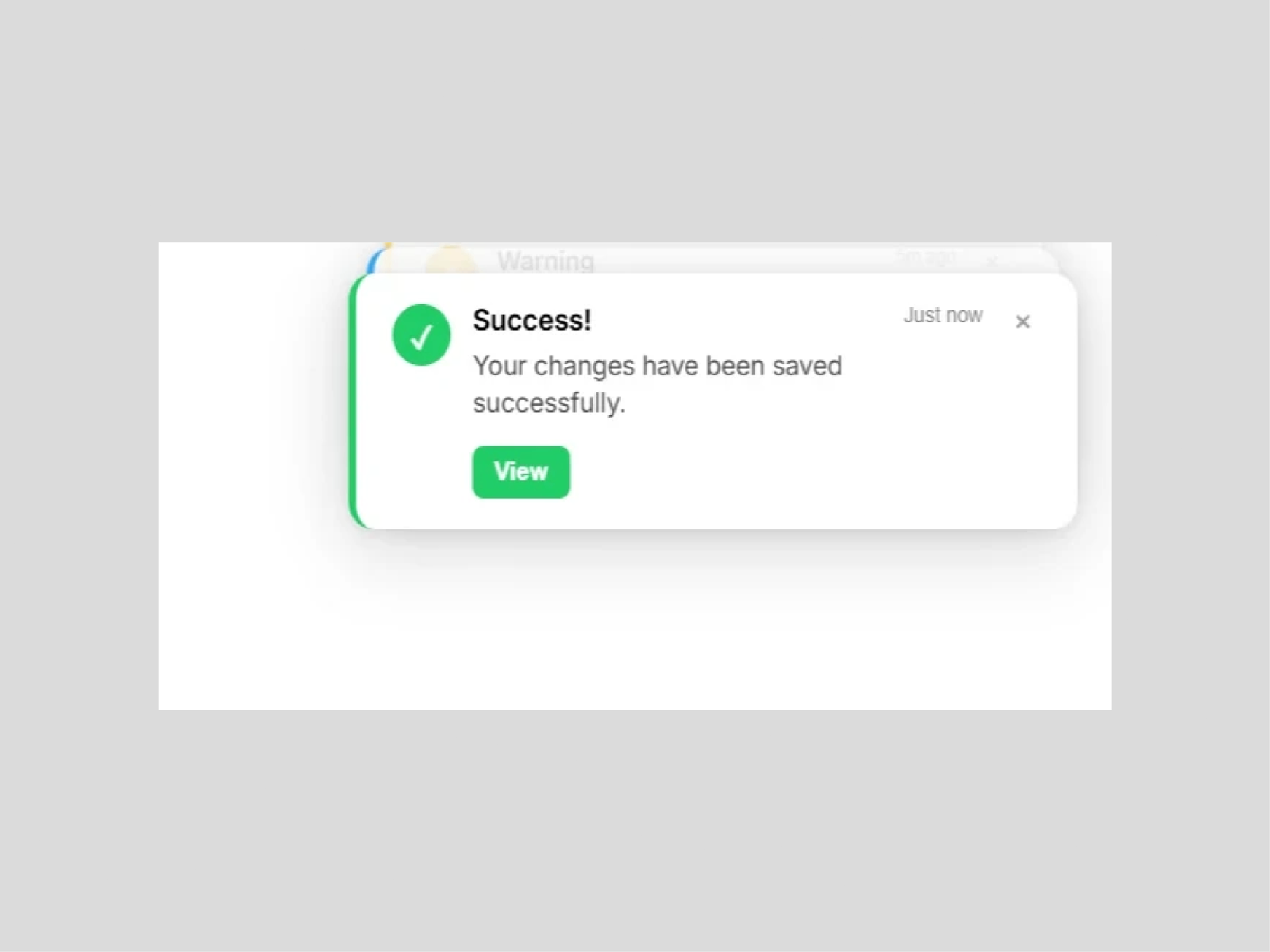
NotificationStackly — Spring or tween stacked alerts with drag-to-reorder and millisecond timing
NotificationStackly turns toast alerts into a managed stack rather than one-off bubbles. Dulaj dilshan exposes light, dark, and fully custom themes, spring or tween motion with stiffness and damping sliders, and millisecond-precise auto-dismiss timing. Visitors can drag alerts to reorder them when that interaction fits the product story, and you can pin the stack to any screen position without rebuilding layout variants. It is the free pick when your notification brief reads closer to an in-app activity feed than a single form confirmation.
- Best for
- SaaS dashboards and ecommerce flows that need a polished native-feeling notification stack
Affiliate link — we may earn a commission at no extra cost to you.
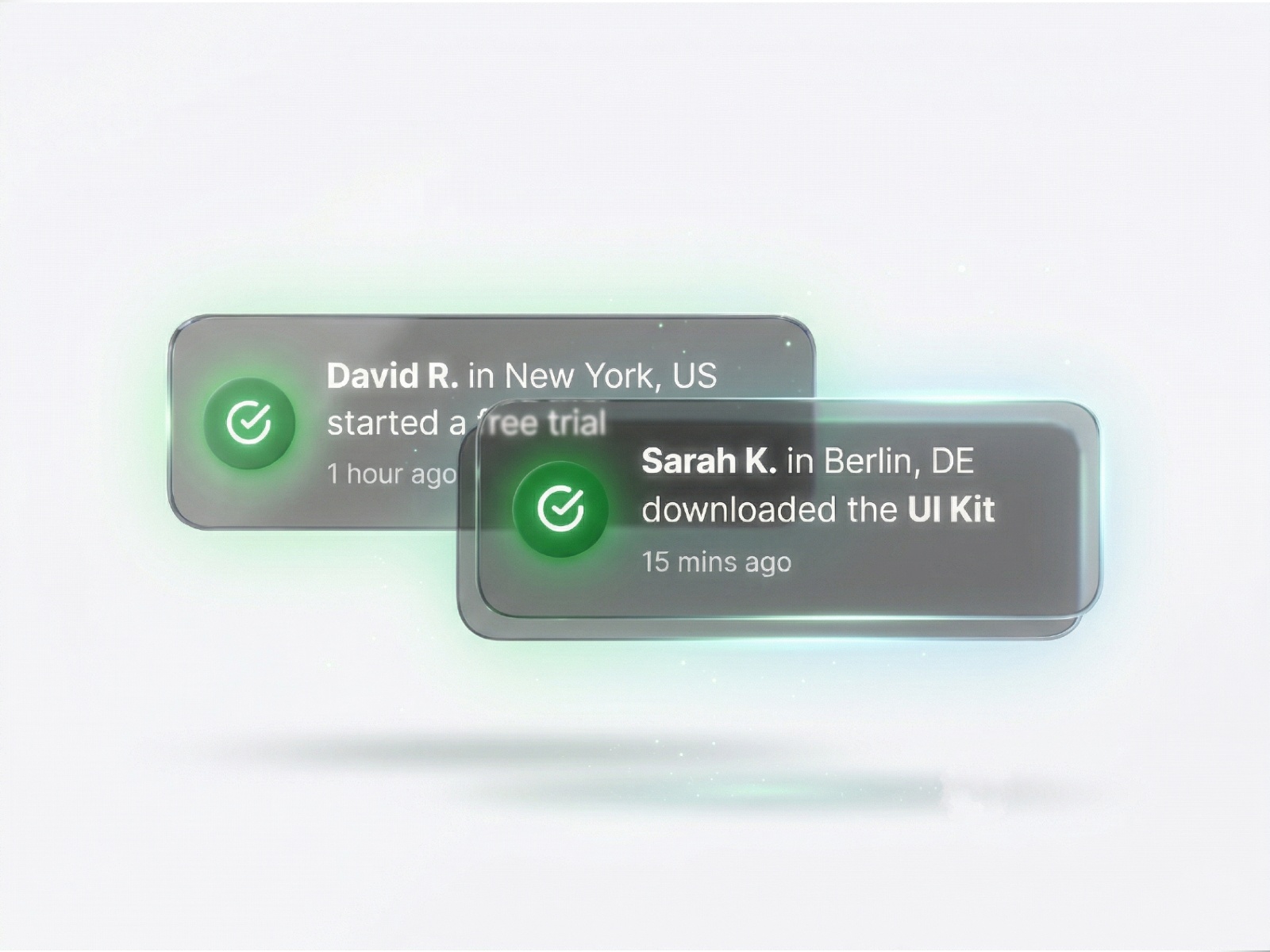
Social Proof Toast — Corner-pinned purchase and signup toasts with avatar rows and timed rotation
by Eneko Lekue
Social Proof Toast delivers the social-proof pattern at zero cost: Eneko Lekue cycles corner-pinned cards through recent purchases or signups with names, locations, and avatar slots you populate from the panel. Interval and duration controls keep toasts from colliding, and styling stays compact enough for hero sections that cannot afford a heavy overlay. Pair it with your real conversion events on higher-traffic routes, or use it on launch pages where fabricated-but-plausible activity helps visitors understand that others are buying — just keep the notification data honest to your brand guidelines.
- Best for
- Landing pages and product drops that need lightweight FOMO without a premium spend
Affiliate link — we may earn a commission at no extra cost to you.
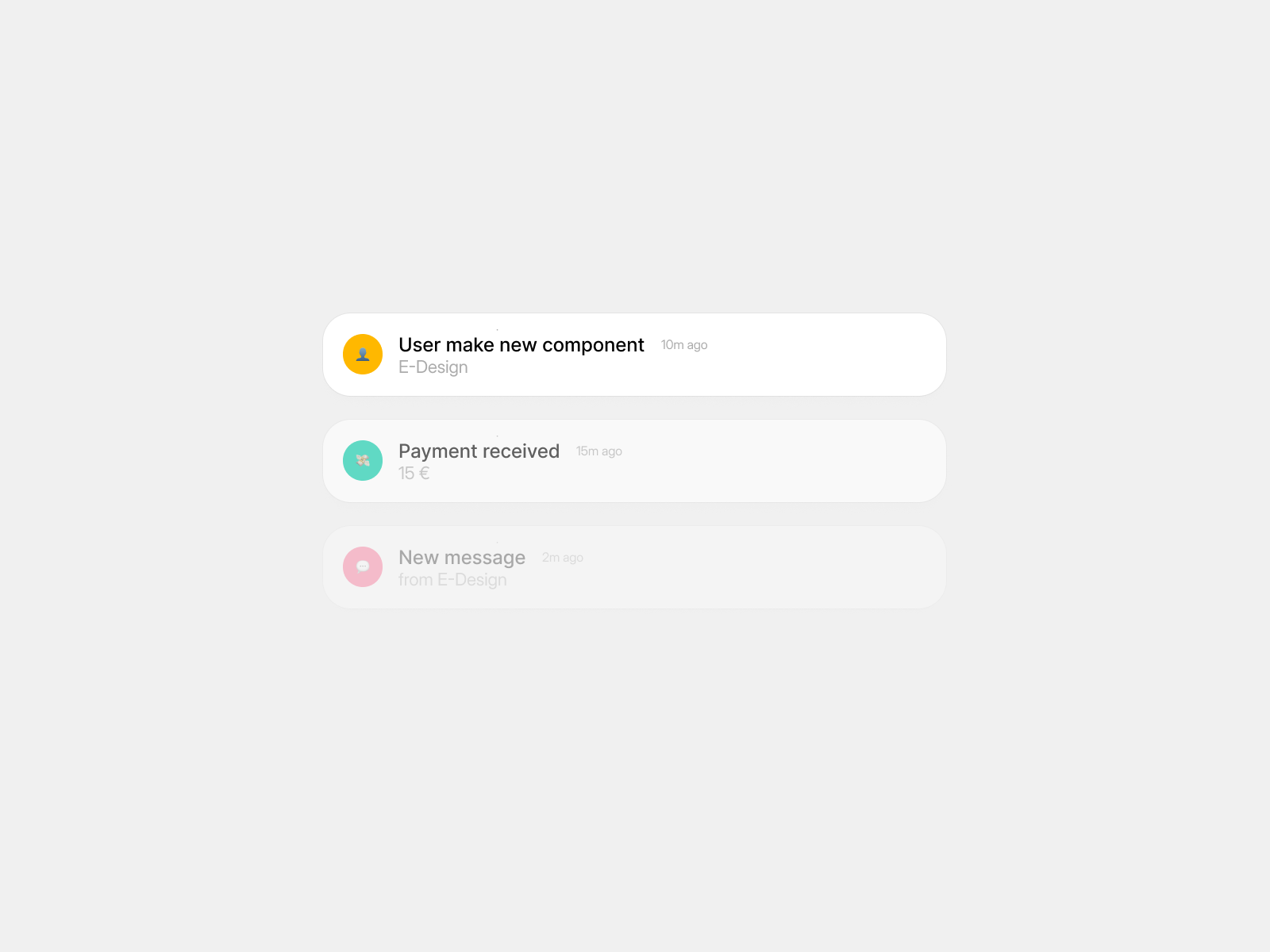
Pop-up Notification — Spring-animated notification feed with configurable timing and ARIA support
Pop-up Notification targets builders who need a scrollable notification list rather than a single corner bubble. Eduard Akinfiu wraps spring-physics entrance animations, per-item name and description fields, icon and color slots, and a maximum visible count so feeds stay readable on mobile. Gradient overlays, hover states, and ARIA attributes ship in the same package, which makes it useful for team dashboards or creator homepages that surface live updates. At 2 USD it is the lowest-cost paid option when your toast brief is closer to a mini notification center than a one-line confirmation.
- Best for
- Activity feeds, changelog widgets, and dashboard side panels that list multiple updates
Affiliate link — we may earn a commission at no extra cost to you.
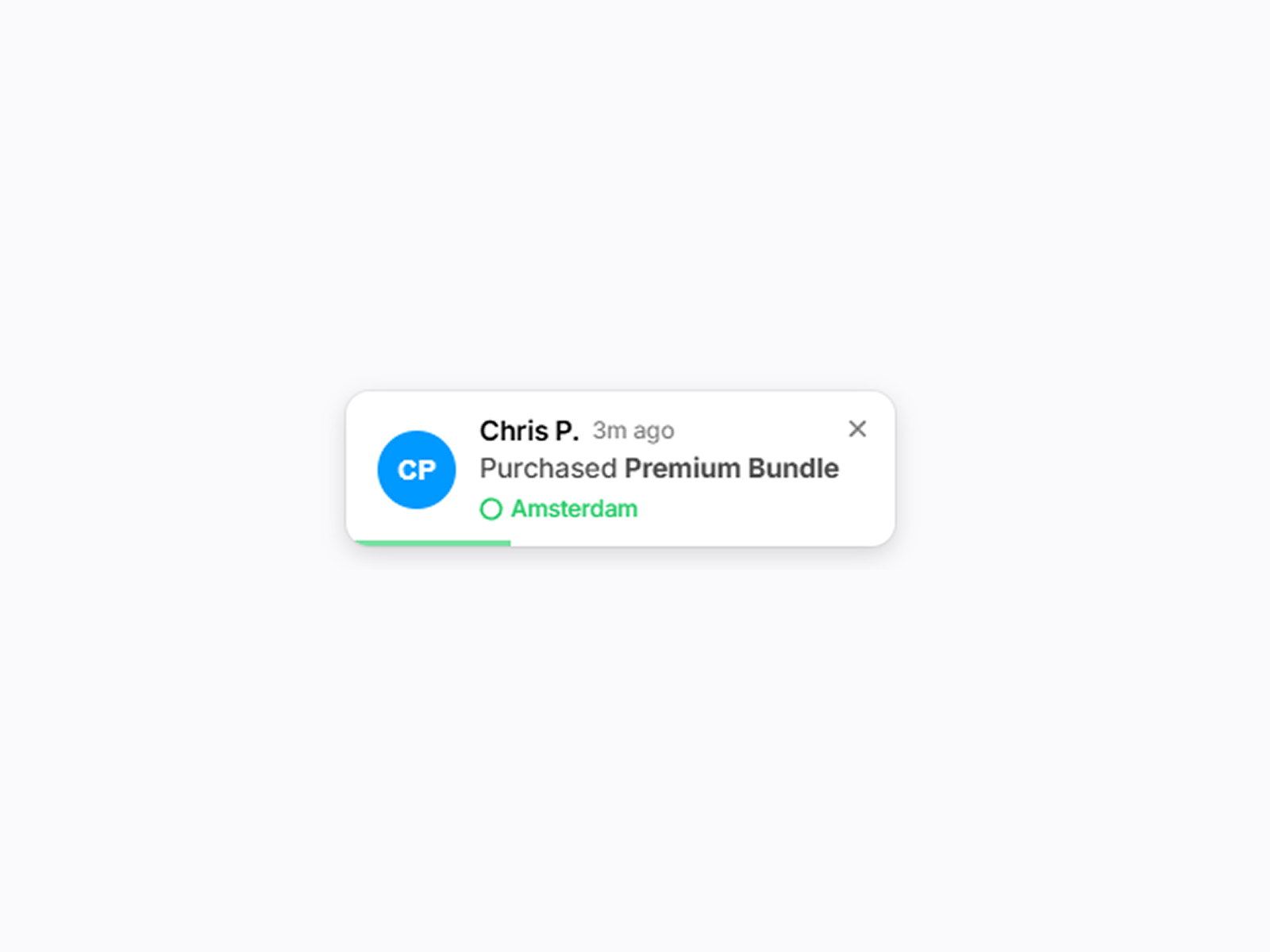
FOMO Toast — Scheduled purchase toasts with avatars, progress bars, and optional sound
by Syauqizaidan Khairan Khalaf
FOMO Toast automates the classic just-purchased carousel. Syauqizaidan Khairan Khalaf lets you feed an array of names, products, locations, optional avatars, and click-through links, then schedules rotation with interval and duration guards so cards never overlap. Each toast shows a synced progress bar, autogenerated initials when no avatar is set, and optional sound on reveal — pick any corner, randomize or sequence the feed, and add a close button when visitors need control. At 5 USD it is the focused upgrade when Social Proof Toast free feels too minimal but you do not need Aidan Looker’s multi-variant review engine.
- Best for
- Ecommerce and course sales pages that rotate recent-buyer proof on an interval
Affiliate link — we may earn a commission at no extra cost to you.
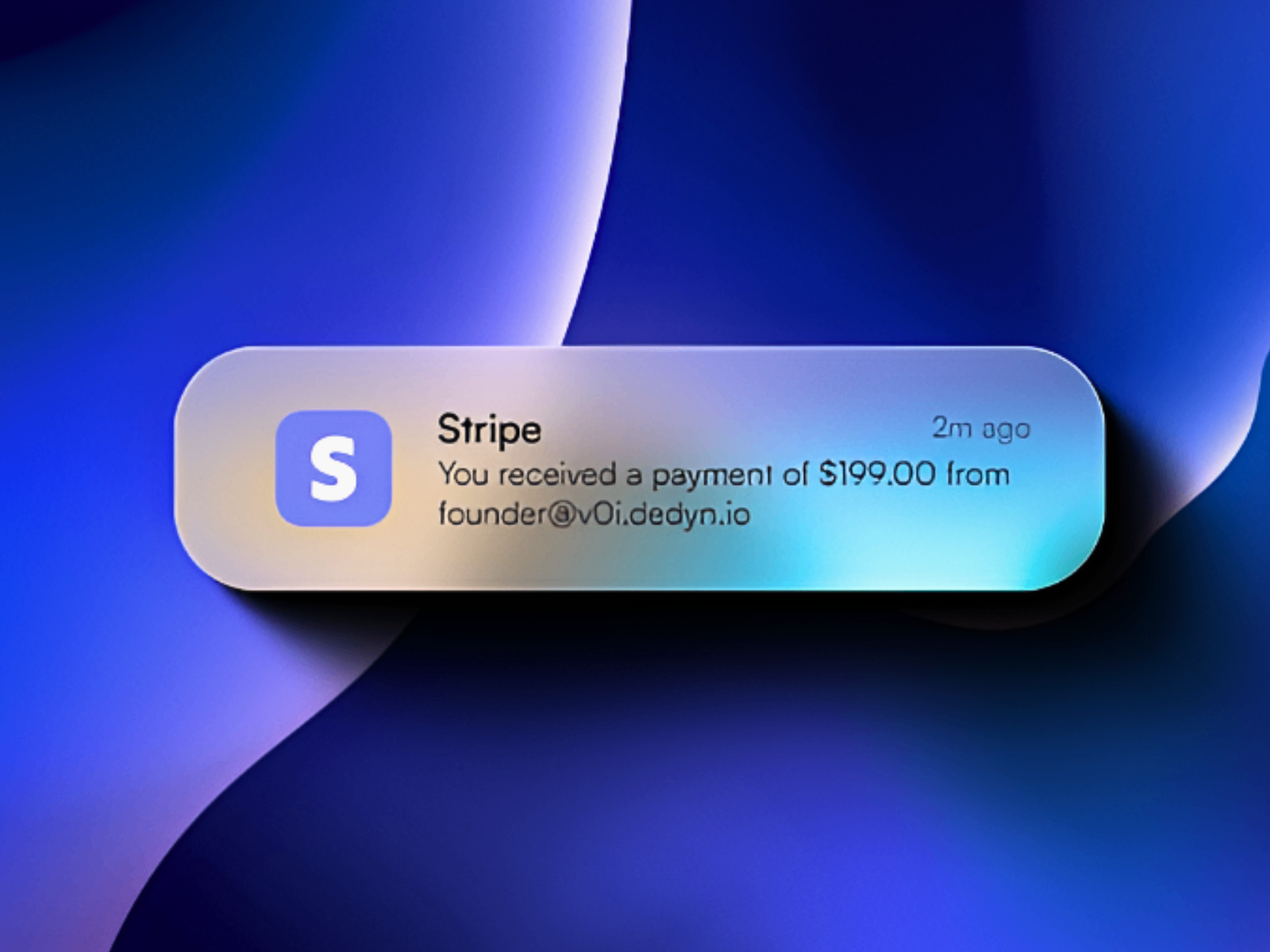
voidNotif - Glow — iOS-inspired glowing cards with diffusion shadows and custom sounds
by voidMarvin
voidNotif - Glow chases an iOS notification aesthetic inside Framer — animated gradients, focus-based diffusion shadows instead of flat CSS drops, and optional sound on each reveal. voidMarvin built it for teams that treat alerts as branded moments rather than utilitarian strips, with color, motion, and audio all tunable from the canvas. At 5 USD it is the art-direction pick when a standard white toast would break an otherwise cinematic dark UI, especially on mobile-first product pages where glow and depth read as intentional craft.
- Best for
- Premium consumer apps and portfolio sites where notification polish is part of the brand
Affiliate link — we may earn a commission at no extra cost to you.
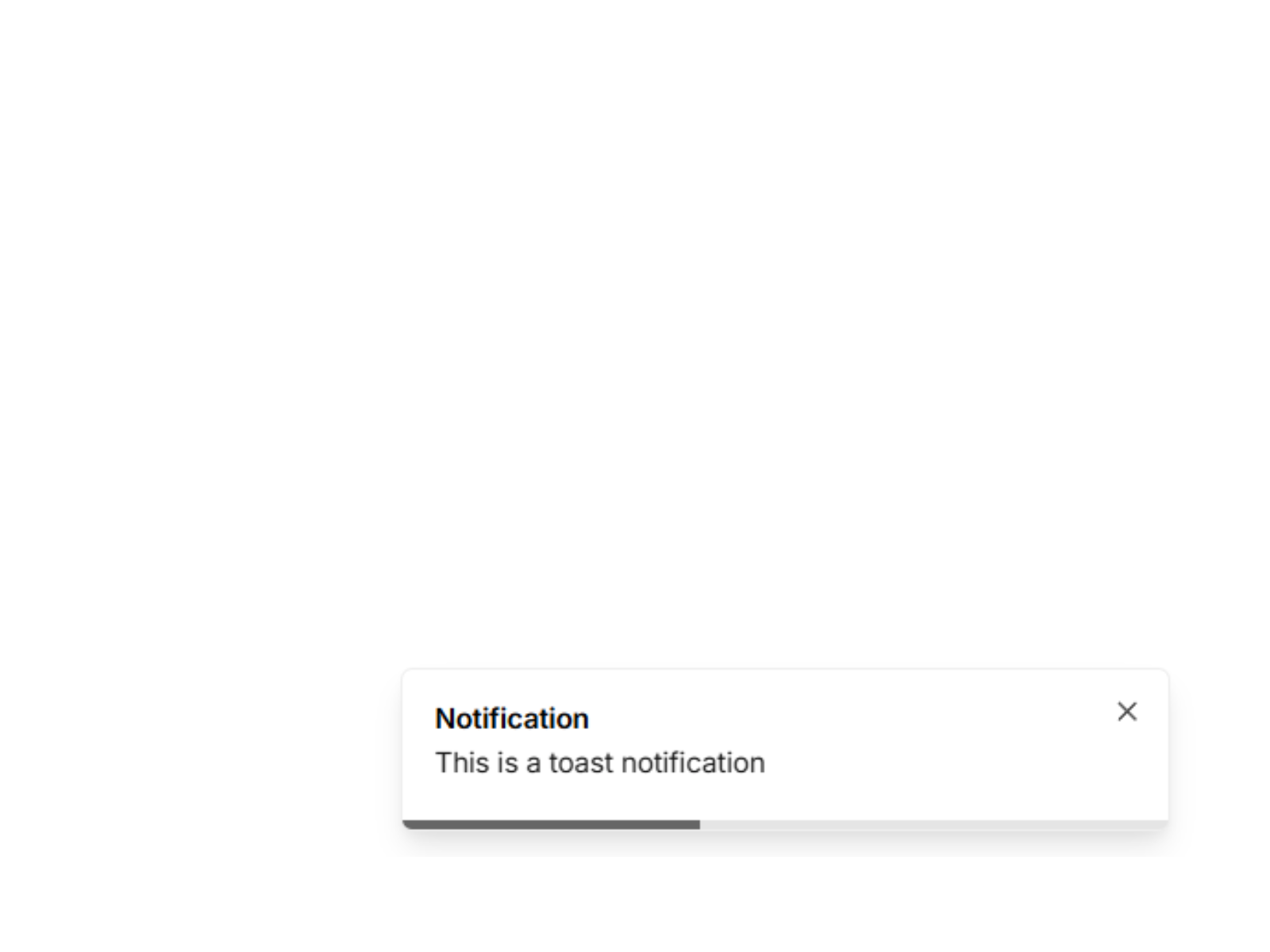
Toast Notification — Viewport or button-triggered corner popup with auto-dismiss and manual close
by Serafim 193
Toast Notification — Popup from Serafim 193 solves a different trigger problem: show a corner alert when a visitor clicks a button or when a section enters the viewport. Duration, colors, copy, and corner position are all panel-driven, with an optional close button when auto-dismiss feels too aggressive. It is lighter than a full modal stack and more deliberate than a always-on FOMO feed — ideal for confirming newsletter signups, highlighting a pricing tier at scroll depth, or nudging a secondary CTA once the hero leaves the screen.
- Best for
- Section-based announcements and CTA confirmations tied to scroll depth or clicks
Affiliate link — we may earn a commission at no extra cost to you.
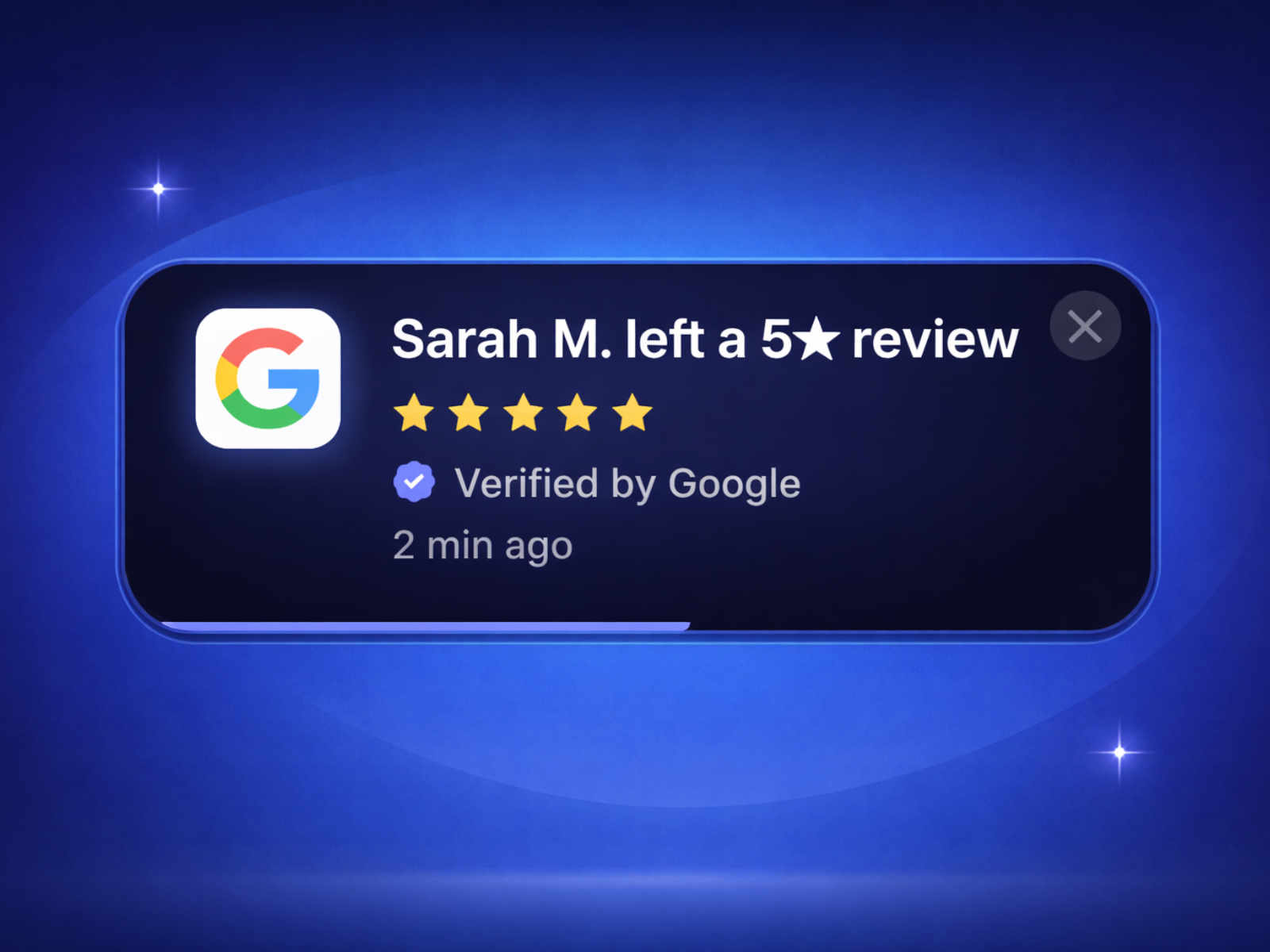
Social Proof Popup — Review, purchase, and viewer toasts with platform logos and spring motion
by Aidan Looker
Social Proof Popup is the premium end of this list. Aidan Looker cycles review, purchase, and viewer variants with animated star ratings, verified badges, built-in Google/Trustpilot/Capterra/G2/Yelp/Shopify logos, spring slide-in motion, shimmer borders, and a countdown progress bar. Randomized min/max delays between toasts keep the feed from feeling robotic, and five theme presets plus full custom mode cover most brand palettes without rebuilding cards. At 14 USD it replaces a custom FOMO build when credibility — not just motion — is the conversion lever on your Framer landing page.
- Best for
- SaaS and ecommerce landings that need credible multi-variant social proof above the fold
Affiliate link — we may earn a commission at no extra cost to you.
Quick comparison
| Resource | Price | Type | Best for |
|---|---|---|---|
| Toast Notifications | Free | Component | Color-coded stacked feedback with optional actions |
| NotificationStackly | Free | Component | Spring-animated stacks with drag reorder |
| Social Proof Toast | Free | Component | Lightweight FOMO purchase rotation |
| Pop-up Notification | 2 USD | Component | Multi-item activity feeds with spring entry |
| FOMO Toast | 5 USD | Component | Scheduled purchase toasts with progress bars |
| voidNotif - Glow | 5 USD | Component | iOS-style glowing branded alerts |
| Toast Notification | 6 USD | Component | Viewport or button-triggered corner popups |
| Social Proof Popup | 14 USD | Component | Multi-variant review and purchase social proof |
How to choose the right Framer toast notification component
Separate UI feedback from social proof. Toast Notifications and NotificationStackly handle success, warning, and error states for forms and dashboards. Social Proof Toast, FOMO Toast, and Social Proof Popup rotate purchase or review messages to build urgency — do not use a FOMO carousel where users expect a literal error alert, and do not force a success toast into a fake purchase feed.
Match trigger style to the interaction. Toast Notification and Serafim 193’s viewport trigger fit section-based announcements and click confirmations. FOMO Toast and Social Proof Popup run on timers — better for passive landing-page visitors who never click. NotificationStackly and Pop-up Notification suit always-visible stacks or feeds where multiple messages can coexist.
Budget free positioning first, then buy specialization. Toast Notifications free covers most stacked feedback needs. Add Social Proof Toast free for basic FOMO, then spend 2–6 USD on Pop-up Notification, FOMO Toast, voidNotif Glow, or Toast Notification when motion quality or trigger logic justifies it. Reserve Social Proof Popup at 14 USD when review platform logos and multi-variant credibility matter more than a simple purchase ticker.
Test mobile dismiss behavior. Hover-to-pause and drag-to-reorder features assume desktop pointers. On touch-heavy routes, enable manual close buttons, shorten auto-dismiss durations, and avoid stacking more than two simultaneous toasts — otherwise alerts can obscure primary CTAs on small screens.
Our top pick for most Framer builders
If you install one toast system site-wide, Toast Notifications free is the balanced default — stacked type variants, optional actions, and hover-to-pause dismiss without a marketplace spend. When the brief is social proof rather than form feedback, Social Proof Toast free is the fastest FOMO starting point, and FOMO Toast at 5 USD adds progress bars and sound when the feed needs more polish. For landing pages where review credibility drives conversions, Social Proof Popup at 14 USD is the purpose-built premium layer.
Browse Framer templates on yoframer for layouts with hero CTAs that pair well with corner toasts, or read our popup and modal roundup when the interaction needs a full-screen overlay instead of a corner alert. More resource roundups live on the Resources hub.
Updated August 2026. We refresh this list as notable toast and notification components ship, reprice, or go stale.