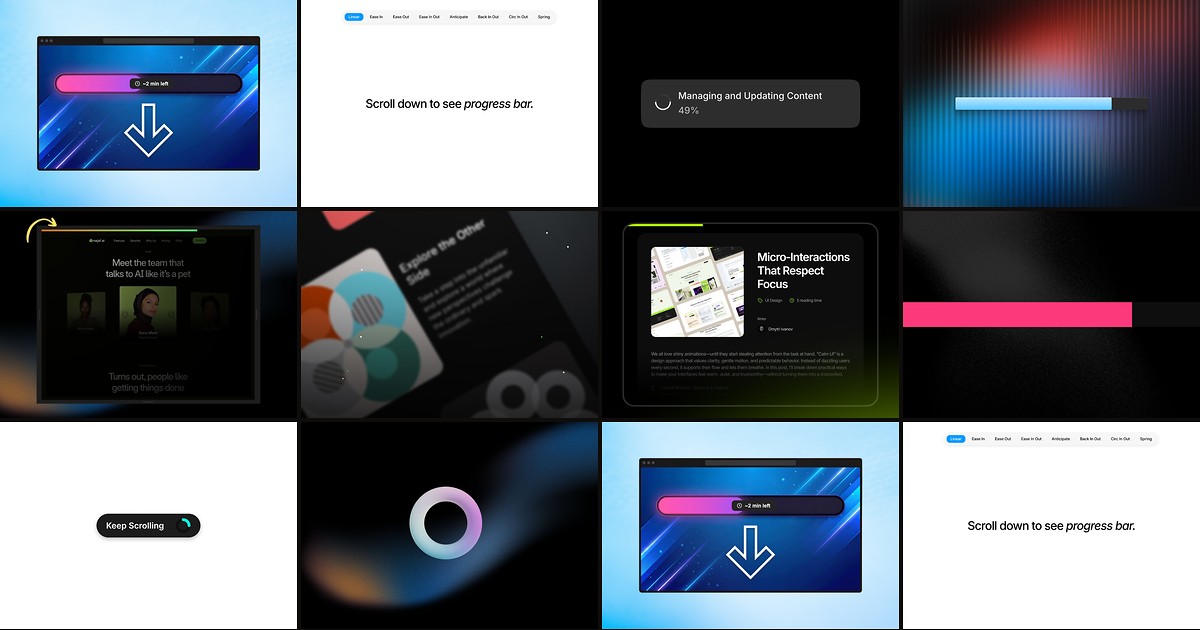
Blog posts, documentation hubs, and narrative landing pages all benefit from the same subtle UX cue: a visual signal that the page has depth and that scrolling is making progress. Framer does not ship a native reading bar — you either wire scroll position to a custom layer or install a dedicated framer scroll progress component that tracks viewport position, renders smoothly, and stays out of the content flow.
This list ranks ten scroll progress components from the Framer marketplace in 2026. Every pick has a live listing, identifiable creator, and working preview — eight paid and two free, spanning linear bars, circular indicators, reading-time estimates, and completion actions for editorial and marketing layouts.
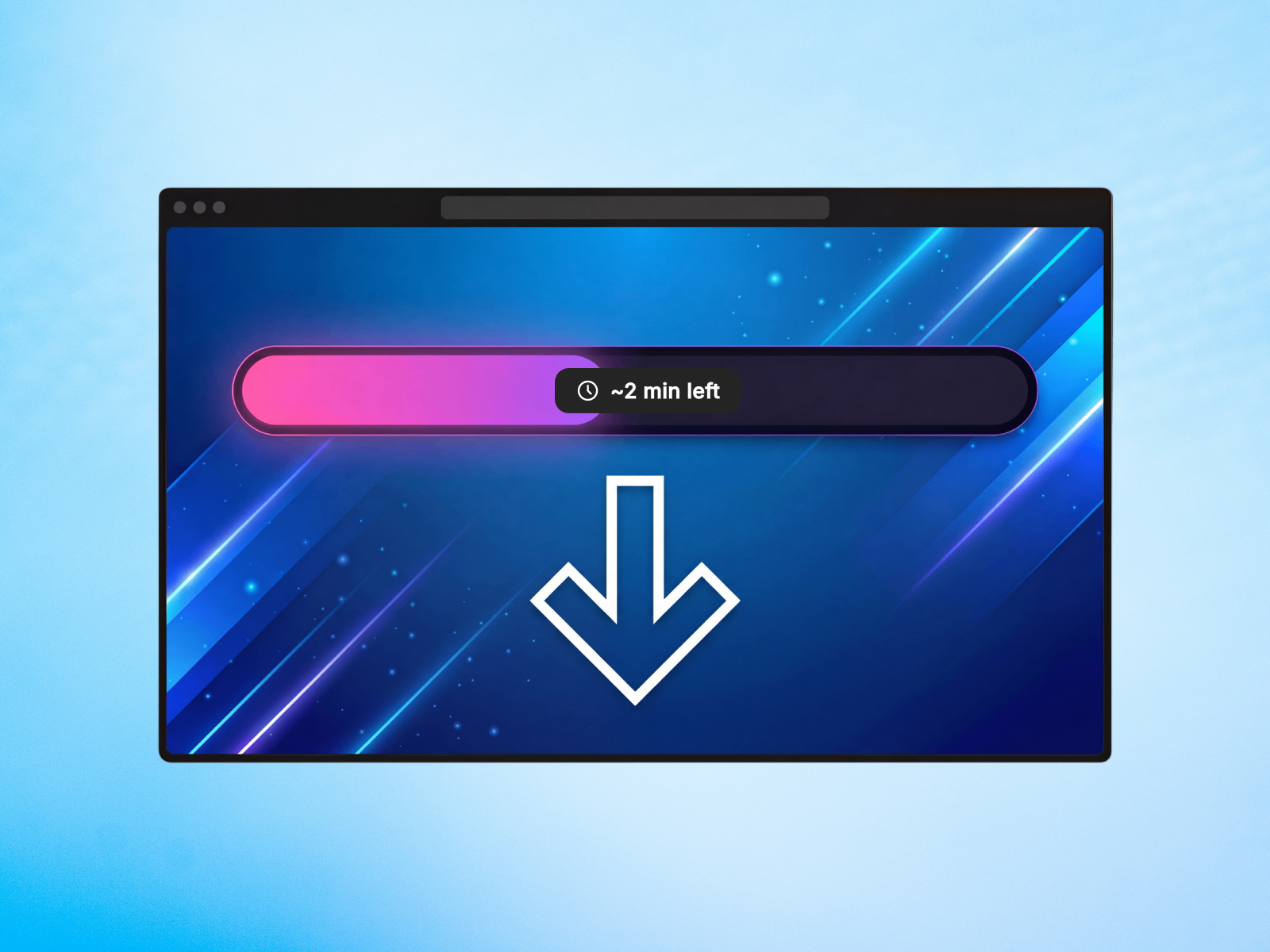
Read Progress Line — Reading time countdown with shimmer, milestones, and confetti on completion
by Aidan Looker
Read Progress Line goes beyond a simple fill bar: it calculates live reading time remaining, supports shimmer and glow effects, and can trigger confetti or a color shift when visitors reach the end. Eight position variants include corner placements for L-shaped progress, milestone markers label key sections, and hover-to-hide behavior keeps the indicator from blocking clickable content underneath. At 5 USD it is the strongest editorial pick when progress tracking should feel like a reading assistant, not a generic loading bar.
- Best for
- Blog and documentation sites where estimated reading time and completion celebrations reduce bounce on long articles
Affiliate link — we may earn a commission at no extra cost to you.
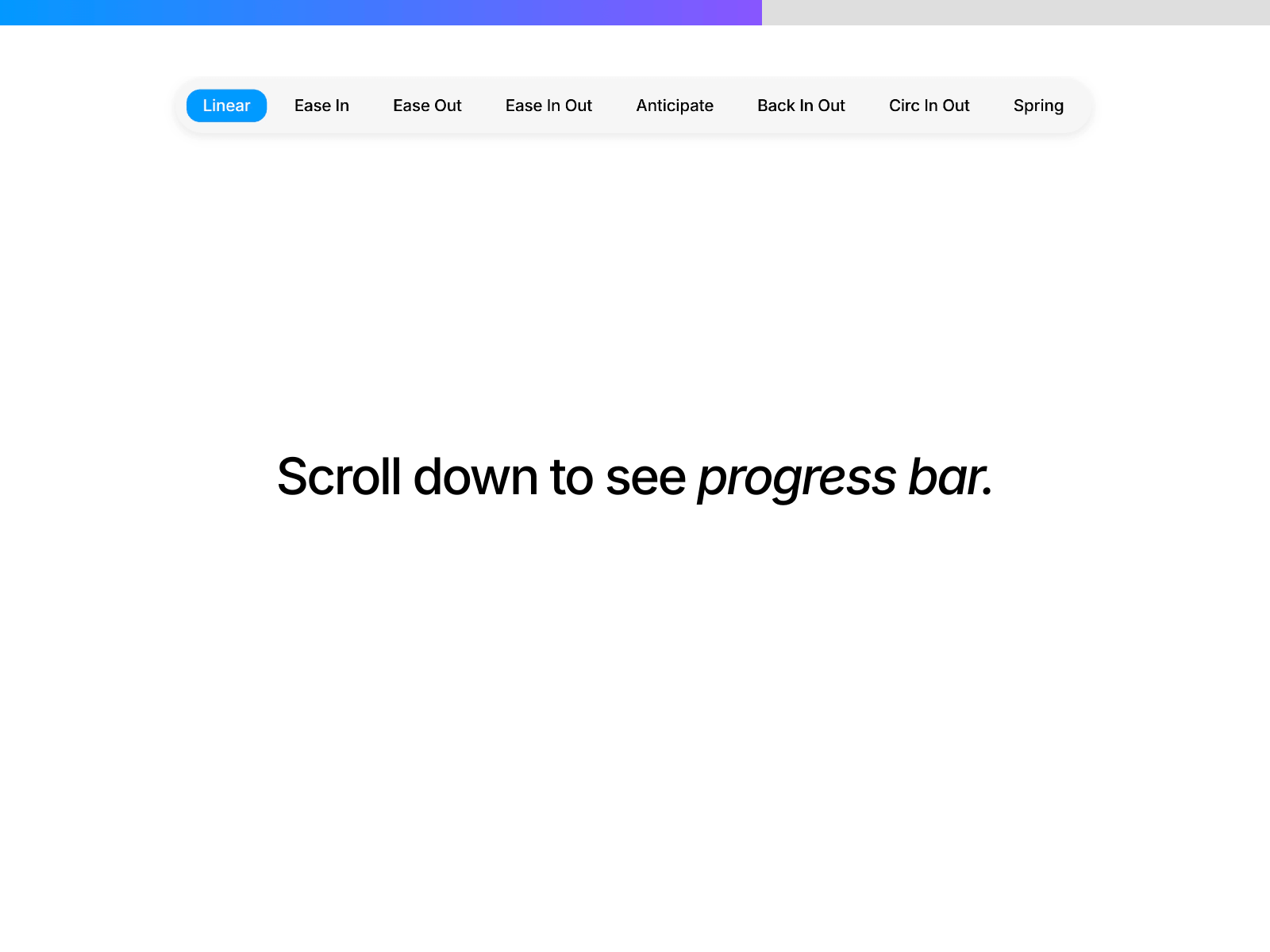
Scroll Progress Pro — Eight easing modes plus automatic reading-time calculation
Scroll Progress Pro pairs scroll-linked progress with optional percentage labels and auto-generated reading time based on content length — or manual overrides when you know the exact minute count. Choose from eight animation curves including spring and anticipate easing, tune bar height, gradient fills, and background track colors, and keep everything responsive across breakpoints without touching code. At 5 USD it matches Read Progress Line on price while leaning harder into motion polish and time-display flexibility for tutorial and case-study pages.
- Best for
- Content marketing pages that need both a polished progress bar and a visible reading-time label in one install
Affiliate link — we may earn a commission at no extra cost to you.
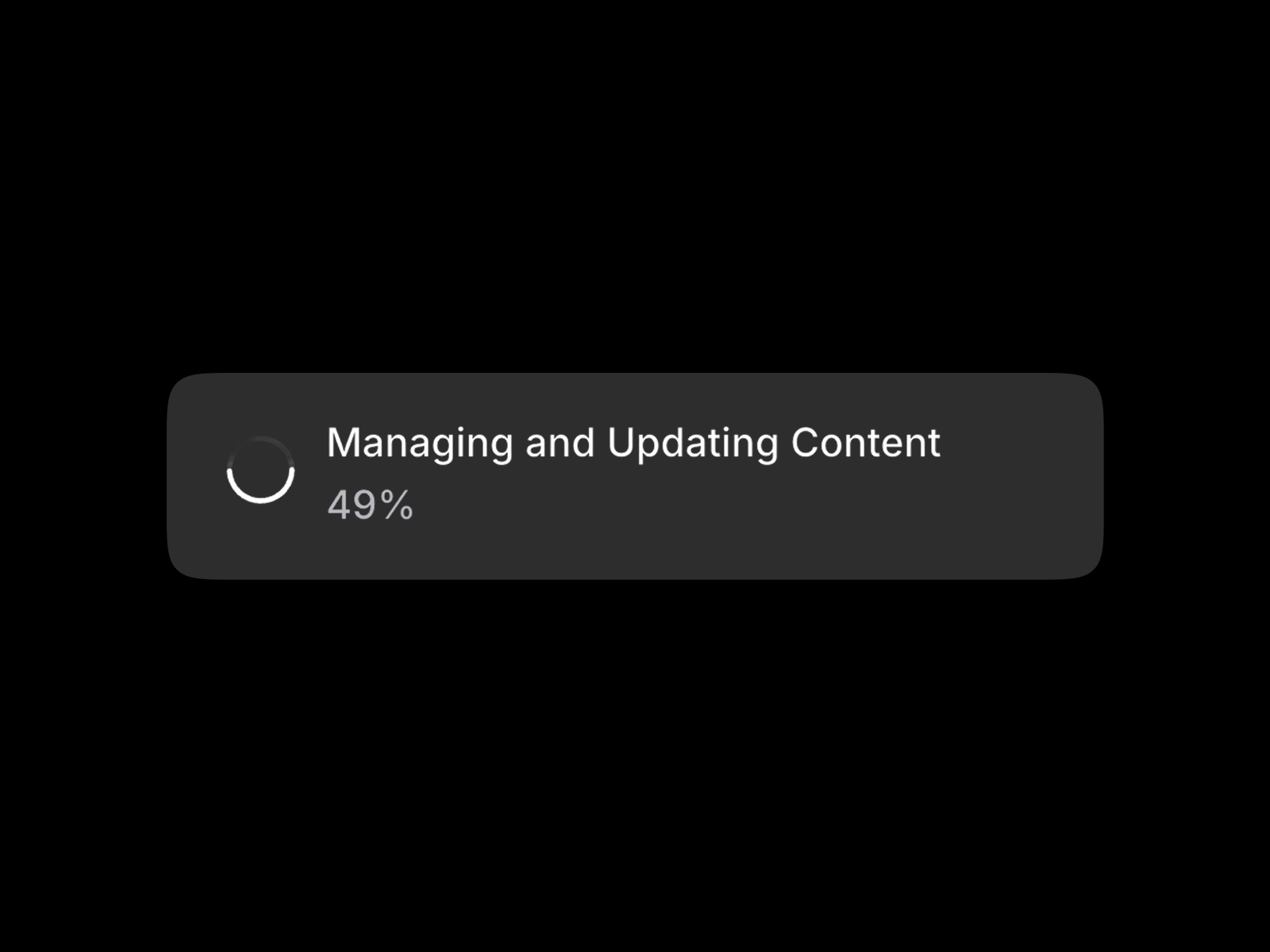
Blog Scroll Progress — Circular, percentage, and active-heading modes in one tracker
by Nabeel
Blog Scroll Progress is a three-in-one tracker from SegmentUI: toggle a circular indicator, a percentage readout, or a live active-heading display that follows whichever section is in view. Section-level tracking accepts a custom section ID when progress should measure one article body instead of the full page, and each mode has independent color, size, and font controls. At 14 USD it is the premium choice when your blog template must show readers where they are in both time and structure — not just how far the scrollbar moved.
- Best for
- Framer CMS blogs that need scroll percentage, a circular widget, and current-section heading sync together
Affiliate link — we may earn a commission at no extra cost to you.
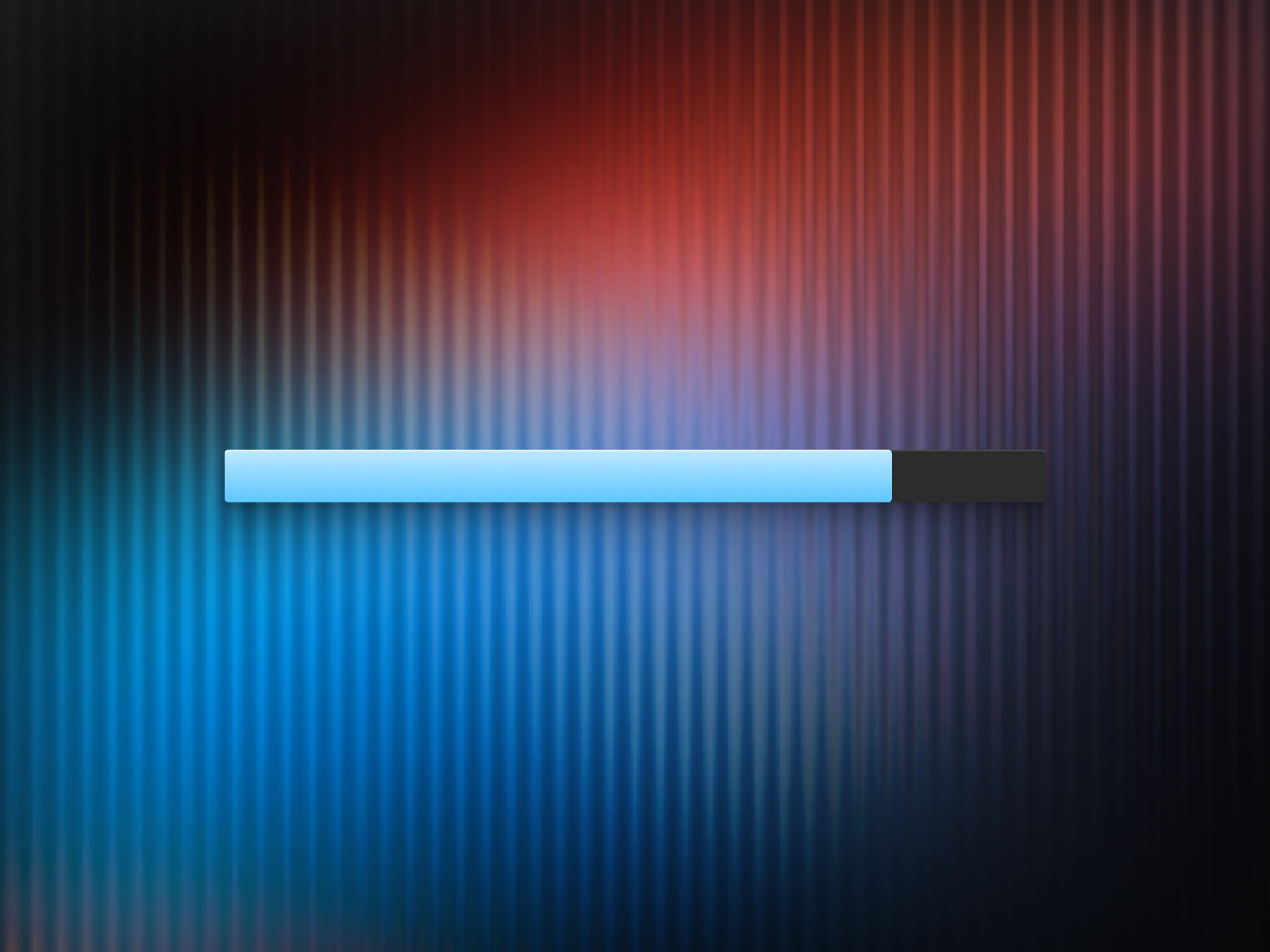
Track Scroll — Horizontal, vertical, and circular styles with container-level tracking
by Plaiter
Track Scroll from Plaiter covers the three shapes most teams ask for — top horizontal bar, side vertical strip, and floating circular indicator with optional percentage text inside the ring. Fixed positioning presets place the widget anywhere on screen, gradient and solid fills adapt to brand palettes, and container-level tracking lets a nested scroll region drive progress on documentation sidebars or modal-length content. At 10 USD it is the most layout-flexible paid install when one project needs different progress styles on different page types.
- Best for
- Dashboard-style layouts and multi-column pages that need progress scoped to a scroll container instead of the full window
Affiliate link — we may earn a commission at no extra cost to you.
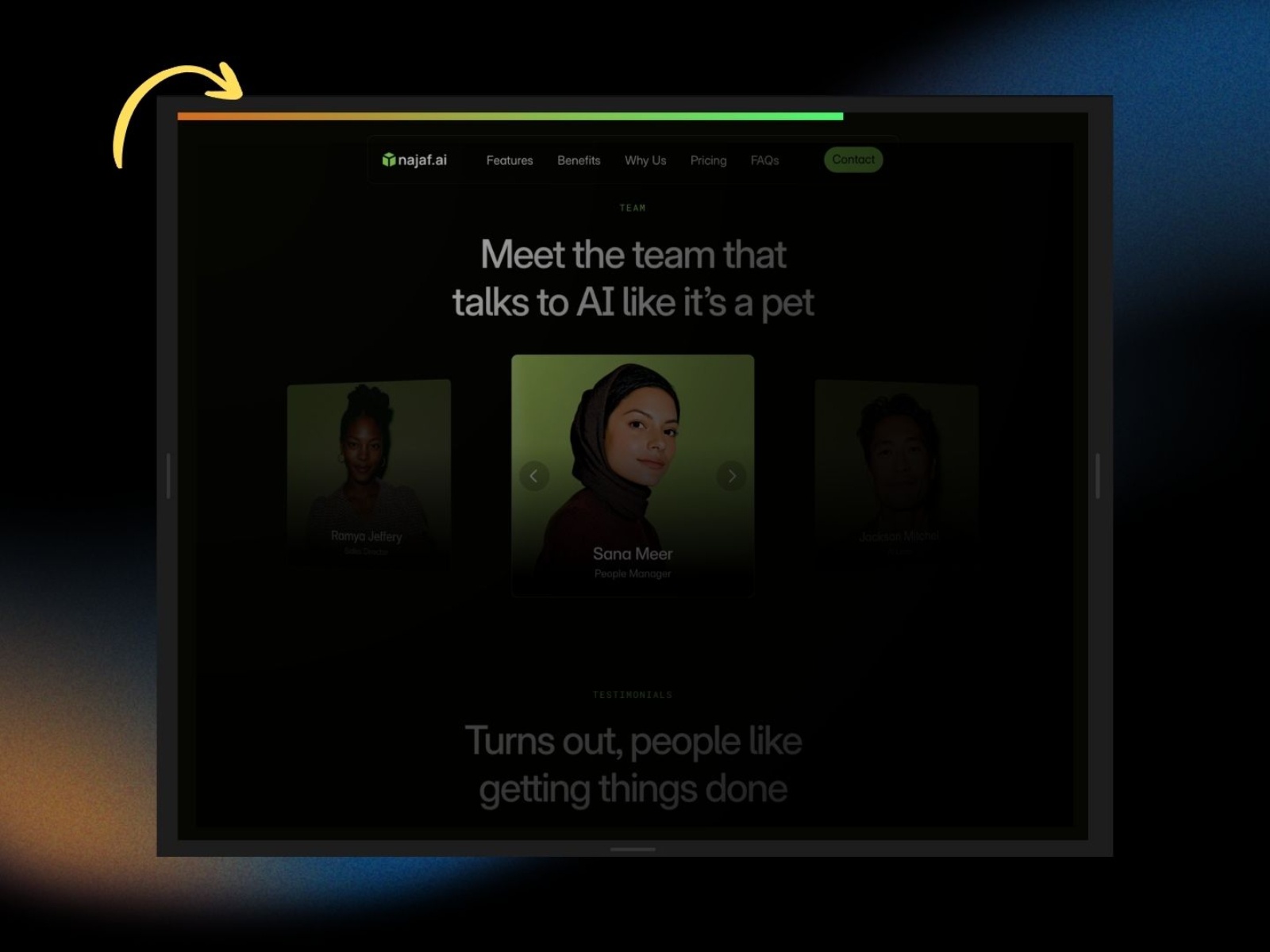
Progress Scroll Bar — Multi-orientation bar with gradients, offsets, and completion redirect
by Freelancer Deven
Progress Scroll Bar packs orientation, animation, and completion logic into one property panel: run the bar horizontally or vertically, stick it to any edge, enable gradient fills with angle control, and show optional percentage text inside the track. Start and end offsets let progress begin after the hero and finish before the footer, reverse direction supports right-to-left layouts, and a completion color plus redirect URL fires when visitors reach the end. At 5 USD it is the best value when your scroll indicator must do something at 100%, not just disappear.
- Best for
- Story-driven landing pages that should celebrate 100% scroll with a color change or redirect to a signup URL
Affiliate link — we may earn a commission at no extra cost to you.
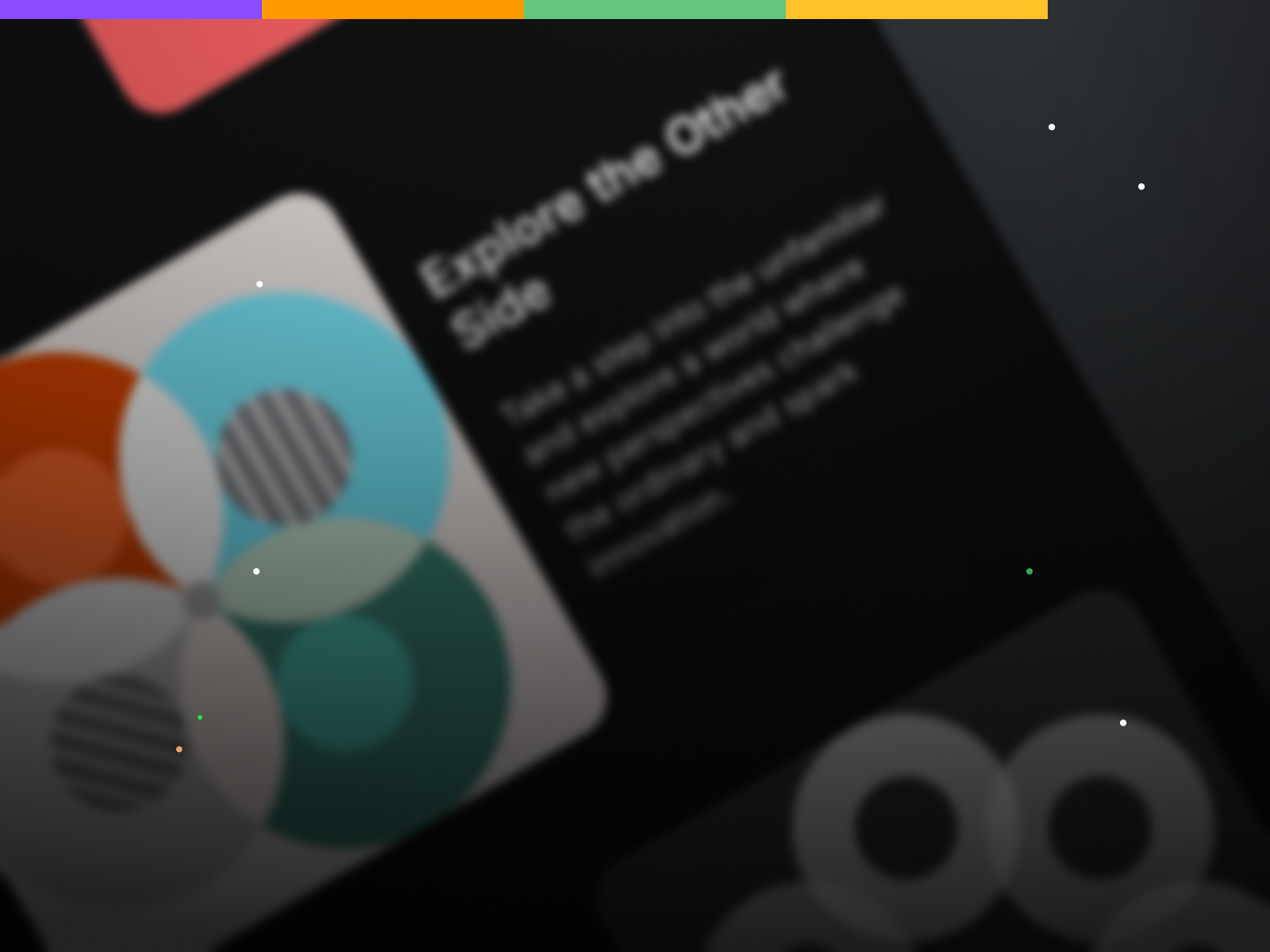
Scroll ProgressBar — Solid, gradient, and multi-color bar fills with thickness control
Scroll ProgressBar from Pixco focuses on visual craft: customize thickness, apply solid, gradient, or multi-stop color fills, and tune the bar so it complements typography-heavy layouts without stealing focus from headlines. The component stays lightweight and property-panel driven, with documentation on Pixco’s support site for teams handing builds to content editors. At 10 USD it suits design-led blogs and agency case studies where the progress indicator is part of the visual system, not an afterthought bolted on at launch.
- Best for
- Brand-heavy editorial sites where the progress bar must match gradient-heavy art direction without custom CSS
Affiliate link — we may earn a commission at no extra cost to you.
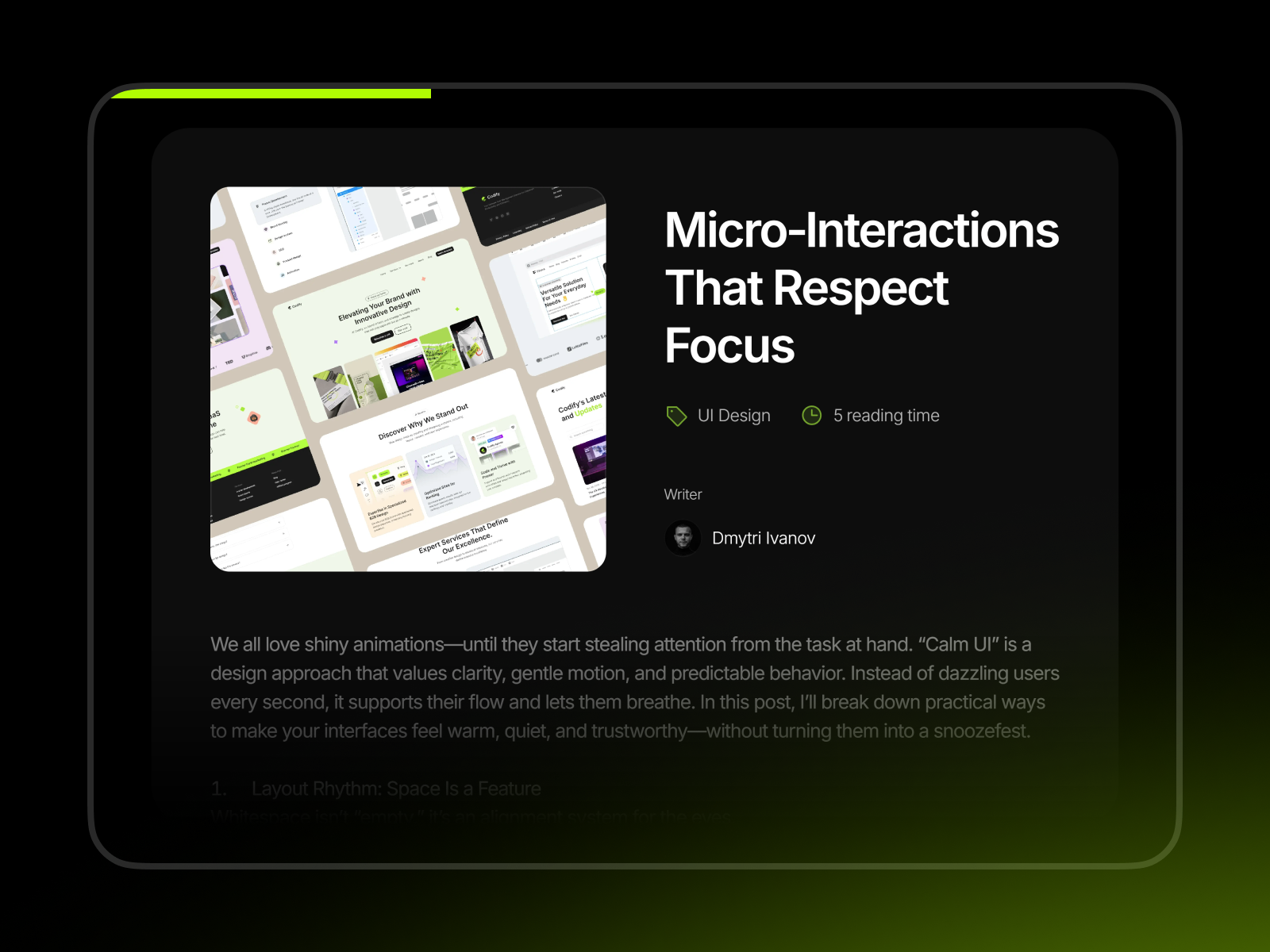
Scroll Progress — Section-scoped animated bar with container or window tracking
Scroll Progress from Stylokit adds a sleek animated bar that can follow either the full window or a targeted scroll container — ideal when the hero stays fixed and only the article column scrolls. Height, color, and offset controls stay minimal so setup takes minutes, and the author maintains compatibility with current Framer releases. At 4 USD it is the lowest-priced paid pick that still solves section-level tracking, which free bars often ignore.
- Best for
- Articles and help docs where progress should track one scrollable section rather than the entire viewport
Affiliate link — we may earn a commission at no extra cost to you.
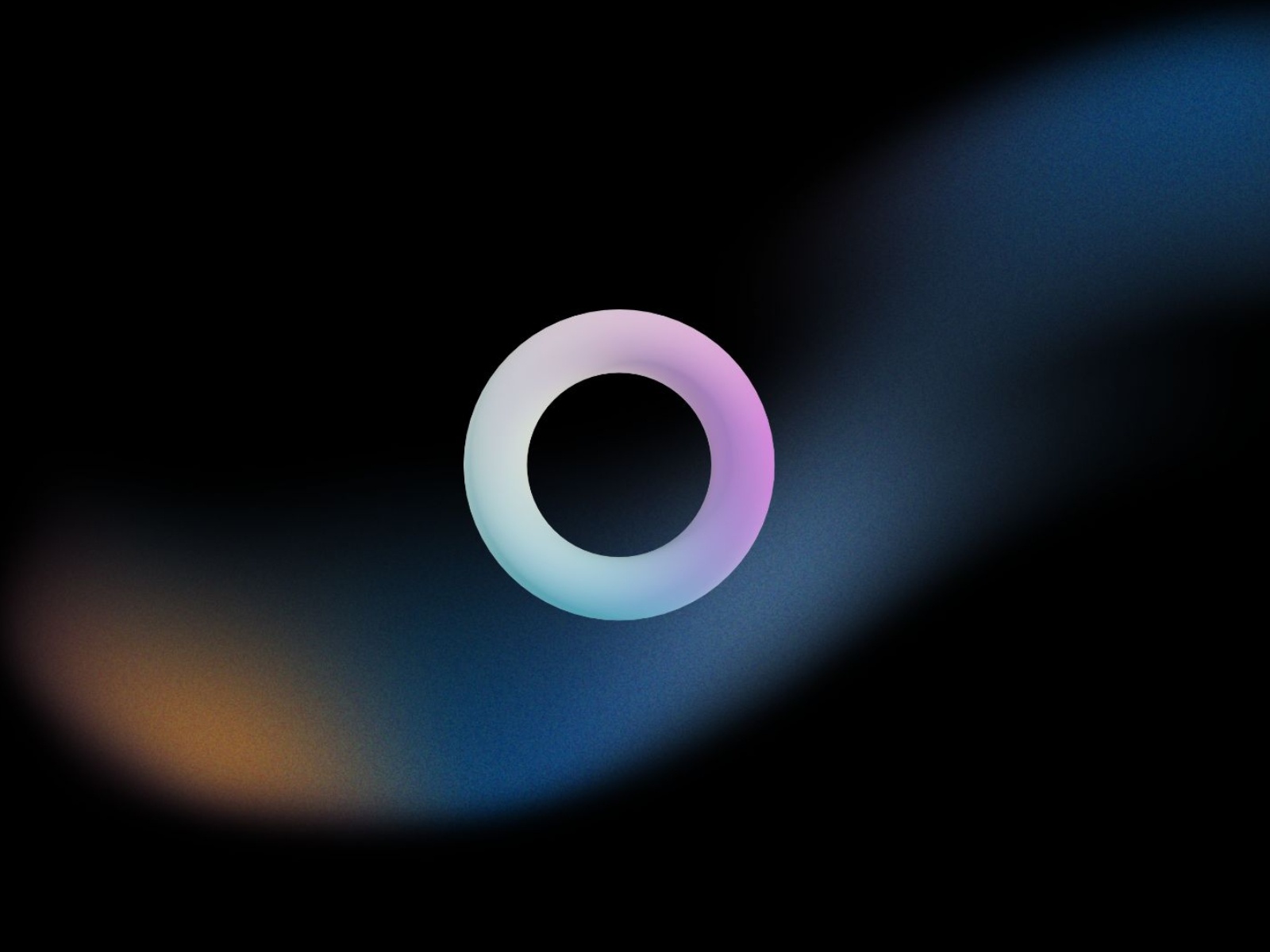
RingScroll indicator — Circular ring or radial fill with scroll-to-top click action
by Freelancer Deven
RingScroll indicator delivers circular progress in ring-stroke or radial-fill modes, with gradient progress colors, separate desktop and mobile sizes, and optional click actions that scroll to top, scroll to bottom, or open a URL. Hide at 0% or 100% when the widget should appear only mid-article, and set completion colors when the ring reaches full circumference. At 5 USD it is the best circular paid option when linear top bars feel too editorial for a product or onboarding guide.
- Best for
- Long articles that need a floating progress ring doubling as a scroll-to-top button in the corner
Affiliate link — we may earn a commission at no extra cost to you.
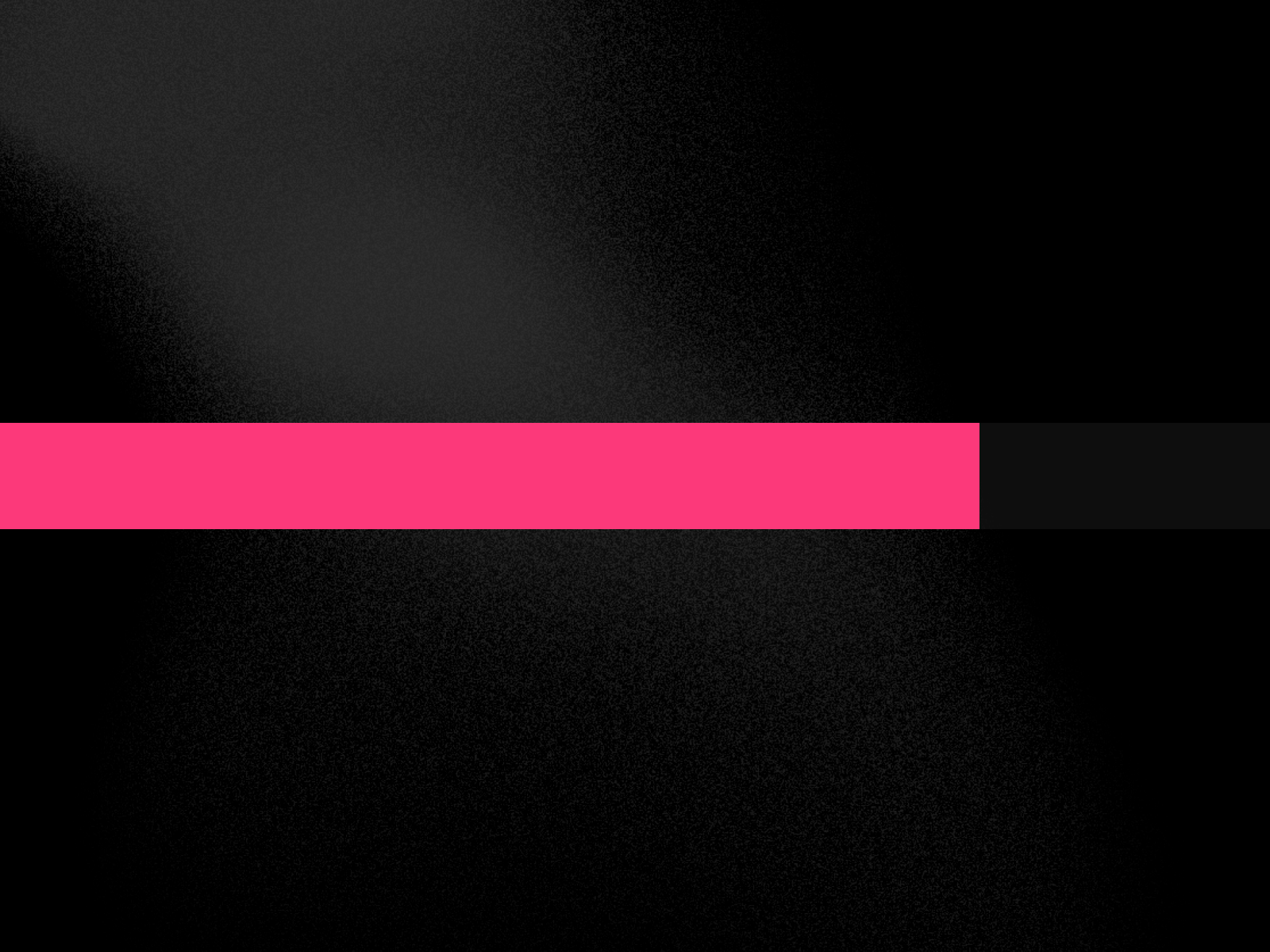
Scroll Progress Bar — Lightweight horizontal or vertical bar with thickness and color controls
by craftedbyMia
Scroll Progress Bar from craftedbyMia is the most-installed free linear bar on this list for good reason: pick top, bottom, left, or right orientation, set thickness and color, and get smooth real-time scroll tracking in a fixed overlay with no extra configuration. It skips reading-time math and completion redirects — which keeps the component fast and predictable on portfolio and blog templates where a simple progress cue is enough. Install it first when you want to validate layout before upgrading to a paid bar with milestones or circular modes.
- Best for
- Side projects and client MVPs that need a dependable top bar without budget for reading-time extras
Affiliate link — we may earn a commission at no extra cost to you.
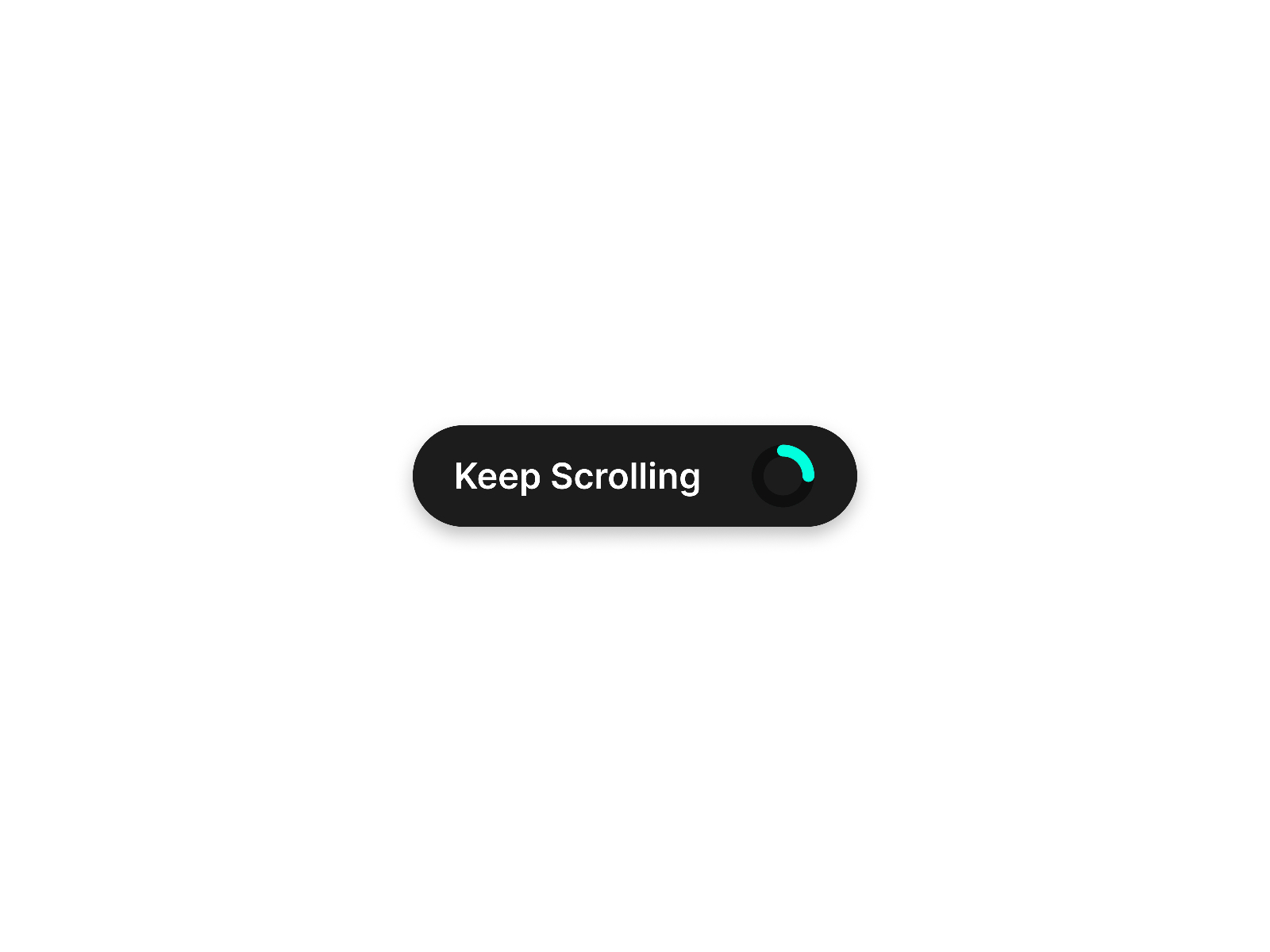
Scroll Indicator — Donut-shaped circular indicator with customizable start and end sections
by MJ Nafi
Scroll Indicator renders a donut-shaped progress ring that animates smoothly as visitors move through the page, with controls for circle size, stroke weight, and separate colors for the filled and remaining arc. Section start and end points can follow the full page or a defined range, so the ring fills only while users read the story you care about. MJ Nafi publishes it free, making it the circular counterpart to craftedbyMia’s linear bar when your layout needs a corner widget rather than a stripe across the header.
- Best for
- Creative portfolios and long-scroll case studies that want a minimal circular cue instead of a full-width bar
Affiliate link — we may earn a commission at no extra cost to you.
Quick comparison
| Resource | Price | Type | Best for |
|---|---|---|---|
| Read Progress Line | 5 USD | Component | Reading time plus completion celebrations |
| Scroll Progress Pro | 5 USD | Component | Easing options and reading-time labels |
| Blog Scroll Progress | 14 USD | Component | Circular, text, and heading sync modes |
| Track Scroll | 10 USD | Component | Horizontal, vertical, and circular in one |
| Progress Scroll Bar | 5 USD | Component | Completion redirect and gradient bars |
| Scroll ProgressBar | 10 USD | Component | Gradient-heavy brand styling |
| Scroll Progress | 4 USD | Component | Section-scoped window or container tracking |
| RingScroll indicator | 5 USD | Component | Circular ring with scroll-to-top action |
| Scroll Progress Bar | Free | Component | Simple linear bar on zero budget |
| Scroll Indicator | Free | Component | Donut-shaped circular progress |
How to choose the right Framer scroll progress component
Match shape to page layout. Top horizontal bars — Read Progress Line, Scroll Progress Pro, and the free Scroll Progress Bar — suit classic blog and docs reading flows. Circular widgets — Blog Scroll Progress, Track Scroll, RingScroll indicator, and Scroll Indicator — work when a full-width stripe would clash with hero typography or fixed navigation.
Decide if reading time matters. Editorial and SEO-focused sites benefit from components that show estimated minutes remaining: Read Progress Line and Scroll Progress Pro lead there. Marketing landers that only need a scroll nudge can skip time math and save budget with Scroll Progress or the free linear bar.
Scope progress to the right container. Full-page tracking is wrong when only an article column scrolls. Scroll Progress and Track Scroll both support container-level measurement — verify that behavior in preview before buying a bar that assumes window scroll only.
Budget free first, then buy completion logic. Pair the free Scroll Progress Bar with Scroll Indicator when you want linear plus circular cues at zero cost. Upgrade to Progress Scroll Bar or Read Progress Line when 100% scroll should trigger confetti, a color shift, or a redirect to a signup page.
Our top pick for most Framer builders
If you publish long-form content and want reading time plus polished completion UX in one install, Read Progress Line at 5 USD is the best starting point. CMS-heavy blogs that must show the active heading alongside scroll percentage should look at Blog Scroll Progress at 14 USD. On a zero budget, Scroll Progress Bar and Scroll Indicator cover linear and circular progress without sacrificing smooth tracking.
Browse Framer templates on yoframer for blog and documentation layouts that pair well with progress indicators, or read our horizontal scroll components roundup when editorial pages use pinned horizontal sections instead of vertical reading flows. More resource roundups live on the Resources hub.
Updated July 2026. We refresh this list as notable scroll progress components ship, reprice, or go stale.