Tech launches, creative portfolios, and Web3 landers all lean on the same visual trick: a living background that responds to scroll and cursor movement. Framer ships native effects and video loops, but a dedicated framer particle effect component gives you canvas-rendered fields with cursor gravity, burst triggers, and tunable density — without writing WebGL boilerplate or fighting layout overflow on every breakpoint.
This list ranks ten particle, starfield, and confetti components on the Framer marketplace in 2026. Every pick has a live listing, identifiable creator, and working preview — five free and five paid, spanning immersive 3D engines, magnetic cursor fields, ambient star backgrounds, and celebration confetti for launch moments.
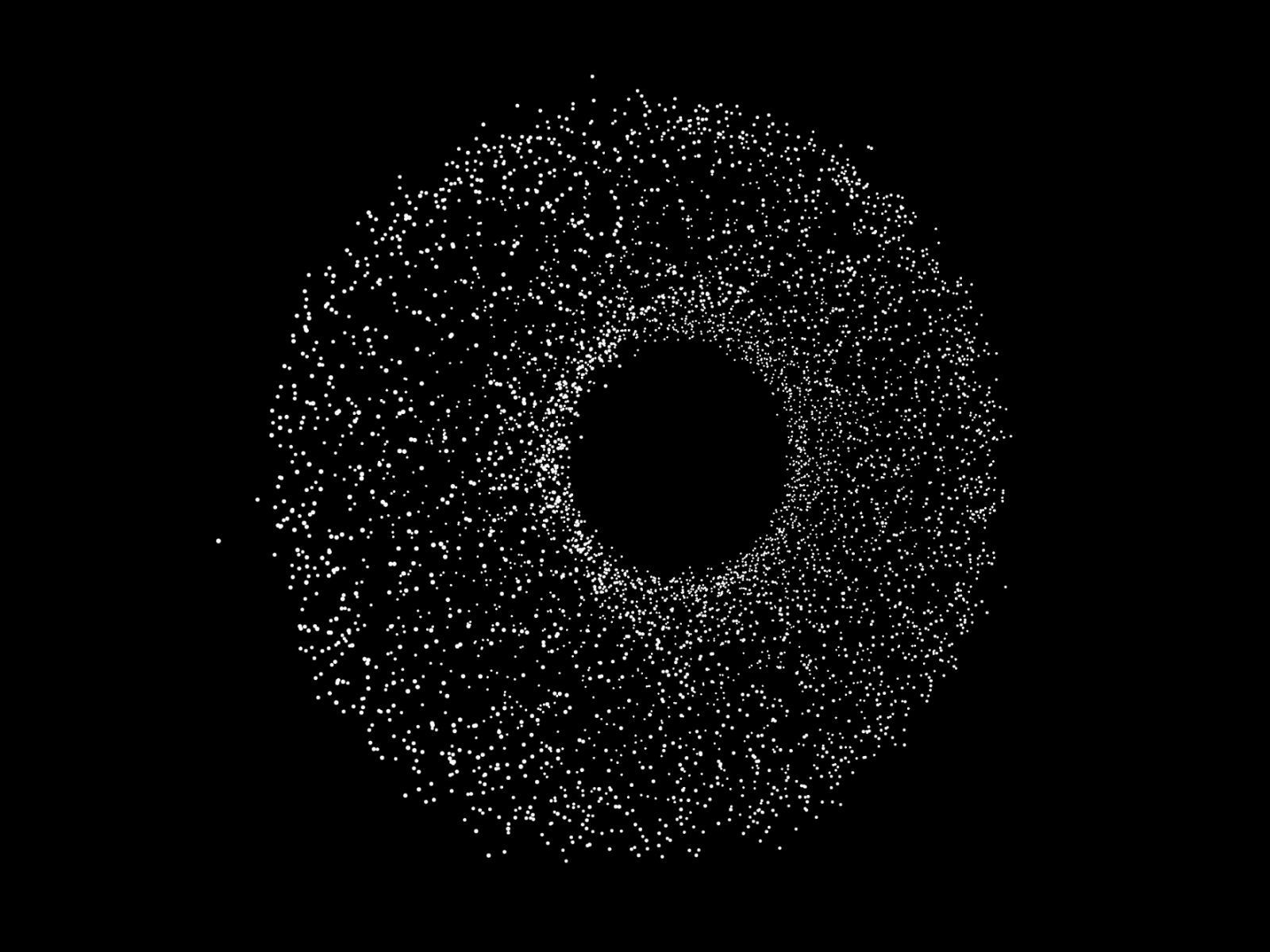
3D Particle Engine — Twenty shape modes with physics, camera control, and scene transitions
by Lee Black
3D Particle Engine is the most ambitious particle system on this list: twenty shape modes from spheres to custom geometry, a full physics layer with gravity and collision, and camera pan-tilt-zoom for cinematic framing. Lee Black built real-time scene transitions so particles rearrange between views instead of hard-cutting — ideal when a hero morphs into a product reveal on scroll. Auto-play and interactive modes cover both ambient backgrounds and pointer-reactive demos. At 15 USD it replaces the typical Three.js scaffold when the brief explicitly calls for volumetric motion rather than a flat canvas overlay.
- Best for
- Product launches and immersive hero sections that need real depth, not flat dot fields
Affiliate link — we may earn a commission at no extra cost to you.
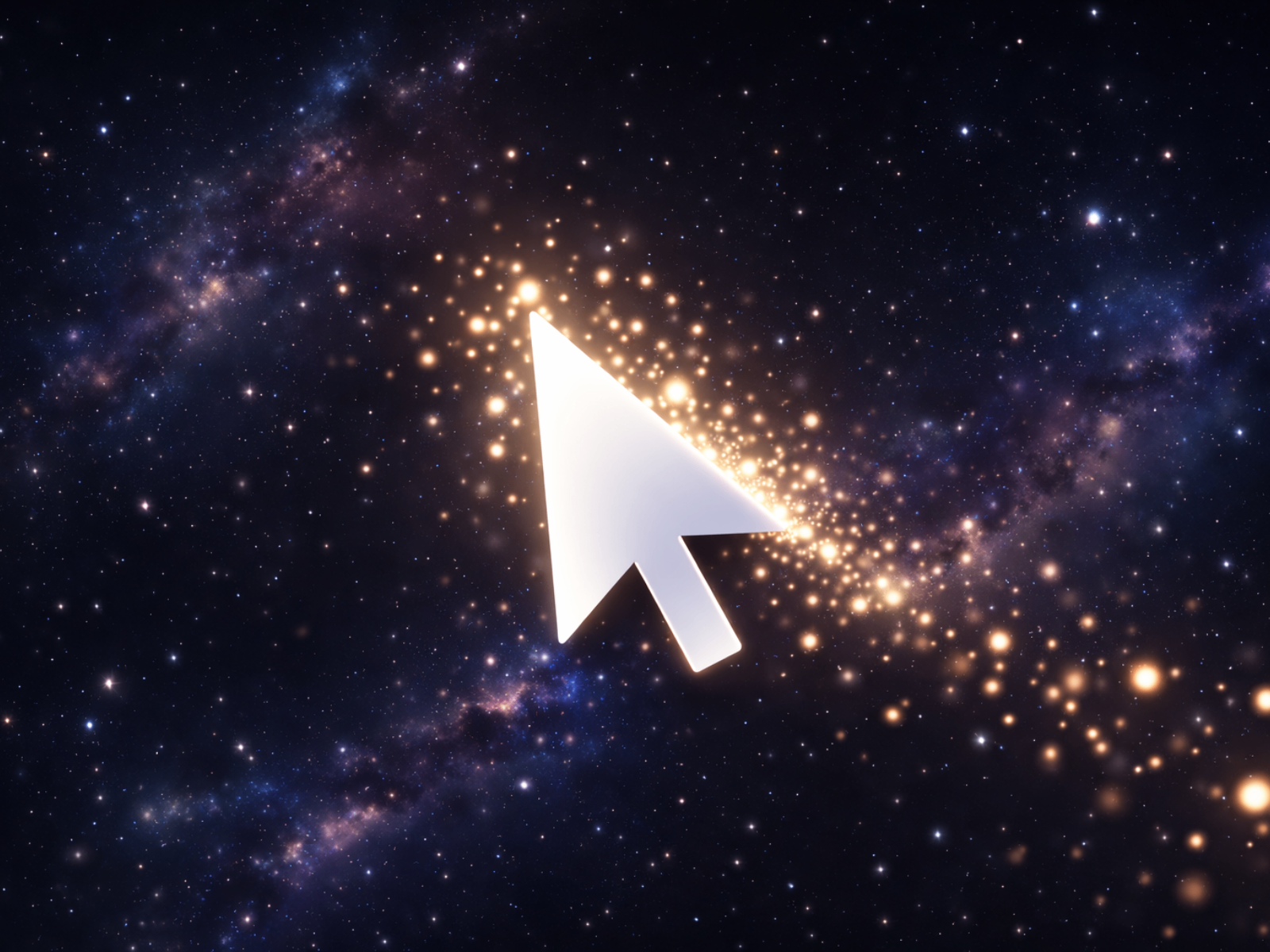
Particle Magnet — Magnetic cursor field with twinkling particles and spring physics
by Aidan Looker
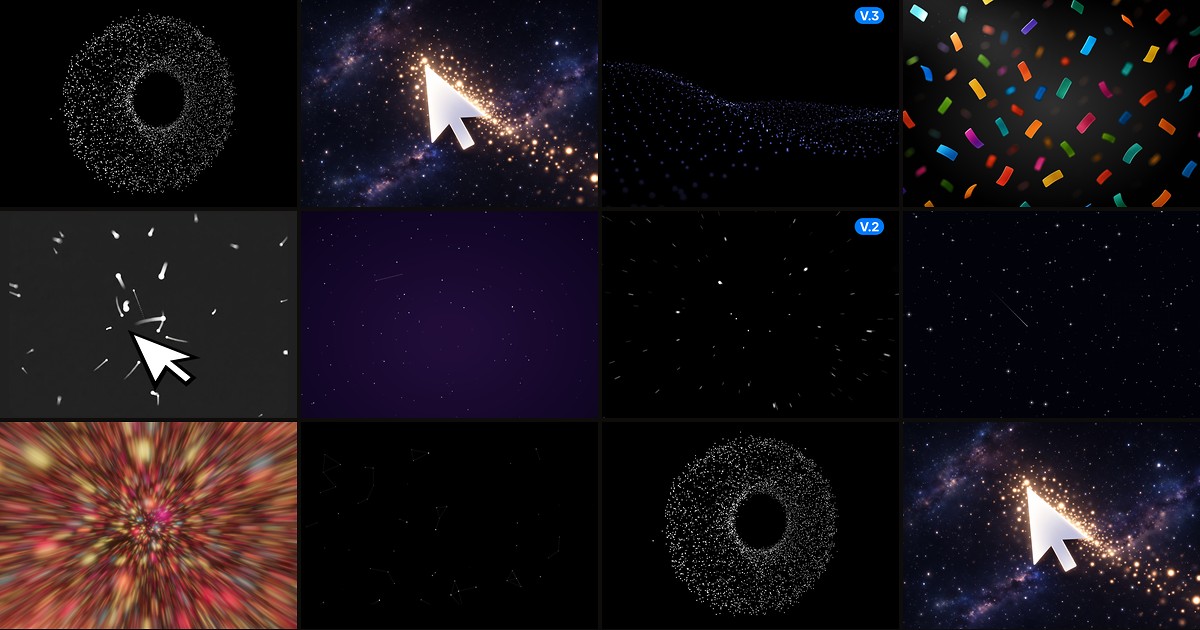
Particle Magnet renders hundreds of twinkling particles on a single canvas layer that drift naturally until the cursor enters the magnet radius — then they swarm with smooth spring physics toward the pointer. Aidan Looker exposes count, speed, density, glow intensity, and background color from the property panel, and the component sits as a viewport overlay so your existing hero typography stays untouched. At 4 USD it is the best value when you need polished cursor reactivity without the complexity of a full 3D engine or morphing shape library.
- Best for
- Sci-fi and tech landing pages that want a lightweight viewport overlay without rebuilding the hero layout
Affiliate link — we may earn a commission at no extra cost to you.
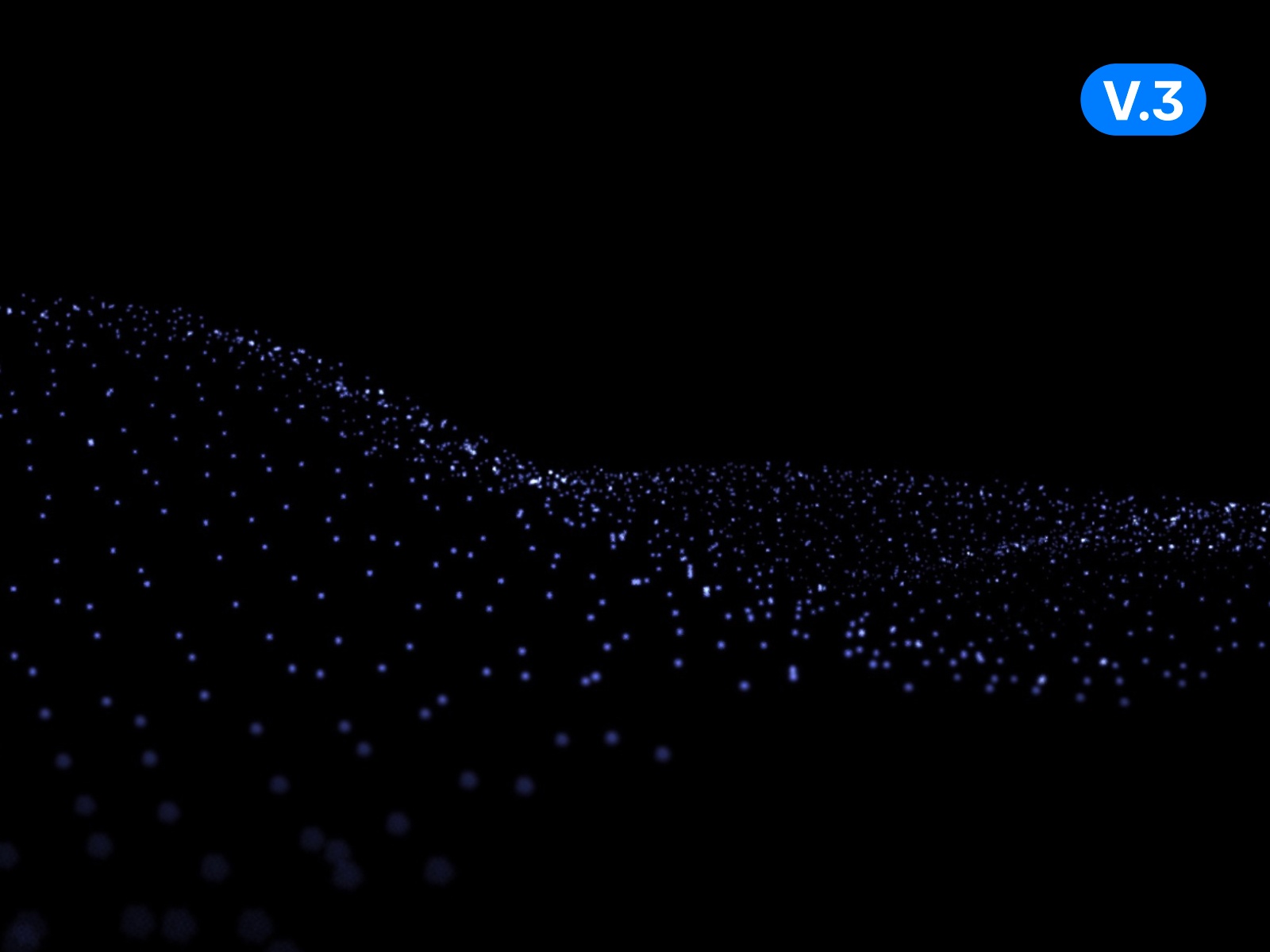
Particles Waves — Flowing wave particle background with adjustable density and color
by Sabo Sugi
Particles Waves from Sabo Sugi trades cursor gimmicks for rhythmic wave motion — particles flow in layered bands that read as atmospheric depth behind headlines and CTAs. Density, speed, and palette controls stay in the property panel, and the canvas scales to full-bleed sections without DOM thrashing on each frame. At 5 USD it fits briefs where the background should feel alive and premium but not compete with the copy for attention — a strong middle ground between static gradients and fully interactive physics playgrounds.
- Best for
- Digital agency homepages and SaaS heroes that want fluid motion without cursor-heavy interaction
Affiliate link — we may earn a commission at no extra cost to you.

Confetti Rain — Physics-driven confetti with continuous rain or explosion burst modes
by Nabeel
Confetti Rain simulates falling confetti with realistic spin, sway, and air drag — toggle Explode mode for a radial burst on button click or keep continuous rainfall for ambient celebration energy. Nabeel exposes up to eight custom colors, density, z-index layering for depth, and fine-grained physics tuning so pieces feel light or heavy depending on brand tone. At 9 USD it is the premium pick when the particle brief is event-driven rather than ambient — pair it with a success state on your Framer form or checkout confirmation.
- Best for
- Launch pages, waitlist confirmations, and celebration moments after form submission
Affiliate link — we may earn a commission at no extra cost to you.
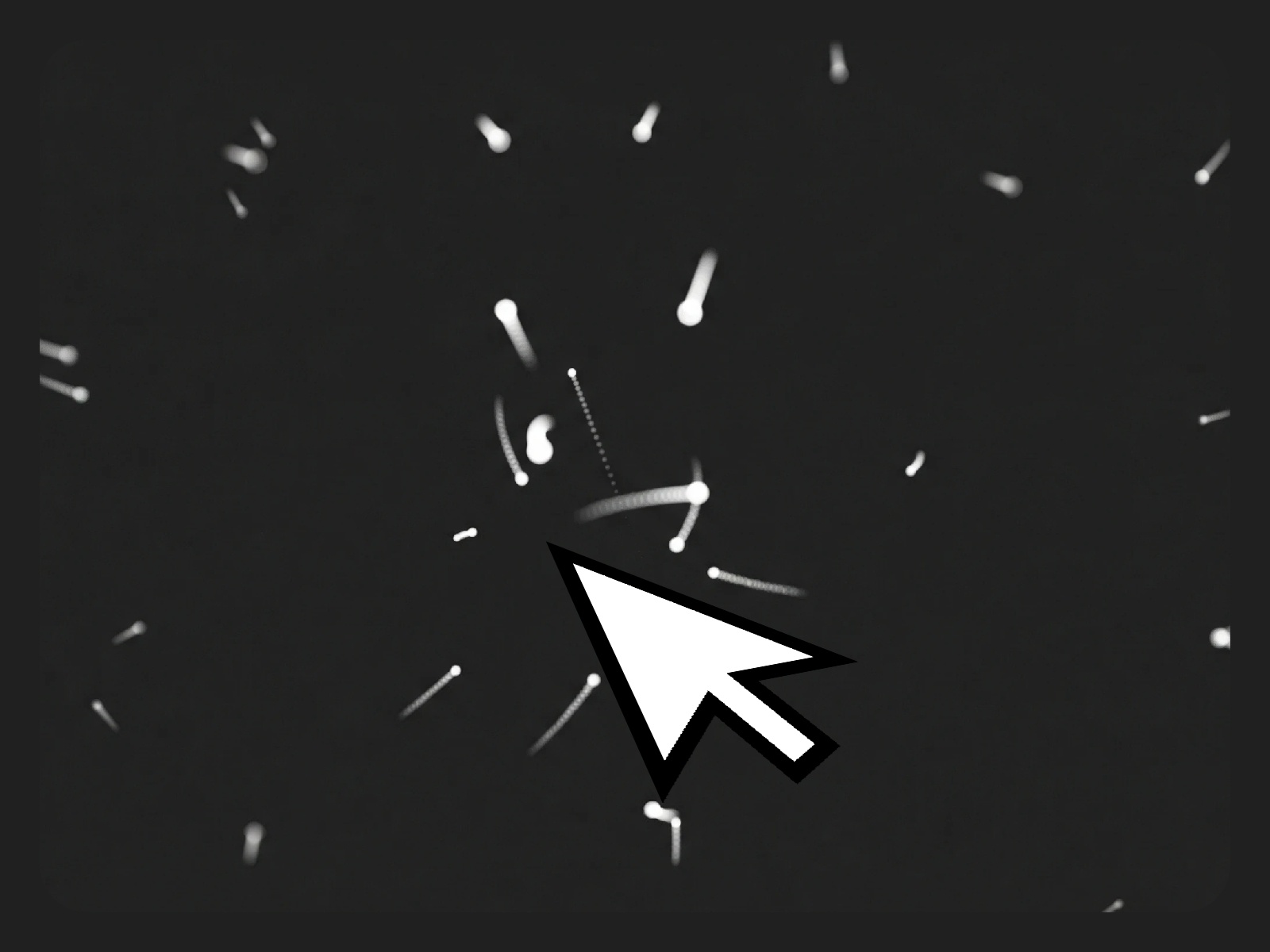
Gravity Stars — Interactive starfield with attract-repel gravity and optional trails
Gravity Stars renders a dynamic field of glowing particles that respond to pointer gravity in attract or repel modes, with optional collision bounce-or-merge behavior and click-to-emit bursts at the cursor. Aviral Lakhanpaul ships trail duration, glow intensity, star count, and opacity controls so the effect can read as quiet wallpaper or a highly interactive playground. Install it free when the hero needs cosmic atmosphere and you want visitors to play with the field rather than passively scroll past a static gradient.
- Best for
- Space-themed portfolios and fintech sites that want subtle parallax without paid background kits
Affiliate link — we may earn a commission at no extra cost to you.
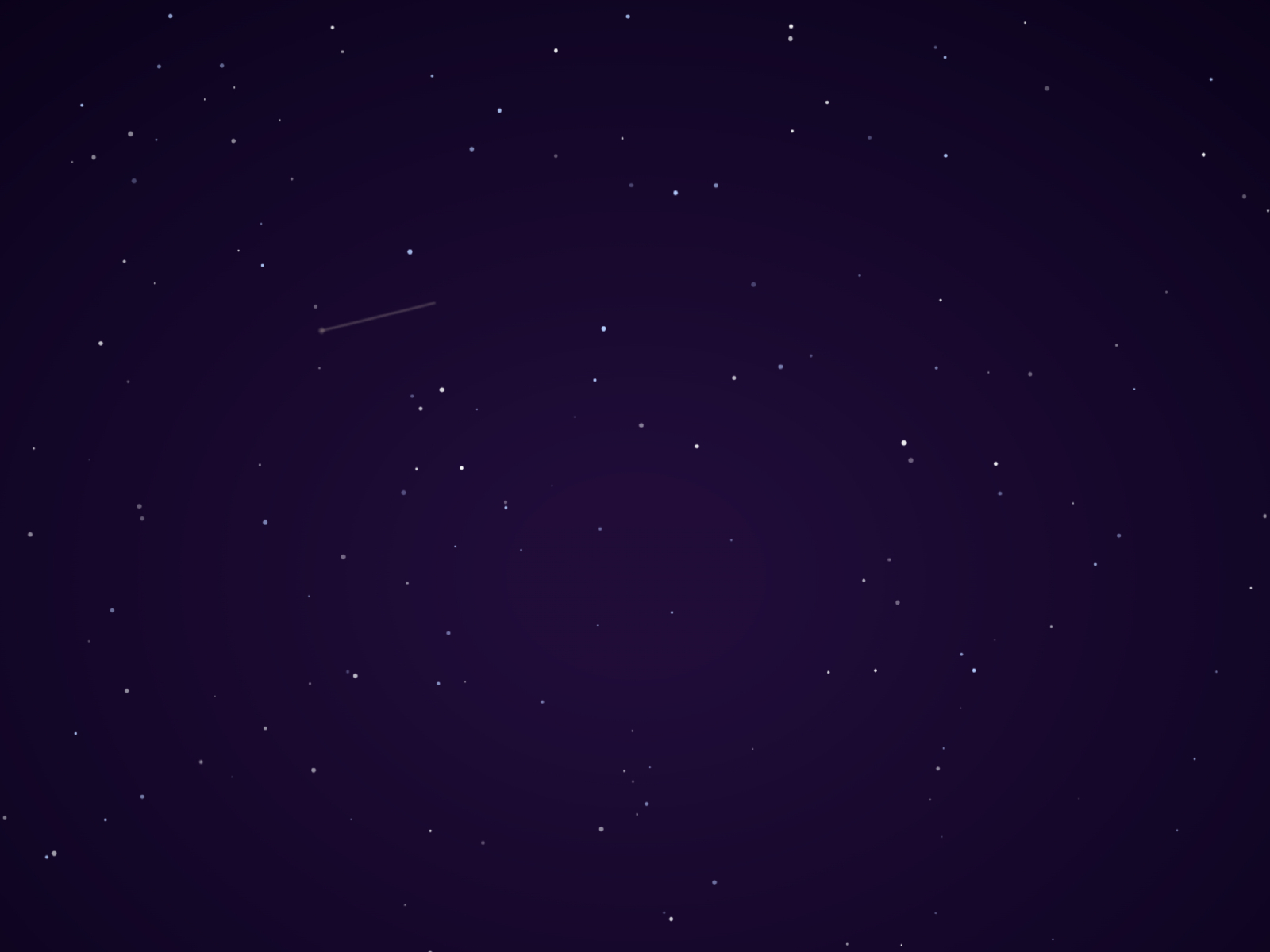
Night Sky Particles — Ambient drifting particles for dark hero backgrounds
by Ulvin
Night Sky Particles from Ulvin targets the restrained end of the spectrum — slow-drifting luminous dots over a deep background that add depth without demanding cursor interaction. Tune particle count, speed, and color to match brand palettes, then drop it behind typography-heavy heroes where motion should whisper rather than shout. Free and lightweight, it is the default when you need night-sky atmosphere on a portfolio or agency homepage without configuring physics engines or buying premium shader backgrounds.
- Best for
- Creative studio sites and editorial layouts with dark-mode hero sections
Affiliate link — we may earn a commission at no extra cost to you.
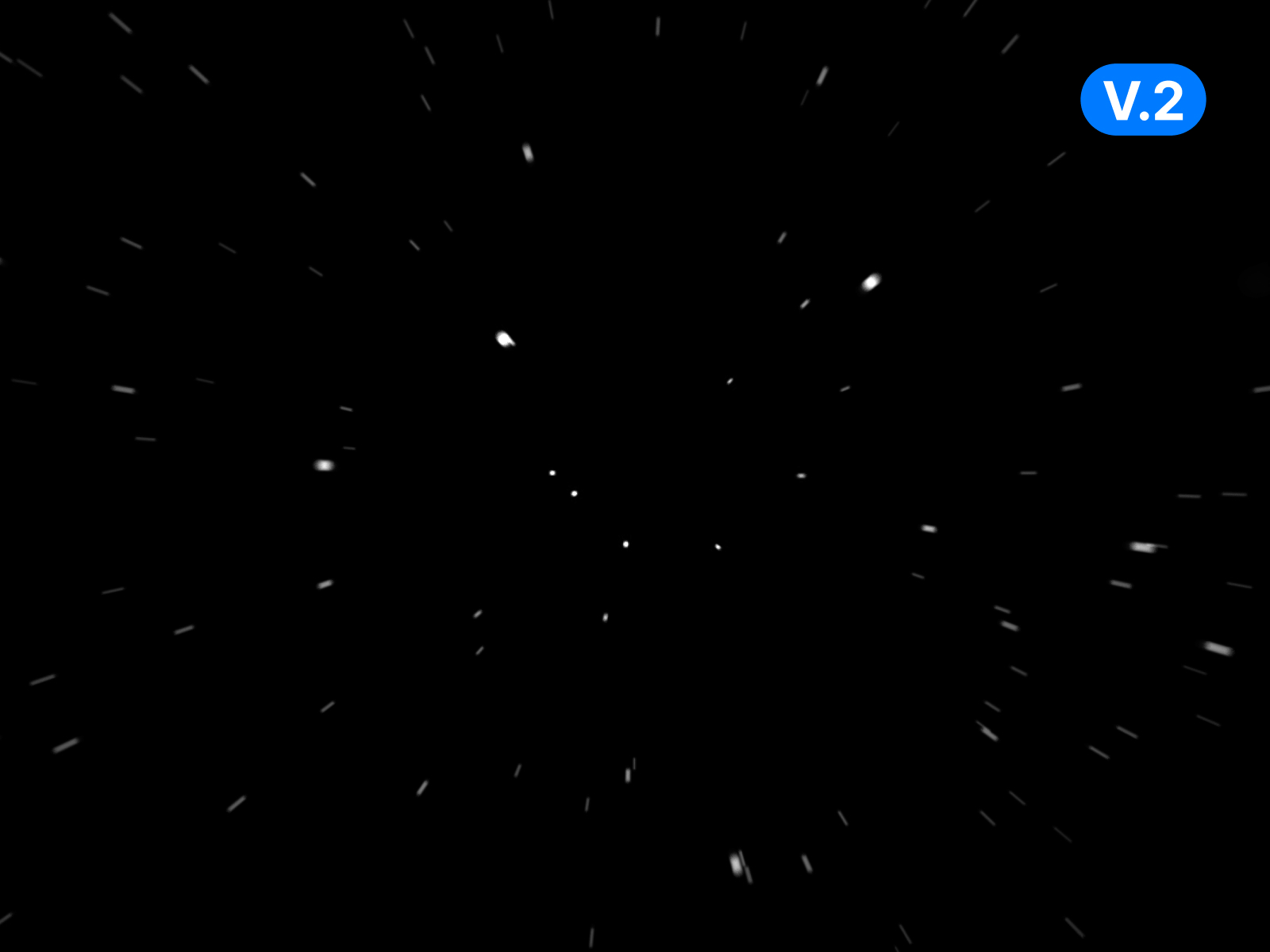
Starsfield — Classic starfield scroll parallax for full-viewport backgrounds
by Sabo Sugi
Starsfield delivers the familiar drifting-star parallax effect — multiple depth layers move at different speeds to create spatial illusion behind a centered headline or logo lockup. Sabo Sugi publishes it free alongside Mondragon agency templates, which makes it a natural fit when you are already remixing that visual language. Use it when the brief calls for proven starfield motion rather than experimental cursor physics, and you want the background installed in minutes with minimal property-panel tuning.
- Best for
- One-page marketing sites and link-in-bio pages that want recognizable star motion at zero cost
Affiliate link — we may earn a commission at no extra cost to you.
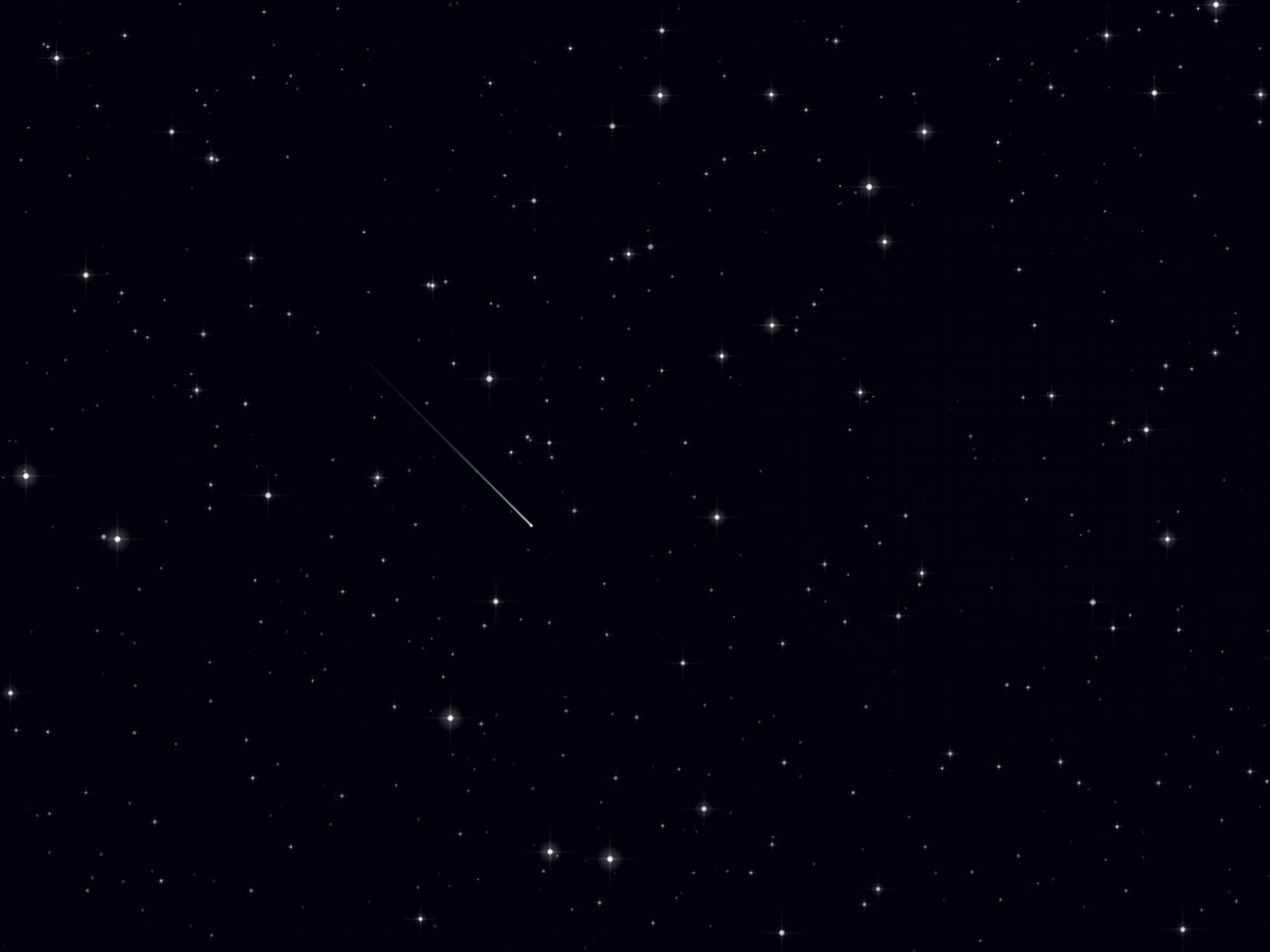
Stellar Background — Premium star cluster background with customizable glow and motion
by Khizer Javed
Stellar Background from Khizer Javed layers configurable star clusters with glow and motion controls tuned for marketing heroes rather than game-style particle storms. Color, density, and animation speed adjust from the panel, and the canvas scales cleanly across breakpoints without clipping nested Framer stacks. At 5 USD it sits between free starfields and heavy 3D engines — the pick when stakeholders want a premium cosmic look but the timeline does not allow custom WebGL development.
- Best for
- SaaS and AI product pages that need a polished stellar atmosphere beyond free starfield defaults
Affiliate link — we may earn a commission at no extra cost to you.
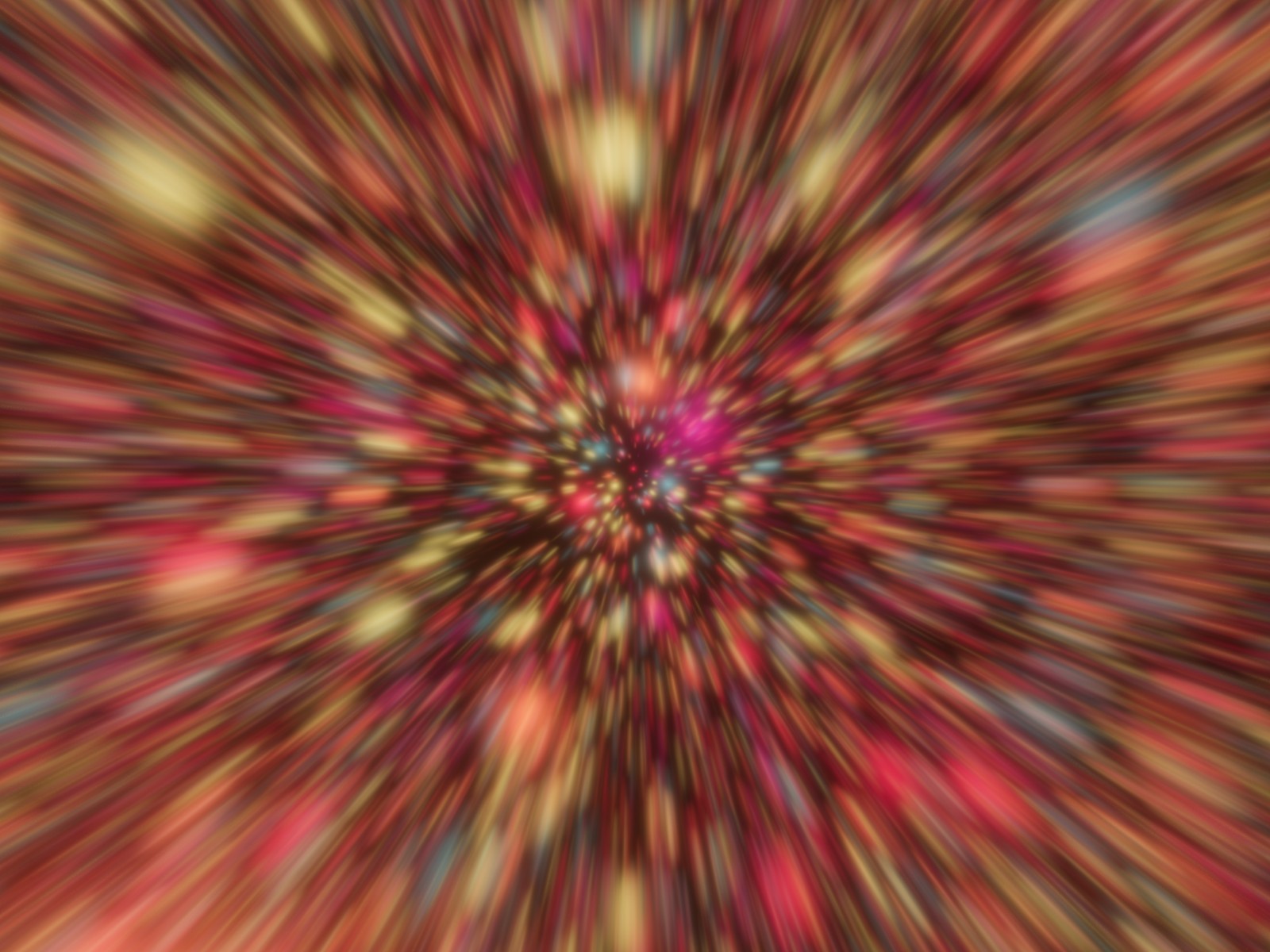
Starfield Background — Scroll-reactive starfield with depth layers and color control
by Kevin Levron
Starfield Background by Kevin Levron adds scroll-linked depth to the classic starfield pattern — layers accelerate or shift as visitors move through the page, tying ambient motion to narrative pacing. Custom star colors, density, and speed keep the effect on-brand for fintech, dev tools, or space-adjacent startups. At 5 USD it wins when a static star wallpaper feels too flat but a full particle engine would overpower the content hierarchy on a text-heavy page.
- Best for
- Long-form landing pages where background motion should tie to scroll progress
Affiliate link — we may earn a commission at no extra cost to you.
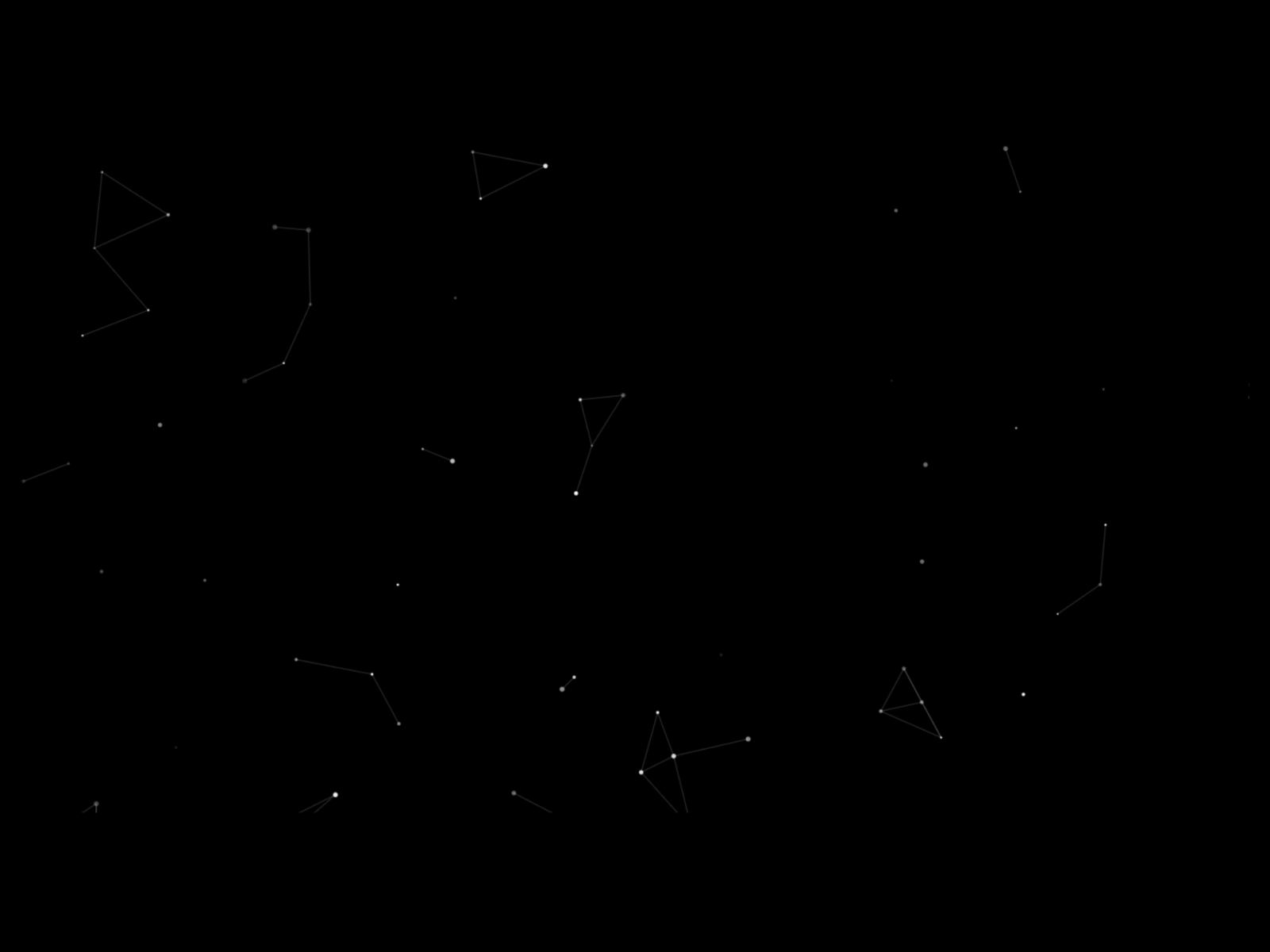
Particles — Simple connected-particle network background
by Charu Consul
Particles from Charu Consul recreates the connected-dot network popularized by particles.js — nodes drift and draw lines when within range, producing a clean tech aesthetic behind hero copy or dashboard previews. Charu Consul keeps the controls approachable: particle count, link distance, color, and speed adjust without touching overrides. Install it free when the site needs recognizable network motion on a budget, or as a lightweight fallback before upgrading to cursor-gravity or 3D systems on higher-traffic pages.
- Best for
- Minimal tech sites that want a particles.js-style web without custom code
Affiliate link — we may earn a commission at no extra cost to you.
Quick comparison
| Resource | Price | Type | Best for |
|---|---|---|---|
| 3D Particle Engine | 15 USD | Component | Immersive 3D hero backgrounds with scene transitions |
| Particle Magnet | 4 USD | Component | Cursor-magnetic sci-fi overlay |
| Particles Waves | 5 USD | Component | Fluid wave motion behind headlines |
| Confetti Rain | 9 USD | Component | Launch celebrations and burst effects |
| Gravity Stars | Free | Component | Interactive attract-repel starfields |
| Night Sky Particles | Free | Component | Ambient dark-mode hero atmosphere |
| Starsfield | Free | Component | Classic parallax starfield |
| Stellar Background | 5 USD | Component | Premium star clusters for SaaS heroes |
| Starfield Background | 5 USD | Component | Scroll-reactive depth layers |
| Particles | Free | Component | Connected-dot network backgrounds |
How to choose the right Framer particle component
Separate ambient backgrounds from event triggers. Night Sky Particles, Starsfield, Stellar Background, Starfield Background, Particles Waves, and Particles handle always-on atmosphere — they should sit behind content and stay readable at a glance. Confetti Rain and burst modes on Gravity Stars are for moments: form success, product launch, or button-click delight. Do not run continuous confetti on every page load unless the brand is explicitly playful.
Match interaction depth to the brief. 3D Particle Engine and Particle Magnet demand attention — visitors will move the cursor to explore. Gravity Stars sits in the middle with optional emitters and trails. Night Sky Particles and Starsfield are passive. If the hero copy is dense, choose passive starfields; if the page is visual-first, invest in cursor-reactive physics.
Budget free starfields first, then buy depth or celebration. Starsfield, Night Sky Particles, Gravity Stars, and Particles cover most portfolio and agency needs at zero cost. Spend 4–5 USD on Particle Magnet or Particles Waves when cursor or wave motion is part of the art direction. Reserve 9–15 USD for Confetti Rain or 3D Particle Engine when the launch moment or immersive hero is the centerpiece of the campaign.
Watch performance on mobile. Canvas particle counts above a few thousand can stutter on older phones — start with lower density in the property panel, test on real devices, and prefer lightweight free components on content-heavy pages before stacking multiple animated backgrounds on one route.
Our top pick for most Framer builders
If you install one particle component for a tech or creative hero, Particle Magnet at 4 USD delivers the strongest cursor-reactive payoff per dollar — magnetic swarm physics without a 3D learning curve. For passive cosmic atmosphere on a budget, Gravity Stars free covers interactive starfields with trails and emitters, while Starsfield free is the fastest classic parallax install. When the brief is a flagship launch, 3D Particle Engine at 15 USD is the professional immersive stack; when the moment is celebration, Confetti Rain at 9 USD handles physics-driven bursts out of the box.
Browse Framer templates on yoframer for hero layouts that pair well with particle backgrounds, or read our 3D and WebGL components roundup when the brief needs shader-grade depth beyond canvas dots. More resource roundups live on the Resources hub.
Updated July 2026. We refresh this list as notable particle and background components ship, reprice, or go stale.