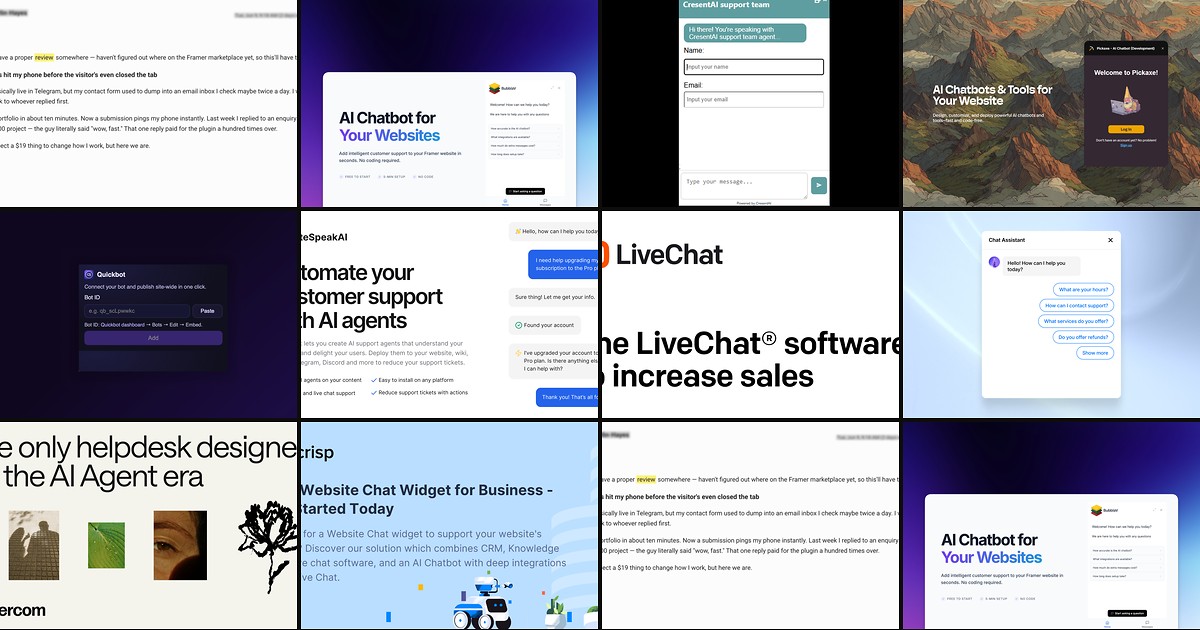
A Framer launch page can look finished while support still lives in a buried mailto link or a #contact anchor. Visitors with pricing questions, integration doubts, or urgent bugs bounce before your team sees the message. A dedicated framer ai chatbot or live chat layer keeps conversations on-brand, answers repetitive questions around the clock, and routes complex threads to a human when confidence drops.
This list ranks ten live chat and AI chatbot tools you can deploy on Framer today. Every pick has a working install path, an identifiable creator or vendor, and a demo or preview you can verify before publishing. Four offer free tiers; six are paid or require a connected SaaS account. Rankings favor native marketplace plugins first, then documented embed integrations with real human handoff — not decorative chat UI mockups.
Chatloom — RAG-trained AI platform with visual workflows, seven-channel deployment, and live human handoff
by Can Girgin
Chatloom is the deepest AI support stack built specifically for Framer: install from the marketplace, sign in inside the plugin, pick an agent, and the widget injects with colors and fonts matched to your site — no custom-code snippet to maintain. Train on crawled pages or uploaded docs, build drag-and-drop support workflows with booking and webhook actions, and let confidence scoring route uncertain chats to your team with full context. The free plan covers one chatbot and 100 messages per month with no credit card, enough to validate on a client staging domain before upgrading for white-label branding or WhatsApp and Telegram channels.
- Best for
- SaaS and agency sites that want a marketplace-native bot trained on published Framer content with escalation when the model is unsure
Affiliate link — we may earn a commission at no extra cost to you.
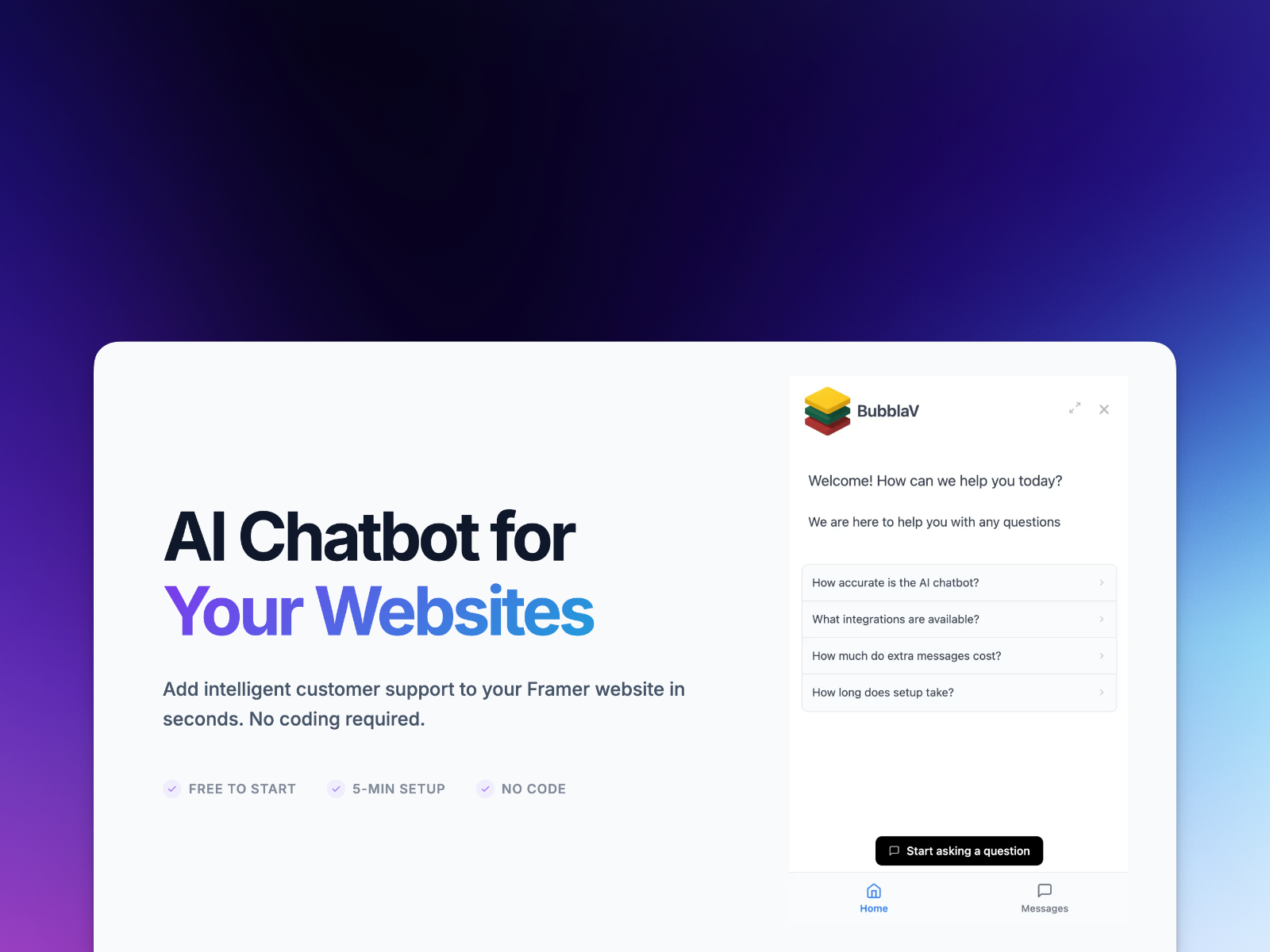
BubblaV AI Chatbot — OAuth-connected widget with omnichannel inbox, knowledge-base sync, and live agent takeover
by BubblaV AI
BubblaV connects through secure OAuth — log in, select a website, publish, and the chat widget appears without pasting API keys into page source. The AI learns from crawled site content, Notion pages, and support history, then handles routine queries 24/7 while complex issues jump to a live dashboard where agents see the full thread. Free covers 100 messages per month; Starter at 9 USD per month scales to 1,000 messages, and Pro at 49 USD per month unlocks multi-site management, advanced integrations, and dedicated live-chat seats. Choose BubblaV when you already run helpdesk tooling and need the handoff path wired on day one.
- Best for
- SMBs and agencies that need Zendesk, HubSpot, or Slack routing alongside a Framer-native install
Affiliate link — we may earn a commission at no extra cost to you.
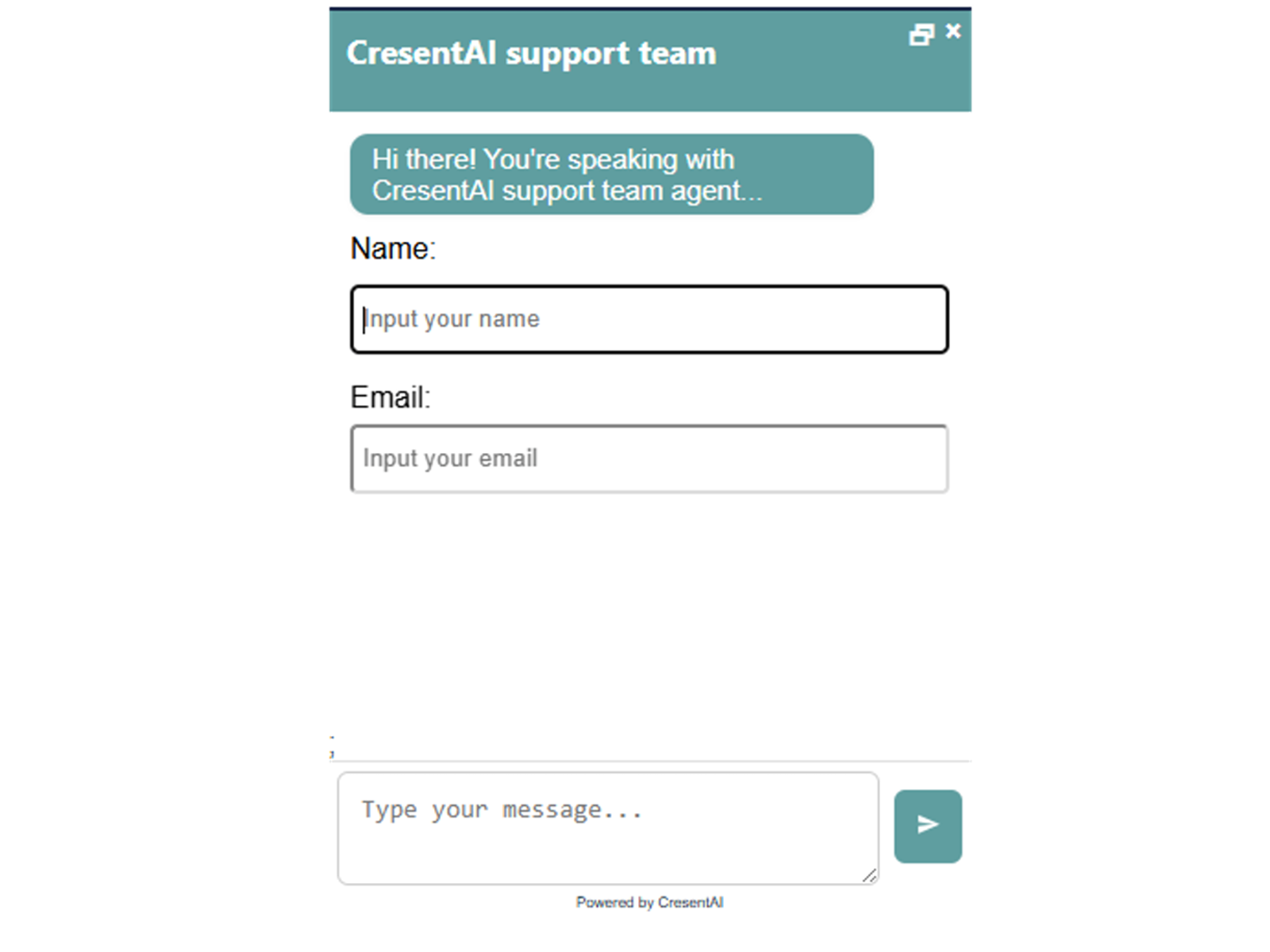
CresentAI Chatbot — Hybrid AI and live-agent widget with trainable knowledge base and session ratings
CresentAI ships as a copy-paste marketplace component: sign up free at chatbot.cresentai.com, paste your API key in the property panel, and the widget goes live with customizable colors, expanded or collapsed modes, and optional name-and-email gating before chats start. Upload PDFs or paste text to train the bot, toggle hybrid mode so AI handles weekdays while live agents take over on holidays, and review conversation history with star ratings in the dashboard. At zero cost it is the fastest way to test whether visitors actually use chat on a Framer landing page before committing to a paid inbox platform.
- Best for
- Founders who want a free canvas component with explicit live-chat mode for nights and weekends
Affiliate link — we may earn a commission at no extra cost to you.
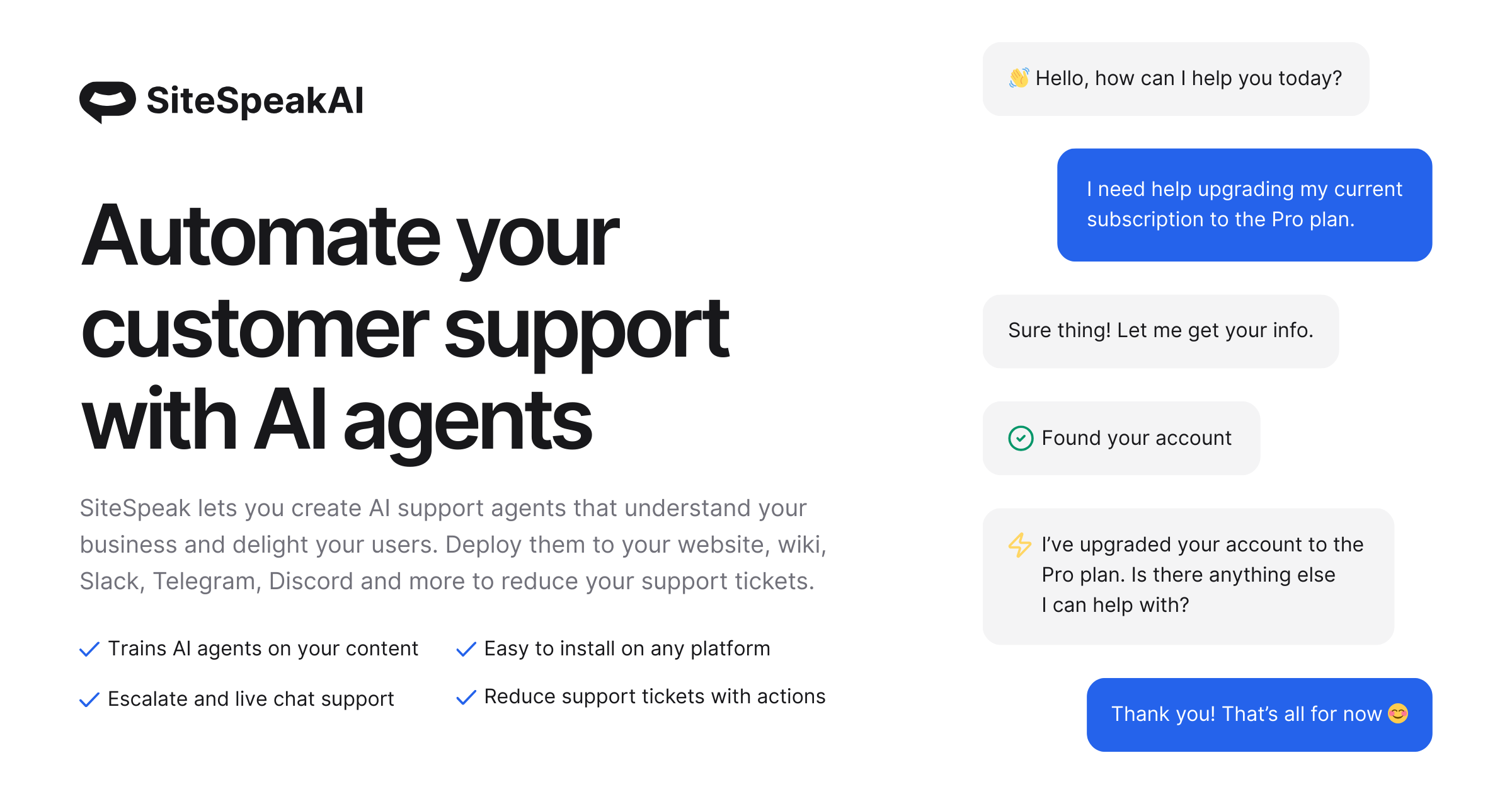
SiteSpeak AI — Custom-code embed with live chat escalation, auto-syncing training sources, and multi-model choice
by SiteSpeakAI
SiteSpeak AI documents a first-class Framer path: copy the embed snippet from your agent dashboard and paste it into Site Settings under End of body, then publish to activate a trained support agent on every page. The free plan includes 30 message credits per month, one agent, and a live chat widget with escalation when the AI cannot resolve a thread — paid tiers from 29 USD per month add lead capture, branding removal, and auto-syncing sources that stay current as you push new Framer CMS pages. Pick SiteSpeak when you want model flexibility (OpenAI, Anthropic, Google) and a documented embed workflow rather than a marketplace-only install.
- Best for
- Support teams that outgrew basic FAQ bots and need human takeover plus HubSpot or WhatsApp on higher tiers
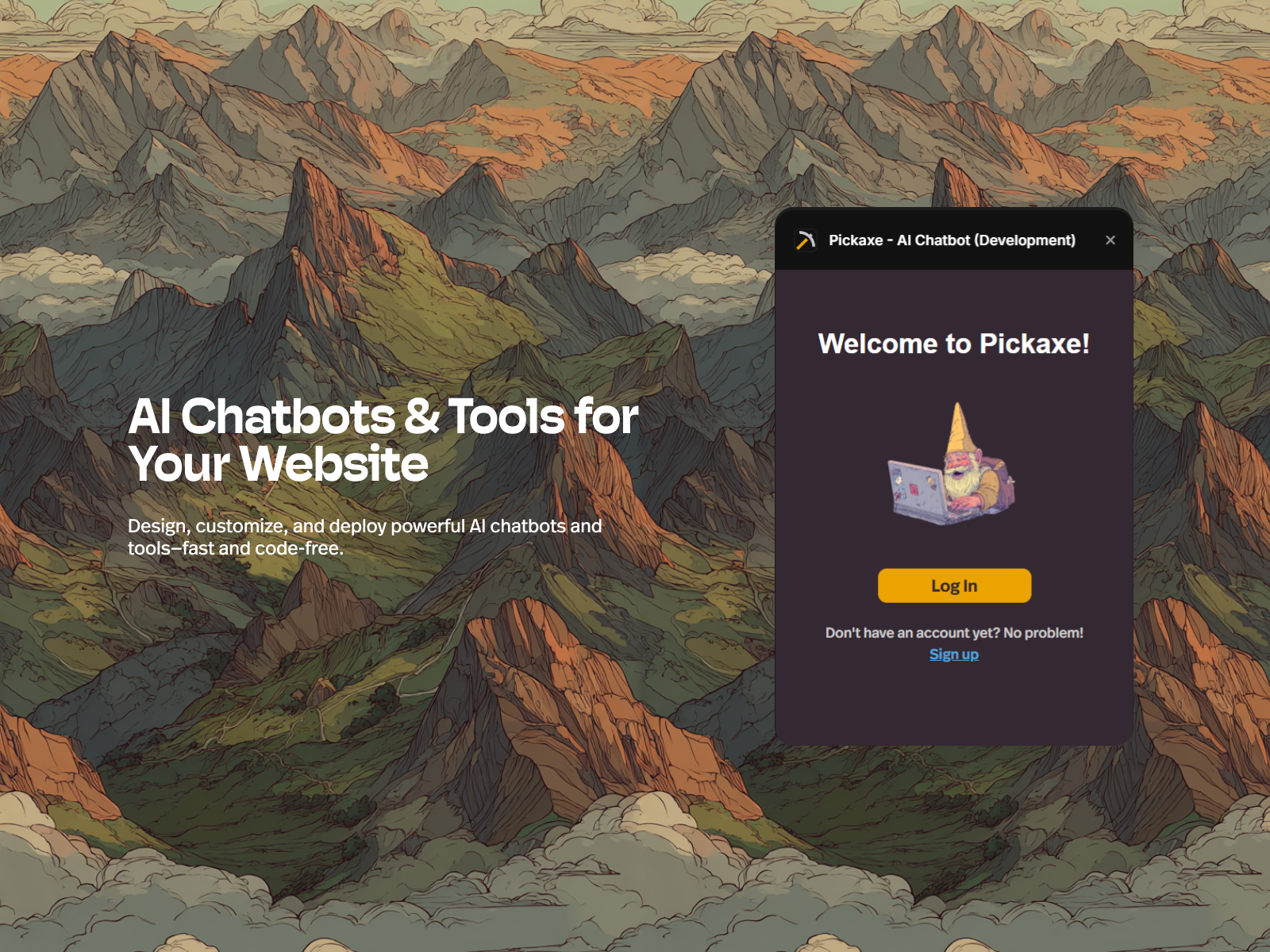
Pickaxe AI Chatbot — No-code AI builder with custom personalities, user memories, and webhook actions
Pickaxe treats the chatbot as a product, not a generic support bubble: fine-tune prompts, define personality, wire webhooks and email triggers, and enable user memories so returning visitors get contextual replies. The Framer plugin embeds your published Pickaxe agent in a few clicks without hand-writing iframe code. Pickaxe Gold starts at 29 USD per month with workspace credits for model usage; the plugin itself is free. Install it when the bot is the offer — a sales mentor, onboarding tutor, or interactive lead qualifier — rather than a passive FAQ layer tacked onto the footer.
- Best for
- Creators and consultants embedding niche expert bots — coaching, course Q&A, or product advisors — inside Framer
Affiliate link — we may earn a commission at no extra cost to you.
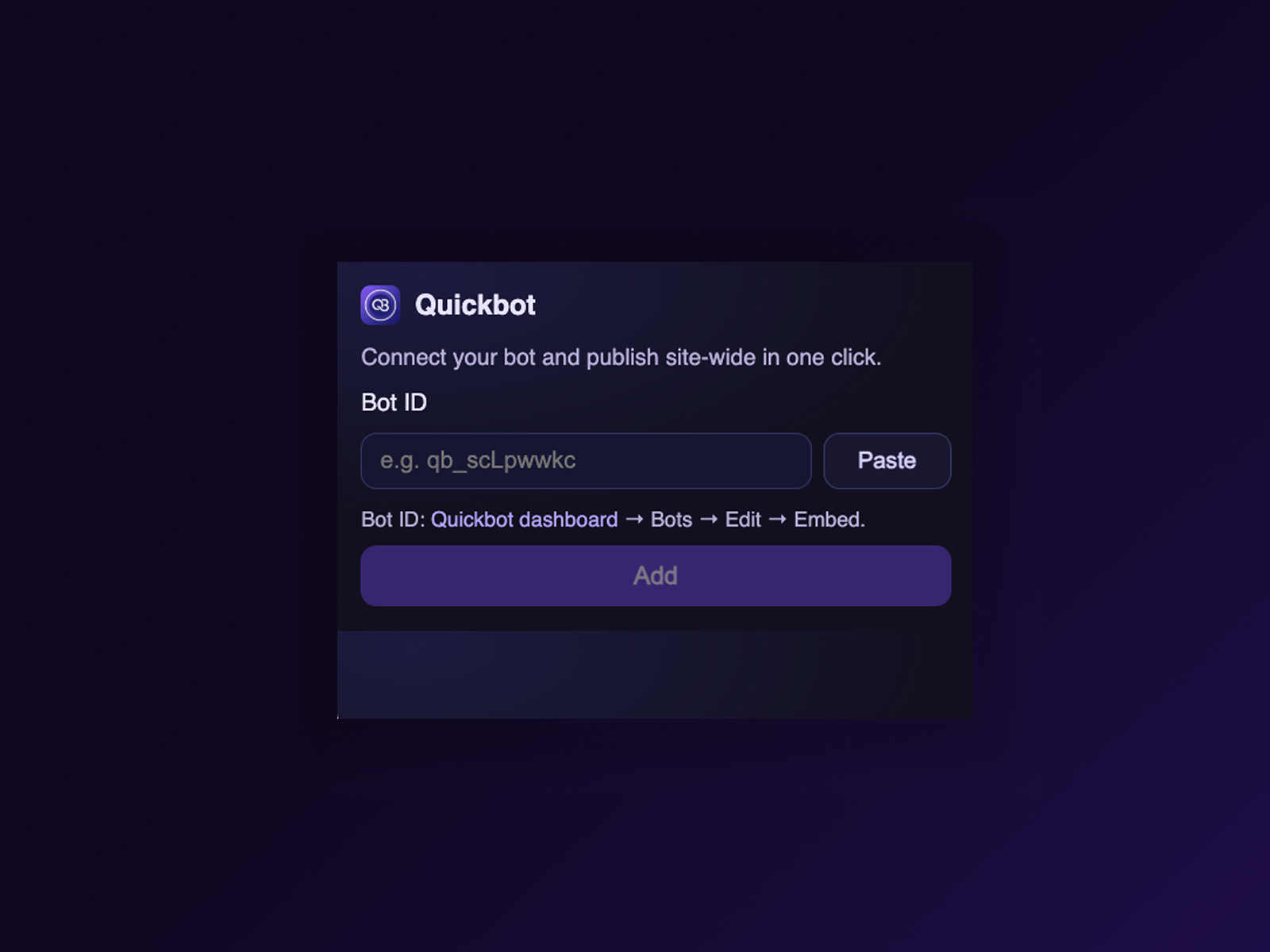
Quickbot Chat Widget — Validated Bot ID install with one-click script injection at body end
by Quickbot
Quickbot Chat Widget is a focused integrator: paste your Bot ID in the plugin panel, validate the connection, and the embed script lands at body end — update or remove it from the plugin without hunting through Site Settings. Quickbot trains on website pages, uploaded docs, and curated Q&A pairs, making it a strong fit for product marketing sites and help-style landing pages that need fast answers without building a full workflow canvas. The plugin is free and actively maintained (version 2 shipped recently with Framer theme sync). Pair it with Quickbot’s own plan when message volume exceeds the starter allowance.
- Best for
- Marketing and docs sites that already train a Quickbot on site content and need a clean Framer plugin wrapper
Affiliate link — we may earn a commission at no extra cost to you.
LiveChat — Established live chat platform with AI-assisted replies and async-safe Framer embed
LiveChat is the incumbent operator desk: paste the installation snippet into Framer’s custom code or drop an Embed component, match widget colors to your design system, and agents respond in real time with typing previews, canned responses, and chat archives. LiveChat’s Framer integration page walks through placement so the script loads asynchronously without blocking paint scores. A 14-day trial covers evaluation; paid plans scale by agent seats and automation add-ons. Choose LiveChat when human operators are the primary support channel and AI assists agents rather than replacing them entirely.
- Best for
- Ecommerce and service businesses standardized on LiveChat that need a proven operator inbox with Framer-specific setup docs
Intercom — Native Framer integration component with Messenger, bots, and outbound messaging
by Intercom
Intercom is one of the few support platforms with a first-party Framer component: open Insert, find Intercom under Integrations, drag it onto the canvas, and paste your workspace ID from the Intercom dashboard. The canvas shows a placeholder; the Messenger renders only on preview or publish, which avoids layout surprises during design. Fin AI resolves common questions at roughly 0.99 USD per automated resolution on top of seat pricing, while live agents handle the rest inside Intercom’s unified inbox. Install Intercom when the Framer site is one touchpoint in a multi-product support stack you already fund.
- Best for
- Product teams already paying for Intercom across app and marketing surfaces
Affiliate link — we may earn a commission at no extra cost to you.
Crisp — Indie-friendly inbox with chat, email, Messenger, and MagicType AI assist for operators
by Crisp
Crisp has been a quiet favorite among Framer builders for years: copy the chatbox script from Settings → Setup & Integrations, paste it in Site Settings End of body, publish, and the widget loads on every page. The free tier covers two seats with live chat, contact forms, and a shared inbox; paid plans add automation, campaigns, and deeper CRM features. MagicType and AI assist help operators draft replies faster, but humans remain in the loop — making Crisp the budget pick when you need real chat today and can add AI gradually as volume grows.
- Best for
- Bootstrapped SaaS and studio sites that want a generous free inbox before Intercom-level spend
SupportChatWidget — Predefined Q&A chat UI with light and dark mode — no API or subscription required
by Doğa Ündar
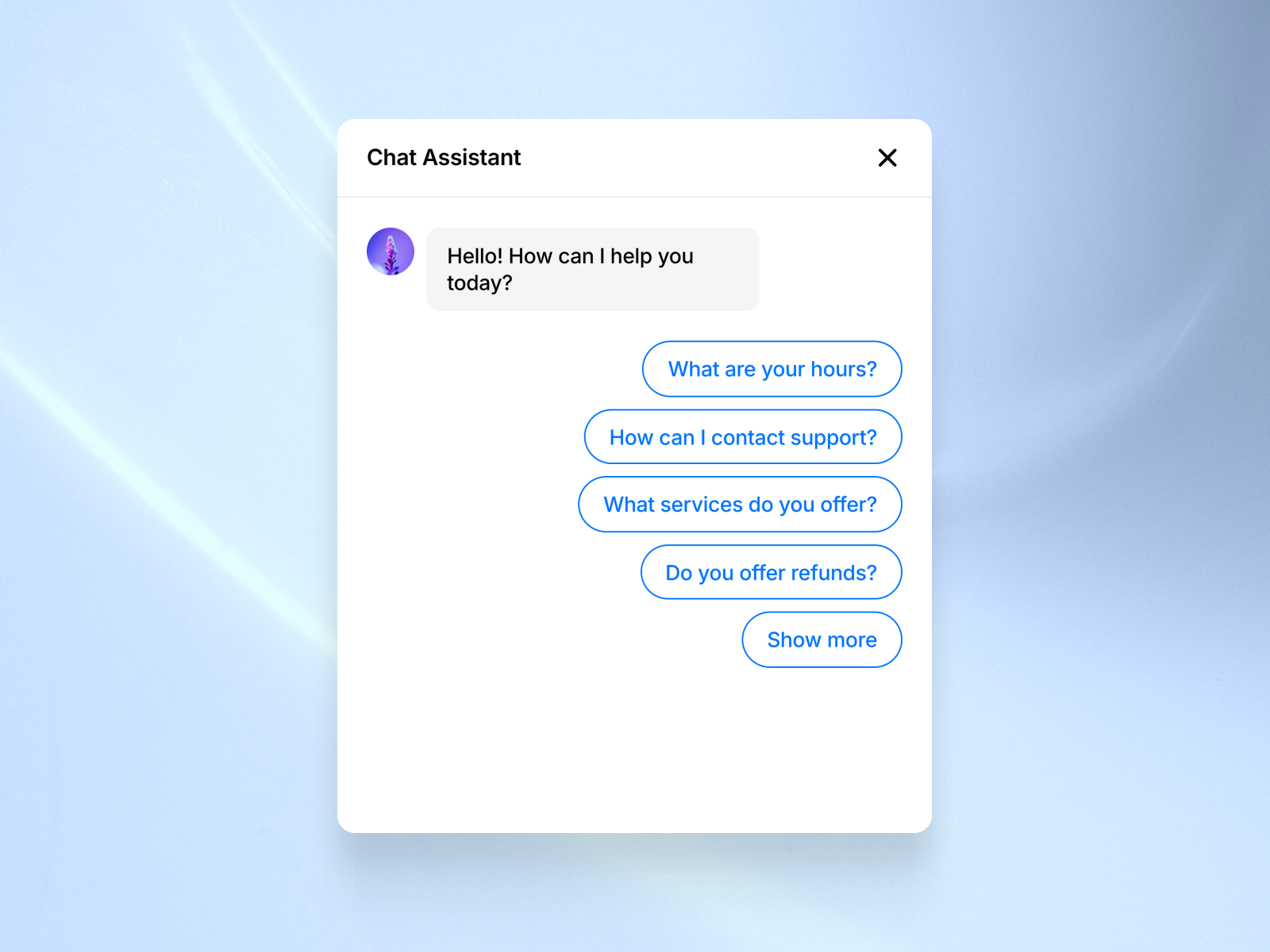
SupportChatWidget is the no-subscription fallback: a polished conversational UI where visitors tap predefined questions and see answers rendered like a real chat thread, with answered prompts auto-hiding to keep the panel tidy. Light and dark modes, unlimited Q&A slots, and full typography control mean it matches Framer design systems without external scripts. At 10 USD it does not train on your docs or connect to an inbox — but it ships instantly and avoids GDPR and data-processing reviews that full chat SaaS triggers. Use it on pre-launch pages or MVPs, then swap to Chatloom or BubblaV when you need real AI and agent handoff.
- Best for
- Early-stage launches that need a support-style interaction before signing up for an AI platform
Affiliate link — we may earn a commission at no extra cost to you.
Quick comparison
| Tool | Price | Type | Best for |
|---|---|---|---|
| Chatloom | Free plan; paid tiers | Plugin | RAG-trained bot with workflows and human handoff |
| BubblaV AI Chatbot | Free tier; from 9 USD/month | Plugin | Omnichannel inbox with OAuth Framer install |
| CresentAI Chatbot | Free | Component | Hybrid AI and live-agent mode at zero cost |
| SiteSpeak AI | Free tier; from 29 USD/month | Embed | Live escalation with multi-model training |
| Pickaxe AI Chatbot | Free plugin; from 29 USD/month | Plugin | Niche expert bots with memories and actions |
| Quickbot Chat Widget | Free plugin; account required | Plugin | Validated Bot ID install for marketing sites |
| LiveChat | Trial; paid plans | Embed | Mature operator desk with Framer setup guide |
| Intercom | from 29 USD/seat/month | Integration | Teams already on Intercom across products |
| Crisp | Free tier; from 45 USD/month | Embed | Budget inbox with multi-channel routing |
| SupportChatWidget | 10 USD | Component | Predefined Q&A without API subscriptions |
How to choose a Framer live chat or AI chatbot tool
Marketplace plugin vs custom-code embed. Chatloom, BubblaV, CresentAI, Pickaxe, and Quickbot install from the Framer marketplace and keep configuration inside the editor — best for agencies shipping multiple client sites. SiteSpeak, LiveChat, Crisp, and Intercom rely on Site Settings custom code or native integration components; choose them when the support stack is already standardized and Framer is one channel among many.
AI-only vs hybrid human handoff. Pure AI works for FAQs and pricing pages with stable docs. BubblaV, Chatloom, CresentAI, and SiteSpeak all expose live takeover when the bot stalls — essential for billing disputes, enterprise sales, or regulated industries. LiveChat, Intercom, and Crisp assume humans lead; AI assists operators rather than replacing them.
Free vs paid follows message volume, not widget presence. CresentAI and SupportChatWidget cover zero-budget launches. Chatloom and BubblaV free tiers suit validation; upgrade when monthly messages exceed triple digits or you need branding removal. Intercom and LiveChat make sense when seat cost is already amortized across product and marketing teams.
Train before you publish. RAG bots crawl what is live — shipping chat on a three-section placeholder site produces hollow answers. Publish core pricing, docs, and policy pages first, then connect the bot and spot-check ten real visitor questions before sending traffic.
Our top pick for most Framer builders
If you install one framer ai chatbot today, start with Chatloom — it is built for Framer, includes human handoff on the free plan, and trains on content you already publish. Pair CresentAI when budget is zero and you still want hybrid live mode, or add BubblaV when Zendesk or HubSpot routing is non-negotiable.
Browse Framer templates on yoframer for SaaS and agency starting points, read our AI plugins roundup for broader automation tooling, or explore more curated lists on the Resources hub.
Updated July 2026. We refresh this list as chat plugins ship breaking changes, reprice, or go stale.