Agency portfolios, product launches, and creative studios all use the same micro-interaction trick: a cursor that feels designed, not borrowed from the operating system. Framer ships native custom cursors through page-level Replace and Follow modes, but production builds want adaptive color on mixed backgrounds, magnetic hover states, image trails, and spring physics without writing overrides. A dedicated framer cursor component drops those behaviors onto the canvas with property-panel controls instead of hand-rolled motion code.
This list ranks eight cursor and trail components on the Framer marketplace in 2026. Every pick has a live listing, identifiable creator, and working preview — four paid and four free, spanning SVG replacements, award-style image trails, physics-based motion, and decorative particle trails for desktop experiences that need personality without breaking mobile UX.
CursorKit — Custom SVG cursor with trail, blend modes, and adaptive color
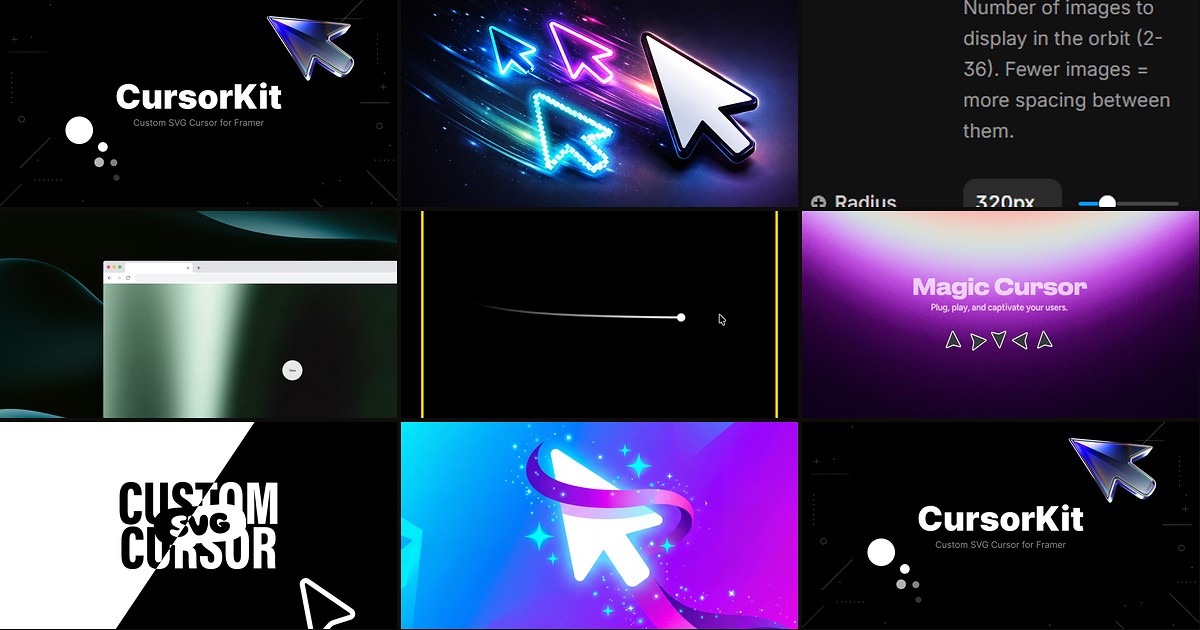
CursorKit is the most complete cursor replacement on this list: choose circle, square, SVG path, uploaded PNG, or text, then layer a fading dot trail and one of six blend modes including difference for inverted contrast on dark heroes. Adaptive color reads the background beneath the pointer, hover and click states scale automatically on links and buttons, and portal rendering keeps the cursor visible across nested Framer layouts. At 16 USD it replaces the typical stack of custom cursor frame, trail override, and blend-mode experiments with a single drop-in component.
- Best for
- Brand sites that need a full cursor system — shapes, trails, hover detection, and light/dark adaptation in one install
Affiliate link — we may earn a commission at no extra cost to you.
Image Trail Cursor — Award-style image trail that follows the pointer through any section
by Soyeb
Image Trail Cursor recreates the Awwwards-style effect where photos spawn and fade along the pointer path — pin the component absolute inside a hero, add your own images or start with the built-in demo set, and tune spawn distance, tilt, lifespan, and Framer spring transitions from the panel. Scroll-reactive and idle spawning keep the trail alive even when the visitor is not moving fast, and overflow-aware rendering prevents clipped edges on full-bleed sections. At 14 USD it is the premium pick when the brief explicitly calls for visual storytelling tied to cursor exploration.
- Best for
- Agency homepages and portfolio heroes where cursor movement should reveal project photography
Affiliate link — we may earn a commission at no extra cost to you.

PickYourOwnCursor — Any image, GIF, or Lottie file as a cursor with hover and dark-mode swaps
PickYourOwnCursor swaps the system arrow for any PNG, SVG, GIF, WebP, or Lottie JSON you upload — separate assets for default, hover, and click states, plus optional trail, click ripple, drop shadow, and blend modes. Real-time dark-mode detection switches cursor art when the site theme flips, and scoped placement lets you limit the effect to one hero instead of the entire page. At 10 USD it is the fastest path when the cursor must literally be your brand character rather than an abstract dot or ring.
- Best for
- Playful brand sites that already have mascot art, stickers, or animated assets to reuse as the pointer
Affiliate link — we may earn a commission at no extra cost to you.
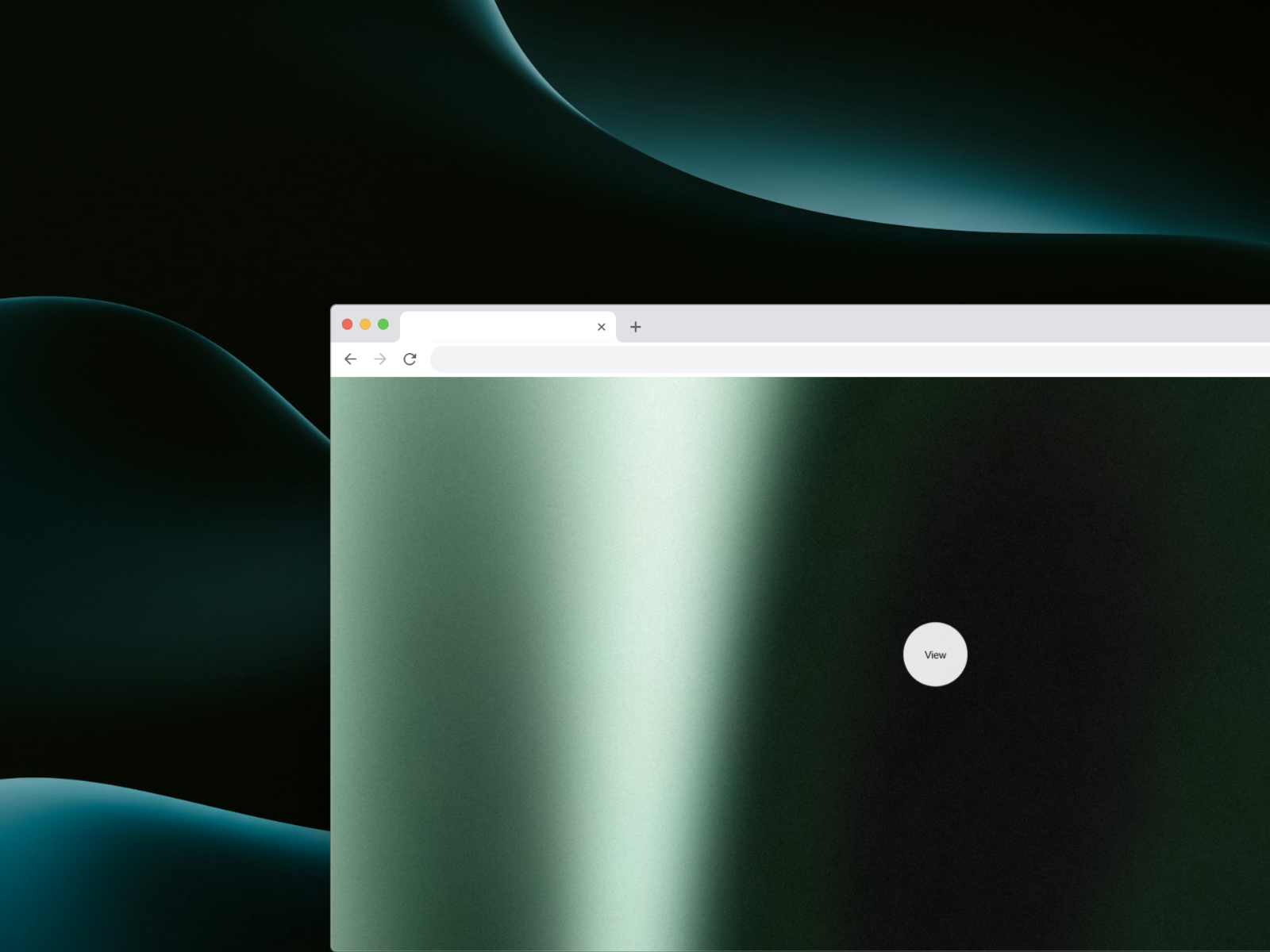
Adaptive Cursor — Dot, text-label, or streak trail modes with friction-based motion
by Kunal Sharma
Adaptive Cursor packs three distinct personalities into one component — minimal dot, text mode that displays custom labels over interactive targets, and streak mode with configurable trail length, fade, and spread. A friction-based motion engine keeps movement soft at 60fps, while glow, shadow, fill-or-outline styling, and click-pulse animation are all exposed without code. At 5 USD it is the best value when you need guided hover copy or a futuristic trailing streak rather than a full SVG shape library.
- Best for
- SaaS and studio sites that want contextual cursor labels like View or Open without building variants manually
Affiliate link — we may earn a commission at no extra cost to you.
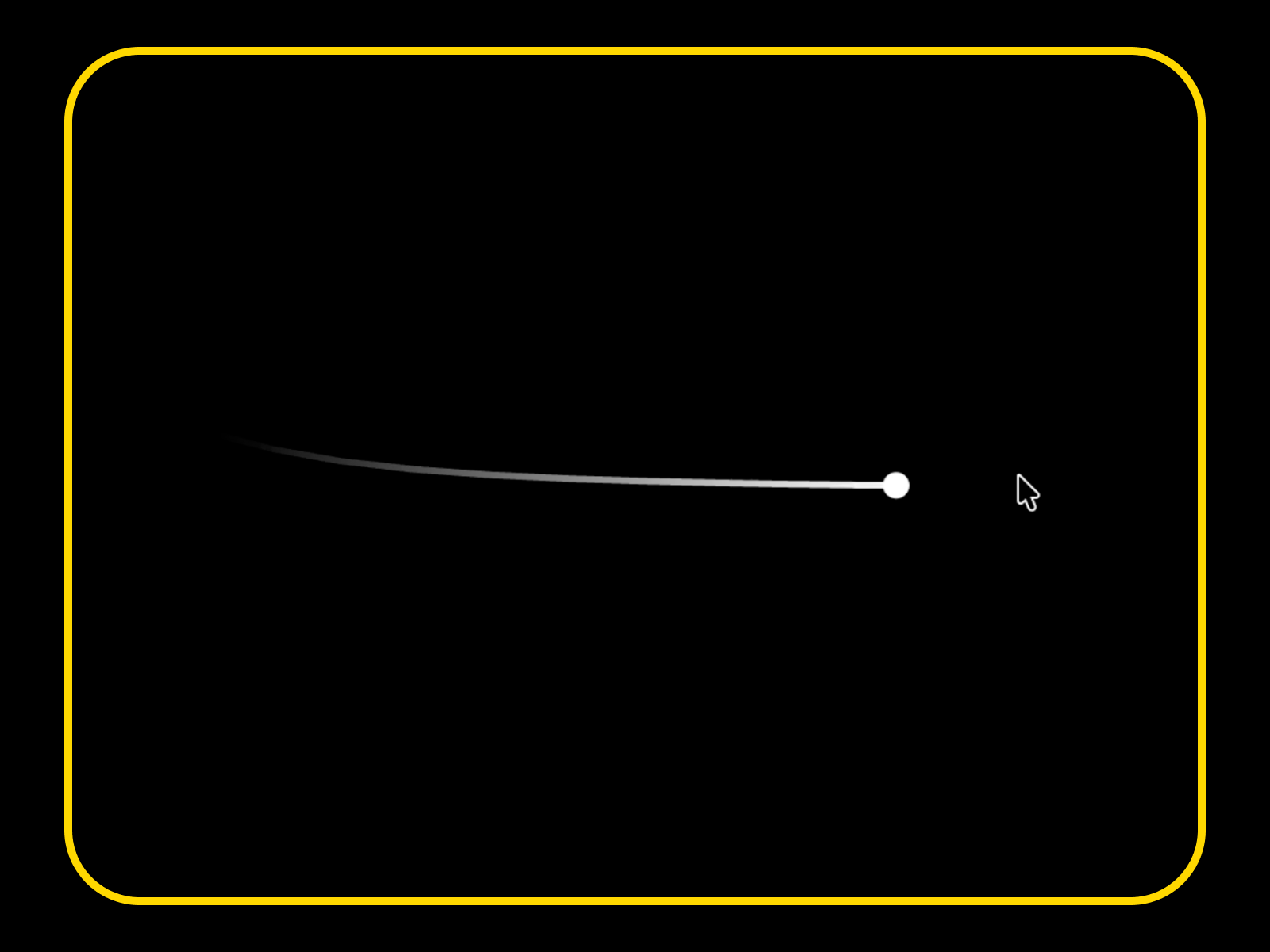
Cursor Dot Trail — Spring-physics dot with trail and keyword-driven hover transforms
Cursor Dot Trail follows the pointer with a configurable spring dot and trailing motion, then transforms automatically over buttons and links — add layer-name keywords like trail{link} or trail{invert-color} to switch link underline mode or inverted colors inside modals without touching the property panel per frame. Size, hover scale, friction, trail length, and transition speed are fully adjustable from subtle elegance to bold magnetic behavior. Install it free when the site needs refined motion on desktop but should stay invisible on touch devices.
- Best for
- Minimal portfolios that want subtle cursor polish with layer-name keywords for links and modals
Affiliate link — we may earn a commission at no extra cost to you.
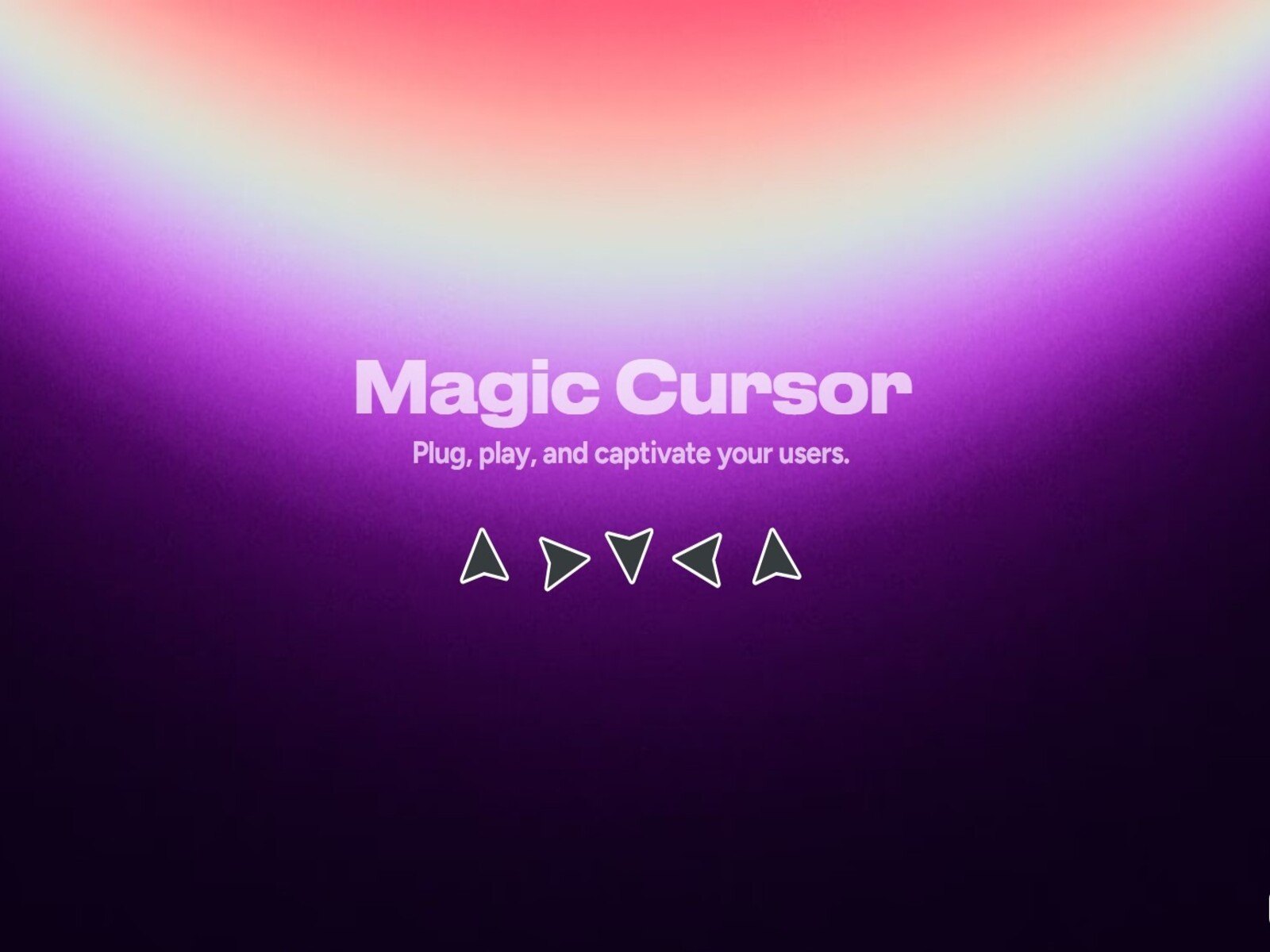
Magic Cursor Pro — Physics-based spring cursor with click squish and blend-mode inversion
by Rehan 9D
Magic Cursor Pro replaces the default arrow with a spring-driven icon that carries subtle mass — tune stiffness, damping, and mass until the cursor feels crisp or laggy, then enable click squish for tactile feedback on every tap. Mix-blend-mode inversion keeps the pointer readable as visitors cross light and dark sections, and custom SVG or PNG uploads let you brand the shape without rebuilding physics. It hides automatically on touch devices, making it a strong free default before you spend on premium cursor kits.
- Best for
- Product launches and SaaS landers that want weighted, tactile pointer motion at zero cost
Affiliate link — we may earn a commission at no extra cost to you.
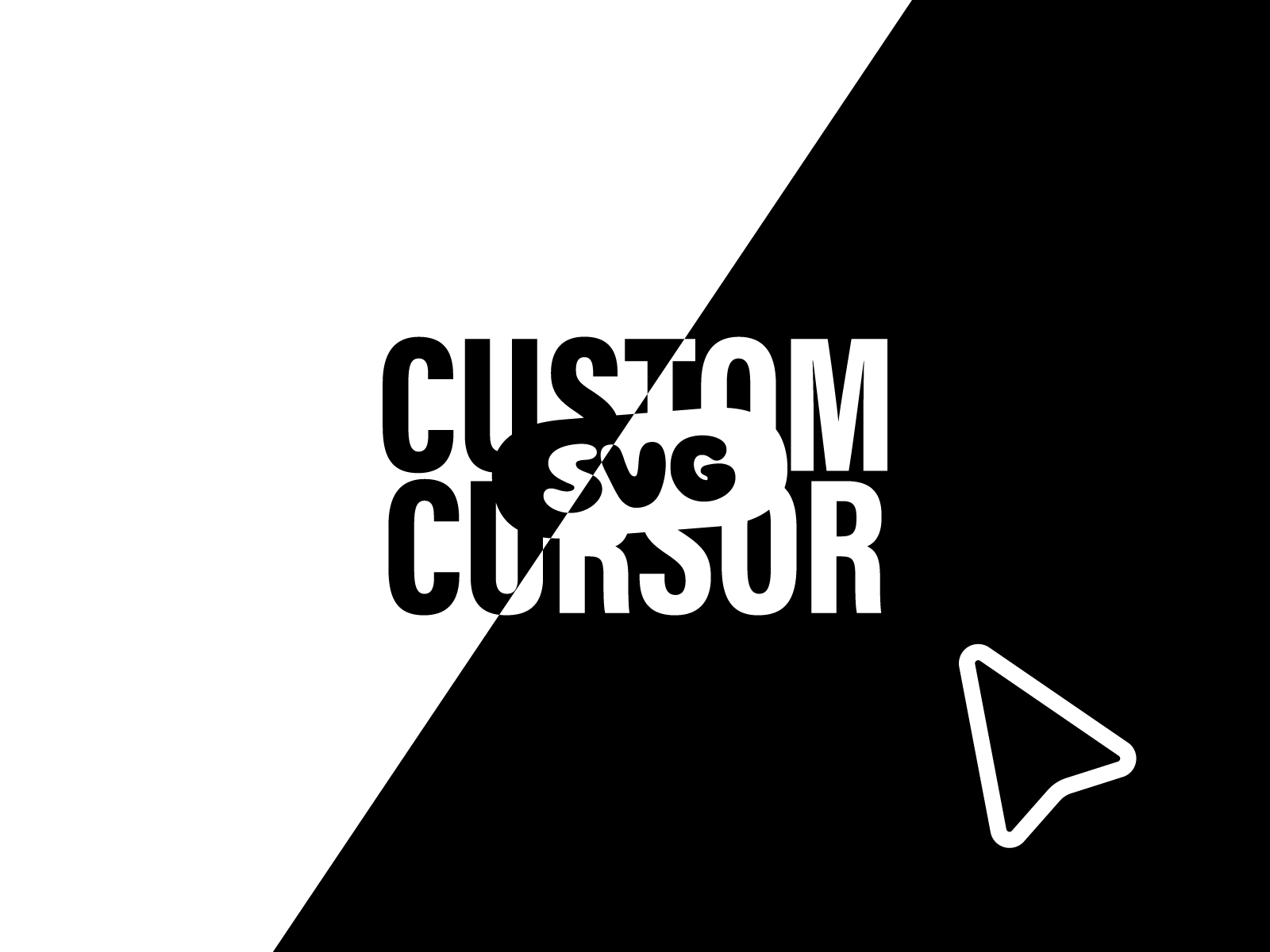
Custom SVG Cursor — Adaptive SVG shapes with hover, click, and background-aware color
by David Boss
Custom SVG Cursor gives you circle, square, custom path, or uploaded SVG shapes with stroke and fill modes, adjustable width, and smooth hover and click scale transitions. Its adaptive color system samples the background so the pointer stays visible on photography, gradients, and mixed sections — follow mode and system-cursor hiding are toggles, not code overrides. David Boss ships it free, which makes it the pragmatic starting point when the brief is a branded SVG pointer without trails or image effects.
- Best for
- Design-forward sites that need stroke-or-fill SVG cursors with automatic light/dark contrast
Affiliate link — we may earn a commission at no extra cost to you.

Cursor Animations — Four decorative trail styles — ribbon, constellation, comet, and bubbles
by Aidan Looker
Cursor Animations adds decorative trails that follow the pointer without fully replacing the system cursor — switch between ribbon gradients, constellation networks, comet sparks, or translucent bubbles, then dial particle size, trail intensity, fade speed, and flow velocity from the panel. It is lighter than a full cursor swap when the art direction calls for motion atmosphere around the pointer rather than a custom arrow shape. Aidan Looker publishes it free, so pair it with Magic Cursor Pro or Custom SVG Cursor when you want both replacement and ambient trail layers.
- Best for
- Creative showcases and event pages that want ambient particle trails instead of cursor replacement
Affiliate link — we may earn a commission at no extra cost to you.
Quick comparison
| Resource | Price | Type | Best for |
|---|---|---|---|
| CursorKit | 16 USD | Component | Full SVG cursor system with trails and blend modes |
| Image Trail Cursor | 14 USD | Component | Photography trails on agency and portfolio heroes |
| PickYourOwnCursor | 10 USD | Component | Branded image, GIF, or Lottie pointer art |
| Adaptive Cursor | 5 USD | Component | Dot, text label, or streak modes |
| Cursor Dot Trail | Free | Component | Spring dot with keyword hover transforms |
| Magic Cursor Pro | Free | Component | Physics spring cursor with click feedback |
| Custom SVG Cursor | Free | Component | Adaptive SVG shapes with hover states |
| Cursor Animations | Free | Component | Decorative ribbon, comet, and bubble trails |
How to choose the right Framer cursor component
Decide between cursor replacement and ambient trails. CursorKit, Adaptive Cursor, Magic Cursor Pro, and Custom SVG Cursor hide or replace the system pointer — use them when the cursor itself is part of the brand. Cursor Animations and Image Trail Cursor add motion around or behind the pointer; they suit heroes where you still want a familiar arrow or where images should spawn independently of the cursor shape.
Match complexity to section scope. Image Trail Cursor and PickYourOwnCursor work best pinned to a hero or gallery section where desktop delight justifies the effect. CursorKit and Adaptive Cursor replace the cursor site-wide through portal rendering — test on long pages with forms and dense navigation before enabling globally.
Budget free first, then buy the signature effect. Magic Cursor Pro, Custom SVG Cursor, and Cursor Dot Trail cover most pointer-replacement needs at zero cost. Spend on Image Trail Cursor when the brief explicitly references award-site image trails, or on CursorKit when you need trails, blend modes, and adaptive color in one paid package.
Keep mobile fallbacks enabled. Every component on this list hides or disables on touch devices — do not override that behavior. Custom cursors are a desktop enhancement; native touch UX on phones and tablets should stay untouched.
Our top pick for most Framer builders
If you need one paid cursor system that covers shapes, trails, hover detection, and theme adaptation, CursorKit at 16 USD is the most complete install. For portfolio heroes where cursor movement should reveal project work, Image Trail Cursor at 14 USD delivers the strongest wow factor. On a zero budget, start with Magic Cursor Pro for physics-based replacement, then add Cursor Animations when the hero needs decorative trails without another full cursor swap.
Browse Framer templates on yoframer for portfolio and agency layouts that pair well with custom cursors, or read our animation components roundup when scroll and hover motion should extend beyond the pointer. More resource roundups live on the Resources hub.
Updated July 2026. We refresh this list as notable cursor components ship, reprice, or go stale.