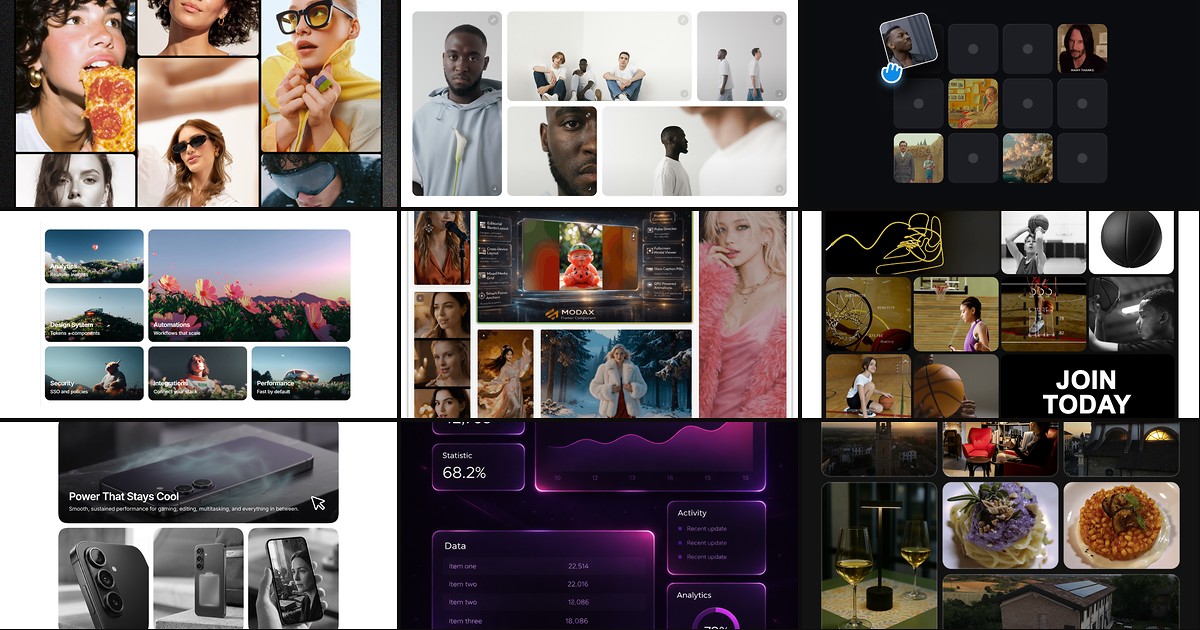
SaaS homepages, agency portfolios, and product launch pages all lean on the same layout pattern: asymmetric tiles that guide the eye without a rigid column grid. Framer now ships native Bento Grid support in the editor, but spanning cells, hover choreography, lightbox viewers, and visitor-facing drag interactions still mean custom code components for most production sites. A dedicated framer bento grid component drops those layouts onto the canvas with property-panel controls instead of manual frame nesting at every breakpoint.
This list ranks eight bento-style layout components on the Framer marketplace in 2026. Every pick has a live listing, identifiable creator, and working preview — five paid and three free, spanning resizable tile grids, click-to-expand feature bands, editorial layout lock, draggable visitor demos, and cursor-glow feature sections.

Dynamic Bento — Preset, auto, and custom-span bento grid with built-in lightbox
by Frame Craft
Dynamic Bento is the most complete gallery-first pick on this list: Auto mode for uniform cells, six presets including Masonry and Spotlight layouts, and a Custom mode where you define column and row spans per tile. Hover scale, optional grayscale desaturation, and a keyboard-navigable lightbox with customizable backdrop and close button cover the full browse-to-detail flow without stacking separate gallery components. Image and video support with per-item alt text makes it production-ready for photography and product showcases at 12 USD.
- Best for
- Photography portfolios, case-study galleries, and editorial pages that need asymmetric spans plus a fullscreen media viewer
Affiliate link — we may earn a commission at no extra cost to you.

Dynamic Bento Grid — Resizable, swappable bento cards with drag-and-drop reordering
Dynamic Bento Grid treats the bento as a living layout: cards accept images or video, drag to swap positions, and resize from a corner handle with smooth spring animations. Property controls cover columns, gap, radius, hover elevation, link buttons with frosted styling, and optional custom SVG handles — enough polish for editorial showcases without writing layout math. Reach for it when the brief calls for a tactile, rearrangeable grid rather than a static asymmetric composition at 12 USD.
- Best for
- Interactive portfolios and creative landing pages where visitors or editors rearrange tiles in real time
Affiliate link — we may earn a commission at no extra cost to you.

MDX BentoGrid — Editorial bento layout that stays identical across desktop and mobile
by MODAX
MDX BentoGrid solves the breakpoint problem most bento components ignore: the exact column and row spans you set on desktop persist on mobile instead of reflowing into a generic stack. Tiles mix images and video with focus anchors for smart cropping, glass caption pills on hover, and a Pulse Director that spotlights video tiles through a fair shuffle. A fullscreen modal with drag-to-dismiss, copy-prompt, download, and mute controls targets AI creators and curated media walls where layout integrity matters more than responsive simplification at 29 USD.
- Best for
- AI media galleries, design studios, and editorial sites where the designer's tile composition must not collapse on smaller screens
Affiliate link — we may earn a commission at no extra cost to you.

Premium Bento — Uniform and asymmetric bento grids with hero tiles and popup browsing
by Ahmet Loca
Premium Bento balances structure and motion at a mid-tier price: build uniform 2×2 or 3×3 grids or asymmetric layouts with featured hero items, then layer smooth hover scale and optional grayscale transitions. Mixed image-and-video tiles, alt text support, and immersive popup interactions cover agency portfolios and startup landing pages where one oversized cell anchors the section. At 8 USD it is the pragmatic all-rounder when you want bento hierarchy and hover polish without MODAX-level editorial lock or Francesco Caronte-level drag mechanics.
- Best for
- SaaS feature bands, agency case studies, and moodboards that need hero-spanning cells without lightbox complexity
Affiliate link — we may earn a commission at no extra cost to you.
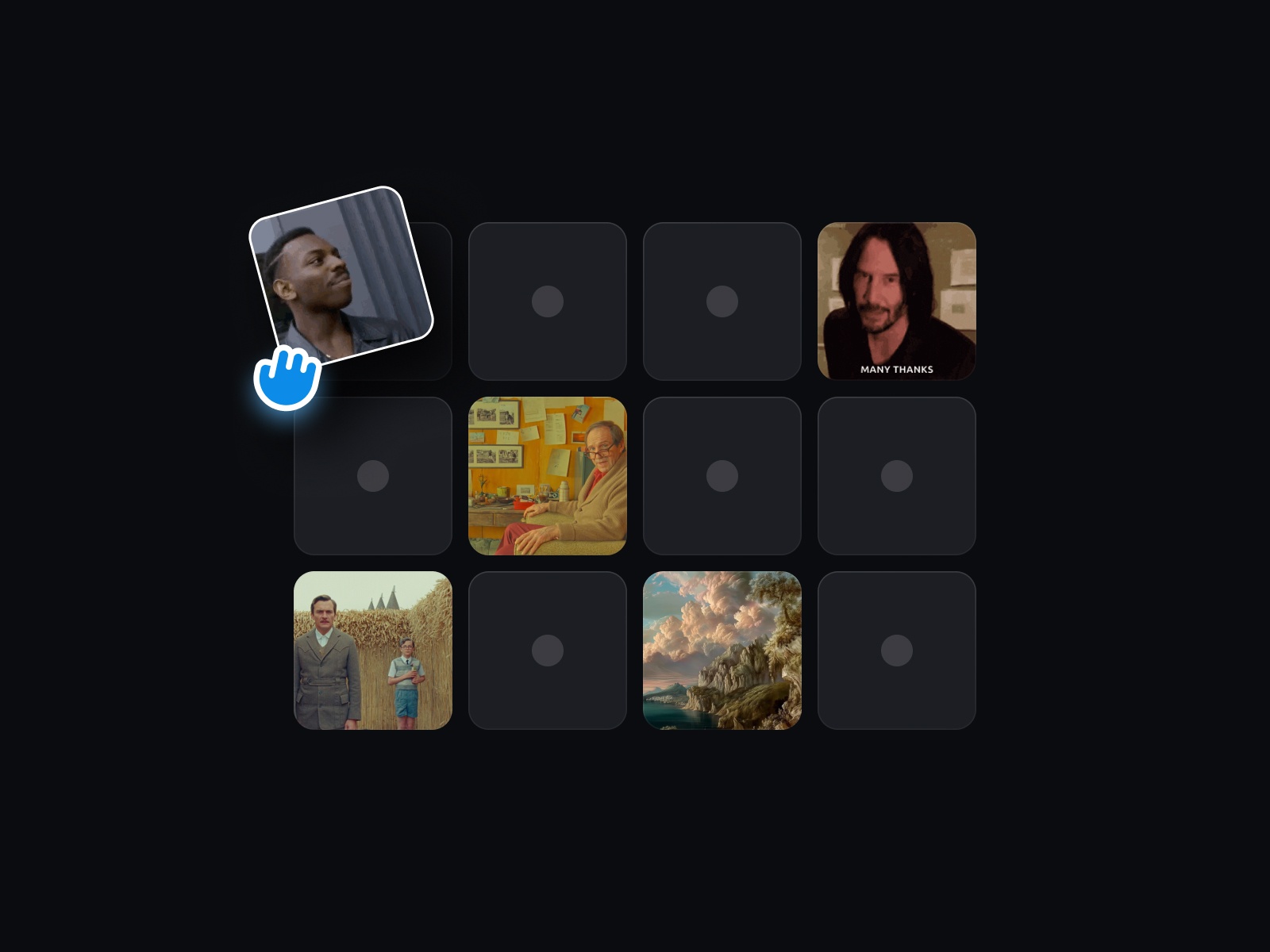
Draggable Bento — Visitor-facing drag-and-drop bento with live tile swapping
by Umut Sevinc
Draggable Bento turns a static bento cliché into a hands-on demo: visitors drag tiles with scale-up animations and live swapping, GIF support included, while you control columns, rows, card size, colors, and corner radius from the property panel. Unlimited rows and columns plus dotted empty-cell placeholders make prototyping fast on product pages where the pitch is “your space, your way.” At 8 USD it is the standout pick when interaction IS the message — not just the layout wrapper around feature copy.
- Best for
- Productivity tools, design apps, and AI workflow landing pages where the grid itself demonstrates modularity
Affiliate link — we may earn a commission at no extra cost to you.
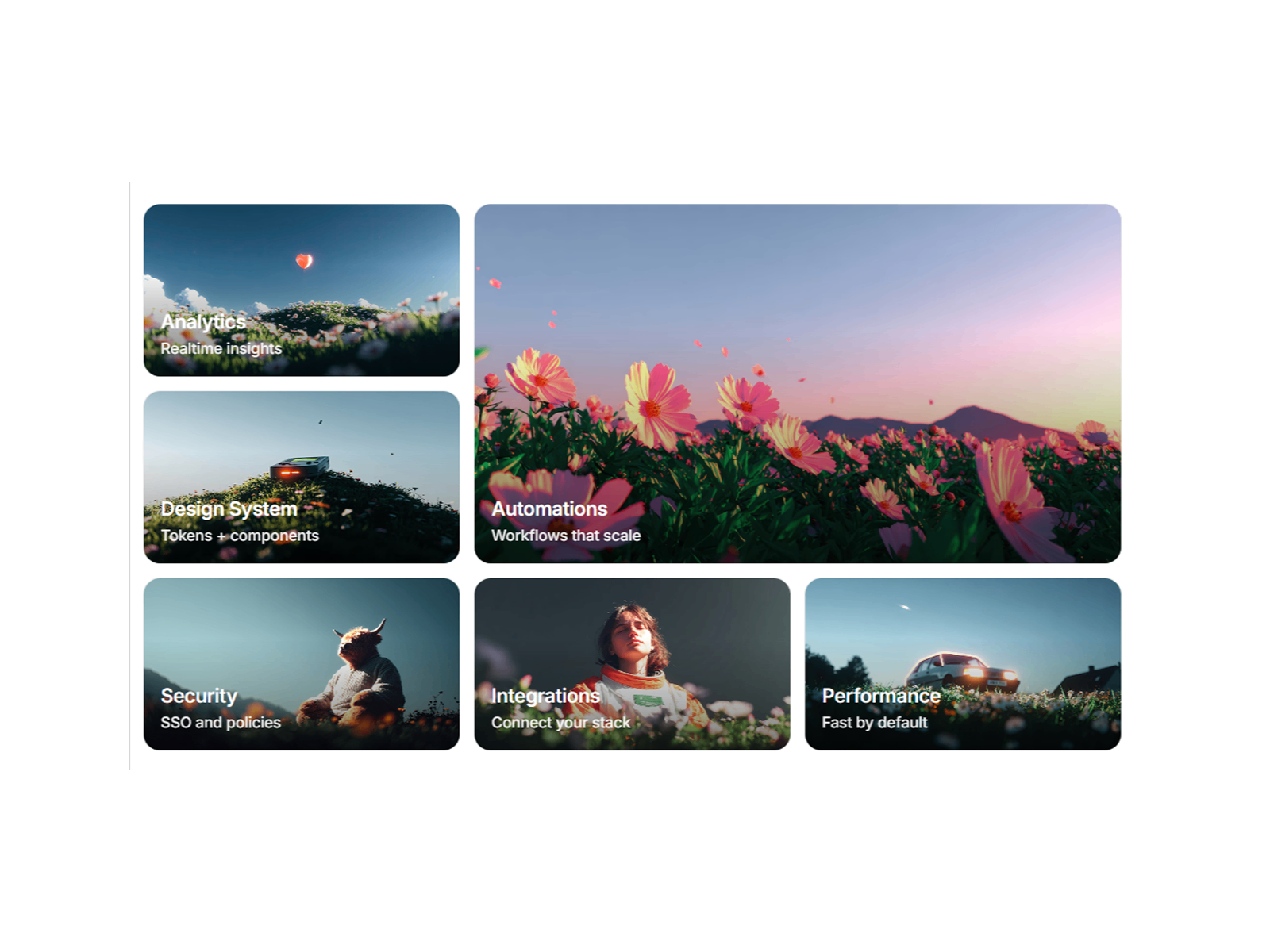
BentoExpandGrid — Click-to-expand tiles with configurable span and auto-close logic
BentoExpandGrid generates a responsive masonry-style grid where each tile expands across defined column and row spans on click, with optional auto-close on sibling tiles and overlay opacity for text readability over photography. Minimum tile width, row height, gap, per-corner radius, and typography controls keep the expanded state on-brand without leaving the page. Use it for team sections, resource hubs, or product capability grids where depth lives behind a compact bento surface at 10 USD.
- Best for
- Portfolio case studies, service listings, and feature grids where a teaser tile grows into full detail on click
Affiliate link — we may earn a commission at no extra cost to you.
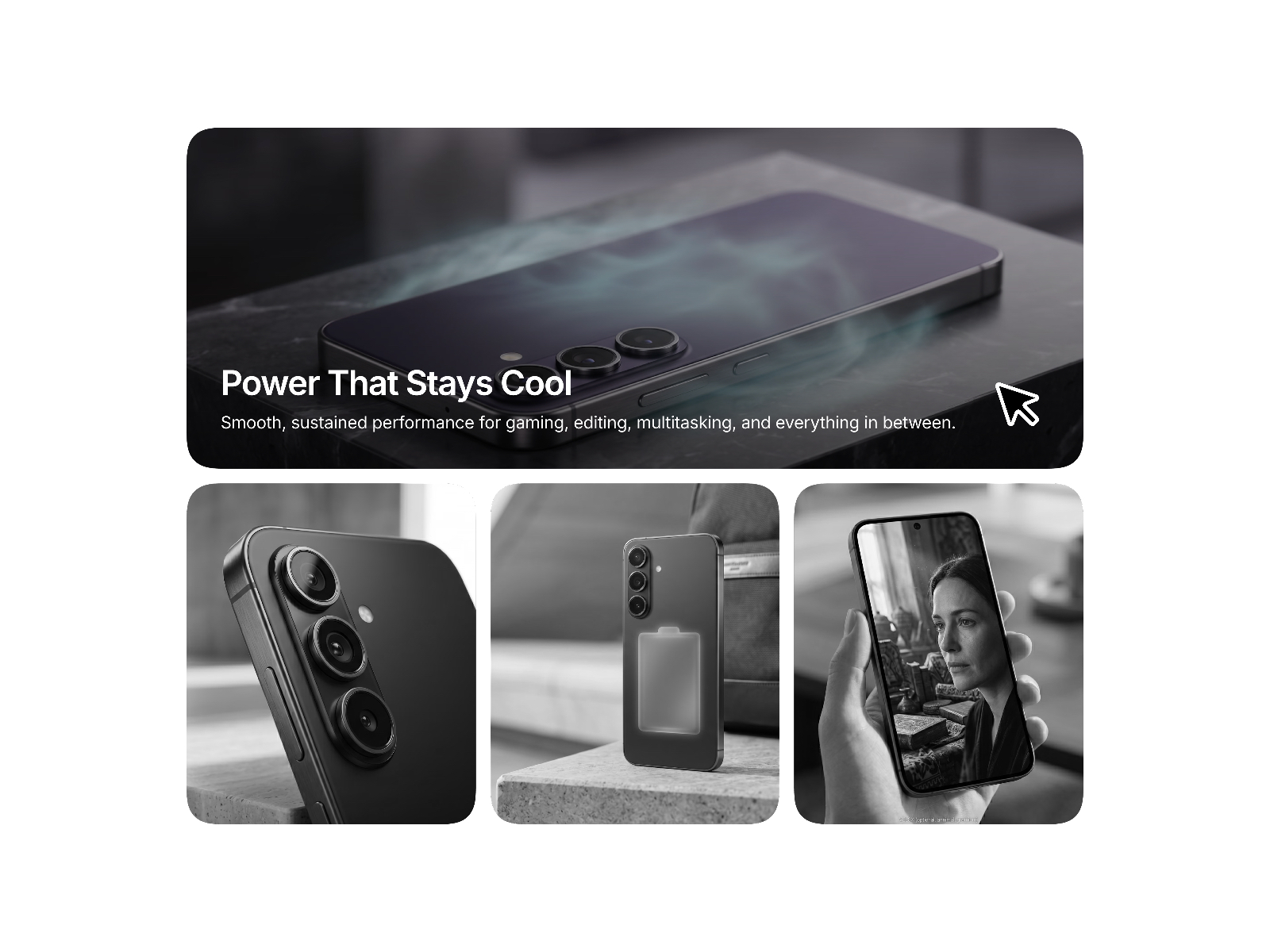
Spotlight Bento Grid — Row-expanding spotlight hover with desaturated default state
by Omer Mirza
Spotlight Bento Grid uses a three-column alternating row structure where the hovered card expands across the full row, restores image color, and reveals heading plus supporting text while displaced neighbors reflow into the opposite row. Spring-based motion feels controlled rather than bouncy, and mobile falls back to a single-column stack with color-and-text reveal on press. Install it free when the grid should stay restrained at first glance — then reward curiosity through interaction on product and startup landing pages.
- Best for
- SaaS feature sections and hardware launch pages that reveal detail only when a card is hovered
Affiliate link — we may earn a commission at no extra cost to you.
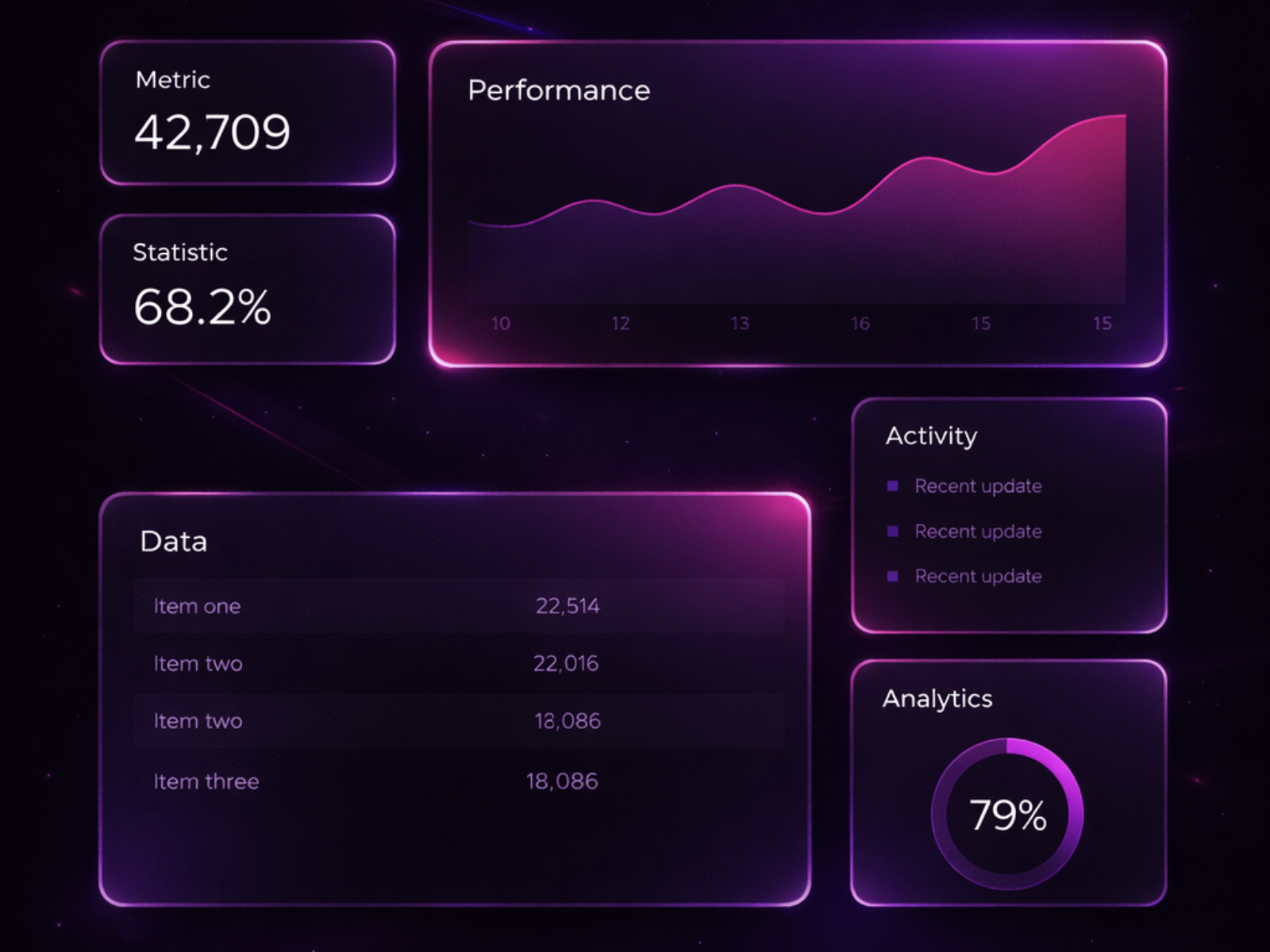
BentoGlow Grid — Cursor spotlight, border glow, tilt, and particle effects on bento cards
by Erfan K.
BentoGlow Grid layers optional cursor spotlight, proximity border glow, floating particles, 3D tilt, magnetism, and click ripple on a responsive bento with normal, wide, tall, and big card sizes. Each effect toggles independently, reduced-motion and touch-device settings respect accessibility, and six demo cards ship for quick starts. Pair it with Spotlight Bento Grid on different sections — glow for ambient feature bands, spotlight for image-heavy product storytelling — when the project budget is zero but the layout still needs premium motion.
- Best for
- Indie SaaS feature sections and dashboard mockups that need cursor-reactive polish without a paid license
Affiliate link — we may earn a commission at no extra cost to you.
Quick comparison
| Resource | Price | Type | Best for |
|---|---|---|---|
| Dynamic Bento | 12 USD | Component | Gallery bento with lightbox and custom spans |
| Dynamic Bento Grid | 12 USD | Component | Drag, resize, and swap tiles in real time |
| MDX BentoGrid | 29 USD | Component | Editorial layout lock across all breakpoints |
| Premium Bento | 8 USD | Component | Hero tiles with hover scale and popup browsing |
| Draggable Bento | 8 USD | Component | Visitor-facing drag-and-drop product demos |
| BentoExpandGrid | 10 USD | Component | Click-to-expand portfolio and feature tiles |
| Spotlight Bento Grid | Free | Component | Row-expanding spotlight hover on feature cards |
| BentoGlow Grid | Free | Component | Cursor glow and tilt on feature-section bentos |
How to choose the right Framer bento grid component
Separate static layout from visitor interaction. Dynamic Bento, Premium Bento, and MDX BentoGrid own the visual hierarchy — asymmetric spans, hero tiles, and media presentation. Draggable Bento and BentoExpandGrid add visitor-driven behavior: rearrange tiles or click to expand detail. Mixing a draggable demo in the hero with a static bento feature band below works; stacking two drag grids on one viewport does not.
Decide whether mobile should preserve composition. Most bentos reflow into single-column stacks on phones — fine for marketing copy. MDX BentoGrid is the outlier: it keeps your exact desktop spans on every breakpoint, which matters for curated AI galleries and editorial art direction but can feel cramped if tiles hold long text. Test on real devices before committing to layout lock.
Match interaction cost to scroll depth. BentoGlow Grid and Spotlight Bento Grid stay lightweight for mid-page feature bands. Draggable Bento and Dynamic Bento Grid justify their JavaScript on above-the-fold demos where interaction sells the product. Reserve MDX BentoGrid’s modal viewer and Pulse Director for media-heavy sections visitors actually browse.
Budget free first, then upgrade the hero. Spotlight Bento Grid and BentoGlow Grid cover most SaaS feature sections at zero cost. Spend the license on one centerpiece — Dynamic Bento for gallery lightbox flows or Draggable Bento for modular product storytelling — rather than buying three mid-tier grids that compete visually.
Our top pick for most Framer builders
If you need one paid bento that handles asymmetric spans, mixed media, and a built-in lightbox, Dynamic Bento at 12 USD is the most flexible gallery pick. For visitor-facing demos on productivity and design-tool landing pages, Draggable Bento at 8 USD delivers the strongest interaction story. On a zero budget, install Spotlight Bento Grid for image-heavy feature reveals and BentoGlow Grid for cursor-reactive SaaS bands.
Browse Framer templates on yoframer for landing pages with bento-ready hero sections, or read our tabs components roundup when feature content needs switching panels inside bento cells. More resource roundups live on the Resources hub.
Updated July 2026. We refresh this list as notable bento components ship, reprice, or go stale.